AD Recommendation
Join Now
Important: Please do not trust the content and ads of various websites easily! Recommended reading: Safety Tips
Renrenxiu
Scan to visit on your phone
2wks agorelease 201 00
0

RenrenxiuRenrenxiu

Renrenxiu: A tool for easily creating online interactive activities


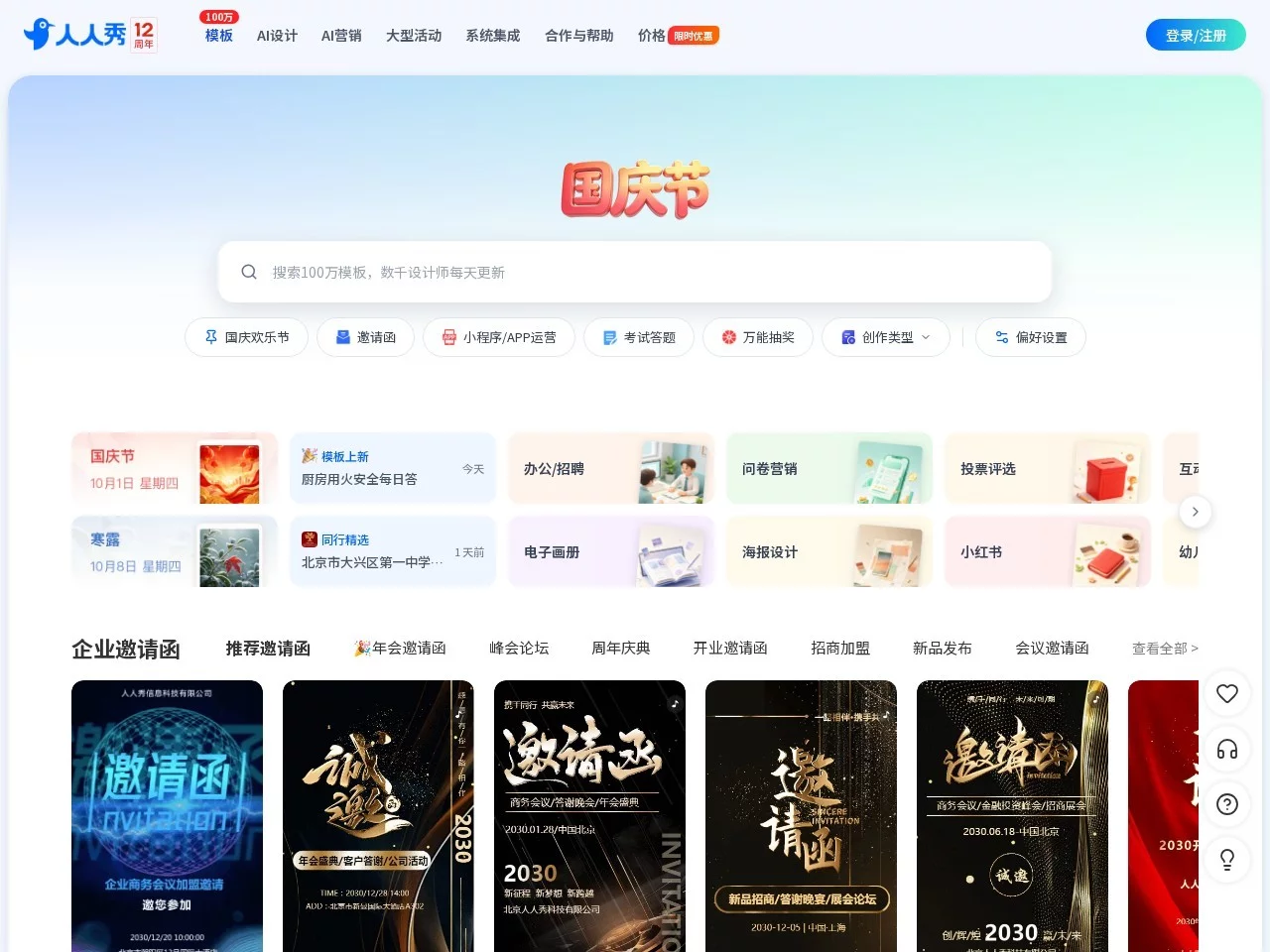
Screenshots

Renrenxiu

My go-to interactive tool for online small activities

Official Website: https://rrx.cn/

Usually, when helping friends’ small shops with online promotion, or creating content activities myself, I’ve tried no fewer than five or six interactive marketing tools, and the most user-friendly one is still Renrenxiu. When I first started using it, I encountered quite a few pitfalls. Now that I’ve got the hang of it, I know where its practicality lies, and I can speak the truth — it’s not all praise.

The biggest misconception when I first started was thinking all functions required payment. I clicked on a few paid templates randomly before realising that the resources in the free section are more than enough to use. Another common mistake for new users is clicking randomly on the function buttons all over the screen, unable to find the interactive components they need. In fact, by clicking on the “Interactive Activities” in the category bar, you can find commonly used ones like quizzes and polls, without having to rummage through the entire backend.

When it comes to its core value, the most appealing point is **no coding required — you can create it by dragging and dropping just like making a PowerPoint**. Whether it’s a quiz interaction for a new product or a fan poll for a festival, you can modify the text and images from ready-made templates and get it done in half an hour. Unlike some tools, where the templates are worlds away from the actual scenario you need, you have to disassemble and reassemble them yourself, which is a lot of effort with no good results.

Let me share some specific experiences when using it. I once helped a friend’s milk tea shop run a poll to give away milk tea. Its backend can directly export data such as WeChat IDs and phone numbers of participants, so you don’t have to copy and paste manually when organising. This is much better than a certain platform I used before, where the exported data was all in messy formats and took half an hour to adjust. Also, when making H5 pages, for page-turning animations, interactive buttons, etc., you don’t need to write code. Just select an effect and drag it to the corresponding position — even new users can handle it.

Compared with other similar tools, its advantages are quite obvious. First, the functions in the free section are not crippled. Unlike some platforms, where you can only make a simple page for free, and have to force a membership for more complex interactive activities. In Renrenxiu’s free section, commonly used features like polls, giveaways, and H5 are all available, which is enough for small teams or individuals for daily use. Also, it supports many scenarios, can be embedded directly in WeChat, and can also build mini-programs, so you don’t have to switch between tools back and forth, which saves a lot of trouble.

Of course, it’s not all advantages. I can also share two pitfalls to avoid. One is that for some popular activity templates, although they are in the free section, pay attention to the version. Some old templates may not adapt well to the latest WeChat rules, so it’s best to test before publishing. The other is that the data analysis entry in the backend is a bit hidden. I spent a long time looking for it when I first used it, and later found it in the sub-menu of “Activity Management”, which is easy for new users to miss. Also, if you want to make highly customised content, such as completely changing the UI style, you may need to pay extra. However, for general small activities, the free functions are more than enough.

The people suitable for using it are probably small team operators, individuals doing promotion, who don’t need too complex technology and don’t have a large budget. As long as you know basic computer operations, you can create decent interactive activities. If a large company has very high customisation requirements, something that fully fits the brand’s visual identity, they may need to find a dedicated designer. However, for daily interactive needs, this tool is sufficient.

  • New users should not directly search for “All Templates”. First look at the free section in the categories, which can save a lot of time
  • Always preview before creating an activity, especially the buttons and jump links. Don’t wait until publishing to find that they can’t be clicked
  • When exporting data, choose CSV format, which is convenient for organising into spreadsheets and less error-prone

Relevant Navigation

No comments

You must be logged in to leave a comment!
Login immediately
none
No comments...