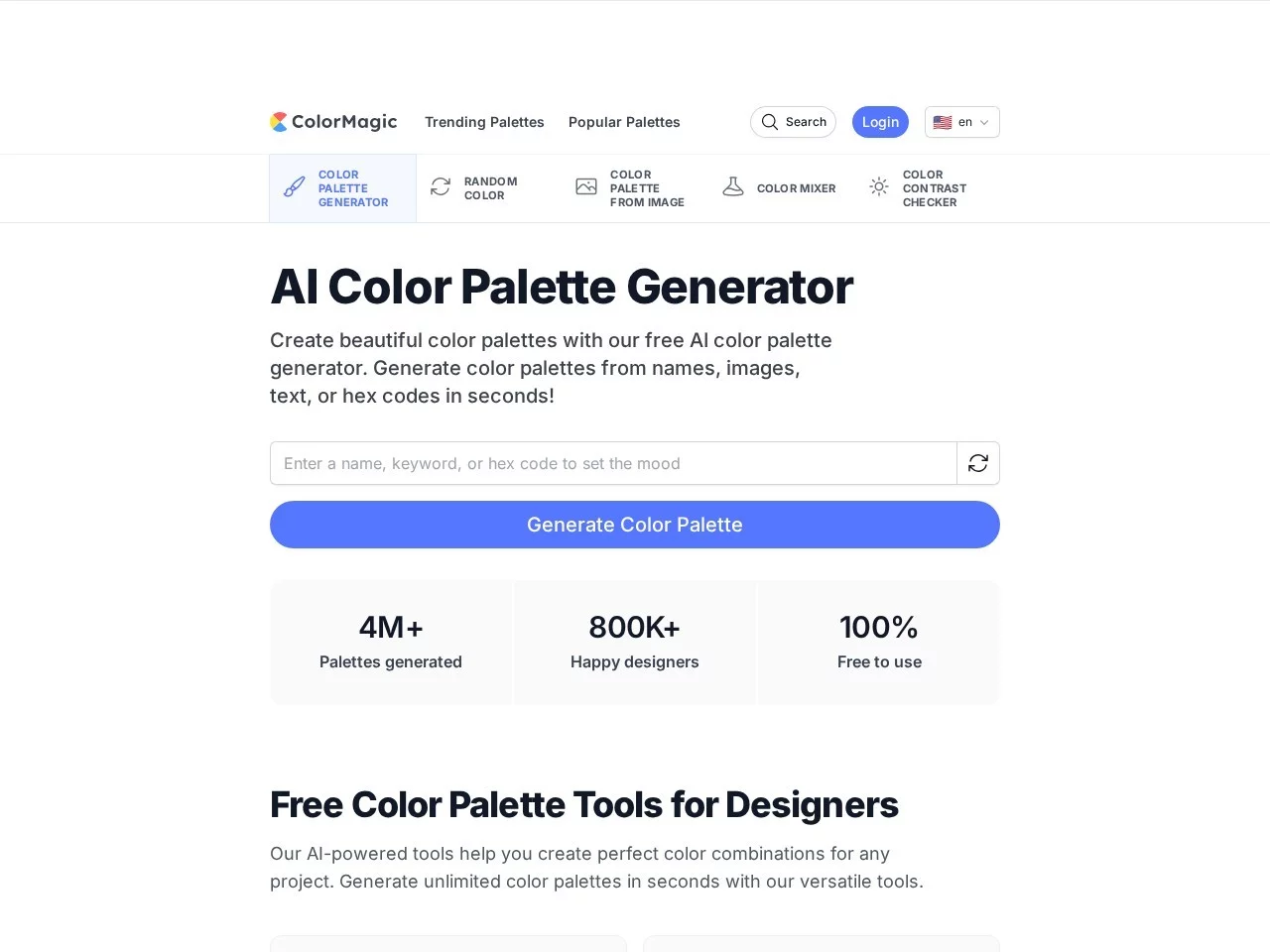
ColorMagicColorMagic is an AI-powered colour palette generation tool designed to help designers, artists and creative professionals quickly create harmonious colour schemes.
Screenshots

Many creatives have fallen into this trap: spending hours staring at a blank canvas agonising over colour schemes, scouring stock sites for inspiration, only to end up with colours that either clash awkwardly or don’t match the project’s emotional tone, wasting energy that should have been spent refining content on choosing colours. ColorMagic is an AI colour-matching tool designed specifically to solve this kind of hassle, so you don’t have to struggle over colour combinations anymore.
Clarify your needs before starting – don’t guess blindly
Before using ColorMagic, you need to figure out which type of design scenario your work falls into – the usage is completely different for different needs. For example, for web design, colours need to be precisely adapted to screen display, so you should select the function that supports RGB and HEX modes; if you are making print posters, you need CMYK mode colour parameters, since the colour presentation logic for printing and screens is very different, using web-mode colours directly will most likely result in colour shifts when printed.
There are also two colour-selection approaches, depending on whether you have existing references on hand: if you prefer to find reference images before adjusting colours, ColorMagic allows you to upload images directly – it will extract the core tones from the image to generate a colour palette, a method that aligns more closely with the style of existing visual materials than just entering keywords; if you are creating a brand colour scheme from scratch, just enter keywords like “youthful energy” or “calm professionalism” and the AI will automatically match the corresponding colour combinations, no need to spend time finding reference images.
Additionally, you need to clarify your core needs: do you only need basic colour schemes, or a complete plan to export to clients? Regular design enthusiasts can meet their daily needs with the free version; if you need more colour palette options or special export formats, you can consider the premium plan later, there’s no need to choose paid options from the start.
Official website: https://colormagic.app/
Different choices correspond to different uses – don’t pick the wrong one
Select functions based on creation scenario
For web design, use ColorMagic’s keyword generation function, enter the brand’s core tone, and the AI will output a colour scheme adapted to the web, and can automatically adjust the contrast of colours to ensure the readability of text and background – no need to test parameters repeatedly, saving a lot of effort. For graphic design such as making posters, upload a reference image related to the theme, the tool will extract harmonious tones from the image, and the generated colour palette can be directly used in the poster’s title, body text and background, keeping the overall style consistent.
Brand building requires a unified colour system, ColorMagic’s custom parameter adjustment function is very practical – it can fine-tune the brightness and saturation of each colour, adjusting the combination of core and accent colours to be more harmonious. The generated colour palette can also be stored in the cloud, so you can open and use it anytime on a different computer or mobile phone, no need to hassle with transferring files. The colour scheme for social media content needs to be more eye-catching; the AI-generated colour palette has a built-in emotional feel, making the content stand out in feeds whether it’s for images or covers.
Select version based on device and usage habits
ColorMagic supports all systems: Windows, Mac, Linux. No matter what device you use, you can log in to your account to sync previously saved colour palettes, no need to re-find colour schemes on different devices. The free version offers basic AI colour-matching functions; if you only use it occasionally, like making a personal poster or image, it’s more than enough for daily needs. The premium plan has more colour palette options and special export formats, suitable for professional designers who need to submit complete plans to clients.
It’s really not that hard to use – don’t be intimidated by AI
Many people are afraid that AI tools are too complex, but ColorMagic’s interface is designed to be simple – you can see the input box and image upload button as soon as you open it, no need to spend time studying the operation logic. Even design beginners, by entering one or two simple keywords like “fresh plants” or “vintage coffee”, can quickly get a usable colour scheme, no need to agonise over colour combinations, just focus on content creation.
- AI-powered colour palette generation: Uses GPT-3 algorithm to analyse keywords or images, generating emotional colour schemes adapted to scenarios like web, graphic, and brand design
- Professional colour modes: Supports RGB, CMYK, HEX, matching colour standards across different fields
- Cloud sync: Access historical colour palettes anytime, seamless cross-device integration
In short, it just helps you save time agonising over colours, making your creativity flow more smoothly – don’t think of it as some complicated professional tool.
Relevant Navigation
ColorZilla