Chiphell
The author shares his long-term experience using the Chiphell community
 Seagate
Sharing experience of Seagate official website and tips to avoid pitfalls when using hard drives
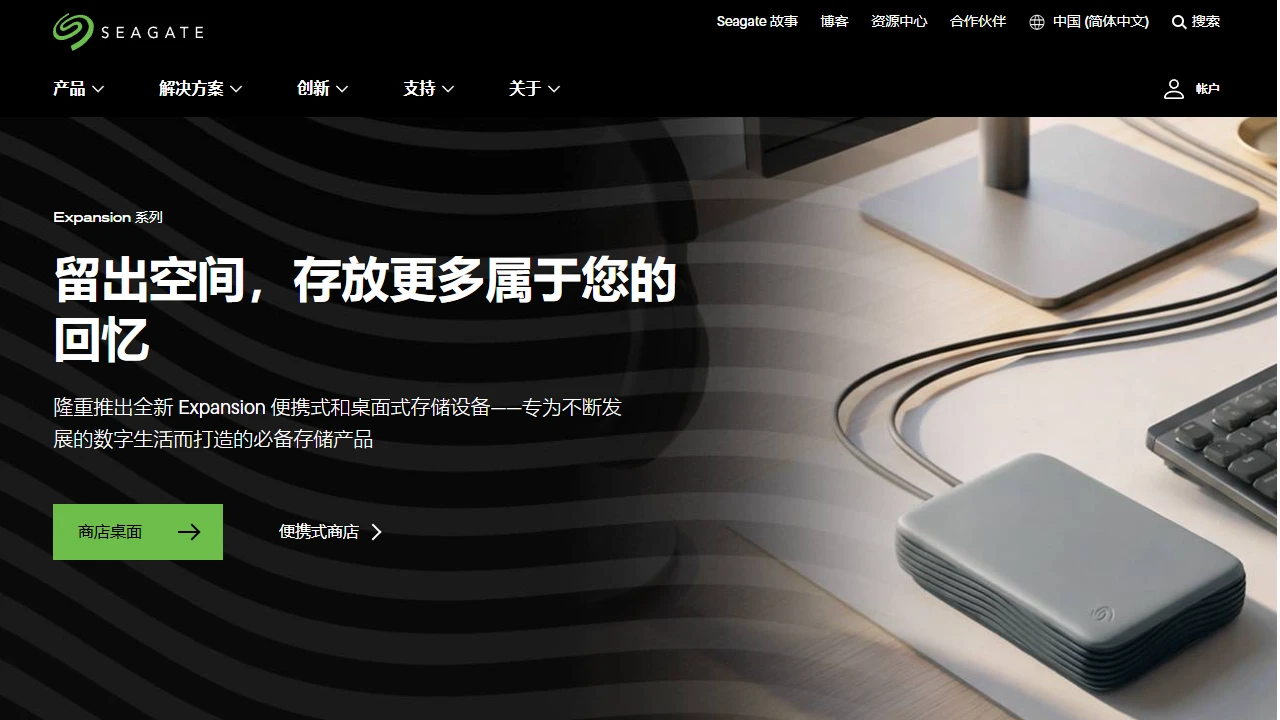
Official Website: https://www.seagate.com/cn/zh/
When working on video post-production, I store several terabytes of 4K footage and RAW images, so I have extremely high requirements for hard drive reliability. I previously fell into a trap with a third-party e-commerce platform: a drive I bought that was advertised as “brand new domestic version” developed bad sectors in less than a year, and the after-sales claim period had already expired. Later, I started looking for reliable hard drive channels seriously, and the first one that came to mind was Seagate.
When I first used the official website, I also fell into a novice trap: I selected the wrong language and ended up on the Hong Kong site, which was all in traditional Chinese, making it impossible to understand the domestic after-sales instructions; I couldn’t tell the difference between product categories, initially mixing up NAS drives and desktop drives, only to later find that the design lifespan and cache parameters of different drives vary greatly, and buying the wrong one would cause problems; I also once thought the official website only sold products, completely missing the diagnostic tool hidden in the corner of the page, until my external drive couldn’t be recognized, I realized how practical this function is.
Compared with the promotional tricks of e-commerce platforms, the most practical thing about the official website is the support around the entire lifecycle of hard drives, not just a one-off transaction. From pre-purchase compatibility advice, to post-purchase health checks, to data recovery, every item meets the real needs of ordinary users, rather than just filling with official jargon.
Let me focus on the most used function: the SeaTools official diagnostic tool, which really saved the day. Once, an external portable hard drive didn’t respond when plugged into my computer, and it couldn’t be recognized after trying several ports. Using SeaTools, I located a minor firmware issue in less than two minutes, and it was restored after resetting as prompted. Third-party tools couldn’t even recognize the interface information of this drive, making it impossible to troubleshoot. There’s also the M.2 installation guide, which isn’t just a random image; it’s divided into “desktop” and “laptop” versions, and even specifically mentions whether to update the motherboard BIOS — many people overlook this when installing, which can easily cause compatibility issues. The combination of text, images, and videos makes it understandable even for novices installing an M.2 for the first time. Additionally, the data recovery service: a friend’s drive was accidentally dropped, and we used the domestic dedicated support contact on the official website, no need to ship overseas, the process is transparent, much more reliable than third-party recovery, and there’s no arbitrary pricing.
Compared with the official websites of other hard drive brands, Seagate’s categorization is more aligned with the usage scenarios of domestic users: NAS drives are specifically marked with compatible NAS brands (Synology, QNAP, etc., commonly used in China), not generically called “NAS drives”; the diagnostic tool is embedded in the official website, no need to search separately, and it has a Chinese interface, no need to use a VPN — this is stronger than many overseas brand official websites, where some brand tools are in English, making it difficult for domestic users to use; data recovery is also localized, no need to ship drives across countries, saving a lot of trouble and reducing the risk of secondary damage during transportation.
Here are some tested tips to avoid pitfalls, don’t fall into traps:
If you are a photographer or video editor who often stores a large amount of high-definition footage, a home user who uses NAS to store data, or someone who frequently needs to check hard drive health and is worried about data loss, the value of this official website is particularly great. If you only buy a small-capacity SSD as a system drive for cheap, the official website may not have much advantage — third-party e-commerce platforms sometimes have discounted small-capacity drives, which are much more cost-effective than the official website.