
中关村在线
中关村在线 is a practical tool for IT PC building
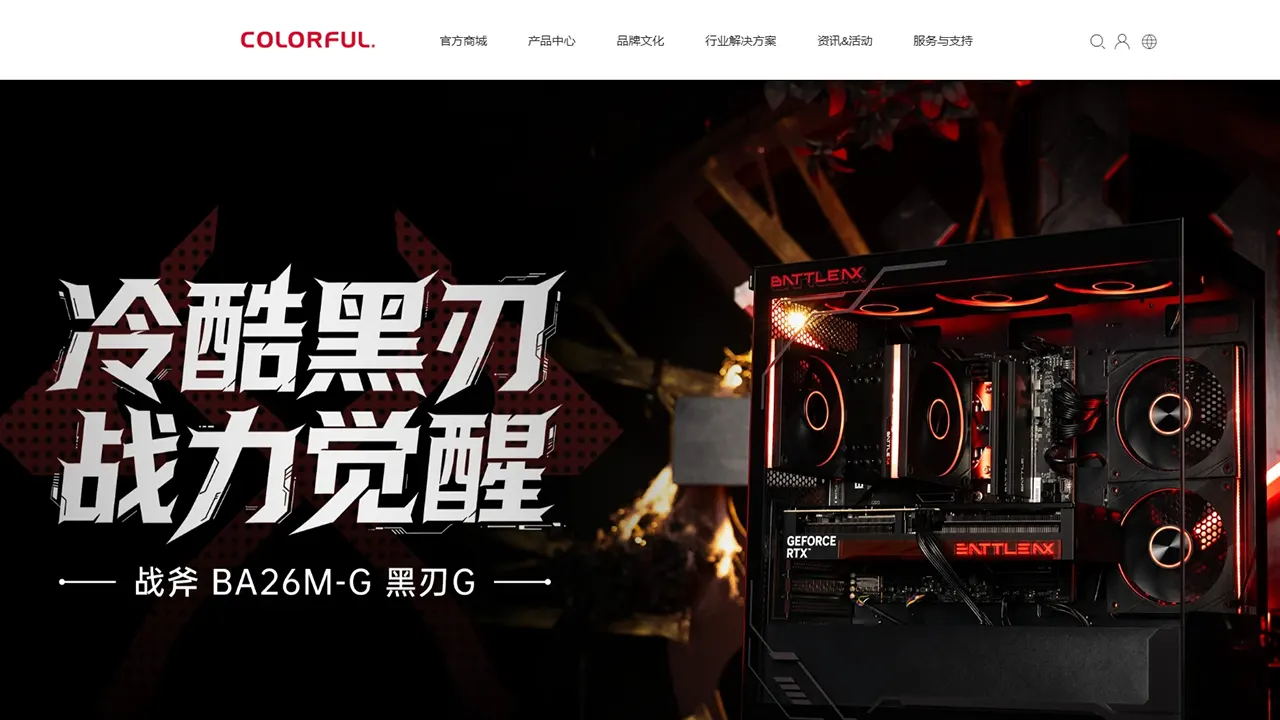
 Colorful
 official website provides practical PC building support services
Official Website: https://www.colorful.cn/
When I built my PC before, I ran into so many problems. I struggled with compatibility issues for a long time, the lighting software kept crashing, and the cable routing on my back-connect motherboard was a total mess. Later, I followed a knowledgeable friend to this brand’s official website and found many practical things I didn’t know before — not just fancy stuff for show.
The first pitfall I fell into was that when I first entered the official website, I searched for graphics cards, clicked on the first product page and started looking blindly, without noticing that the PC Building Compatibility Check Module was hidden at the bottom of the details page. Also, I couldn’t tell the sub-brands apart, thinking all models were in the same tier. Later I learned that the positioning of different sub-brands varies a lot. As for the lighting software, the one I downloaded from a third-party site came with a bunch of junk, while the official one was hidden deep, and I almost couldn’t find it.
The core of this official website is not selling products, but really providing preparation work for PC builders. There are corresponding modules from pre-build checks to post-build debugging, not just template pages with dry, useless parameters.
First, let’s talk about the compatibility module. I previously thought that as long as the CPU and graphics card interfaces matched, it would be fine. But the official PC building guide not only has requirements for CPU and graphics card pairing, but also references for memory installation methods, power supply wattage, and even the number of PCIe slots on the case. When I built my PC that time, I didn’t pay attention to the memory channels. Later, when I installed them as per the official instructions, it was super stable and I didn’t get the blue screen issues I had before. Now about the lighting control software: the official original version of iGame Center downloaded from the official website can not only adjust the lighting effects of the graphics card, but also check real-time temperatures, without needing to install all kinds of messy tools. The software from other brands I used before would even cause system lag when adjusting lighting, but this one doesn’t have that problem. Also, the back-connect motherboard solution: when I installed a regular back-connect motherboard before, the cables at the back were a total mess. The back-connect motherboard from this brand has integrated power connectors that come out from the backplate of the motherboard, leaving only a small connector exposed at the back of the case. The cable routing was so neat that when my friend came over, he even asked if I hadn’t installed the cables.
I compared the official websites of other domestic first-tier brands. Their compatibility information is taken from user reviews, which is inaccurate and often outdated. This one’s compatibility is updated by the official, so it’s much more reliable. As for the lighting control software, a brand at the same level requires binding to its own mall to download and comes with bundled software. This one can be downloaded directly from the download center with no bundles. The sub-brand positioning is also clear: other brands mix high-end and trendy models, requiring you to dig through parameters to find them, while this brand’s sub-brands are clearly divided: iGame is for performance, Battle-Axe is for stability, and WillStar is for trendy designs, so you won’t be tricked into buying overpriced models.
Honestly, this official website is especially suitable for these types of people: First, beginners building PCs who are afraid of compatibility issues, so they don’t have to look up random information themselves. Second, those who want to customize lighting effects without dealing with extra software. Third, people who like back-connect cases and hate messy cable routing at the back. Fourth, those who want a first-tier brand but don’t want to pay extra for fancy trendy models. I’ve recommended it several times to friends around me who want to build PCs, and they all say it’s much more reliable than the official websites of other brands they used before. They won’t have to search through forums for compatibility checks like I did, and won’t encounter fake tutorials.