AIDA64
Tips for using AIDA64, a tool for testing hardware stability after building a PC
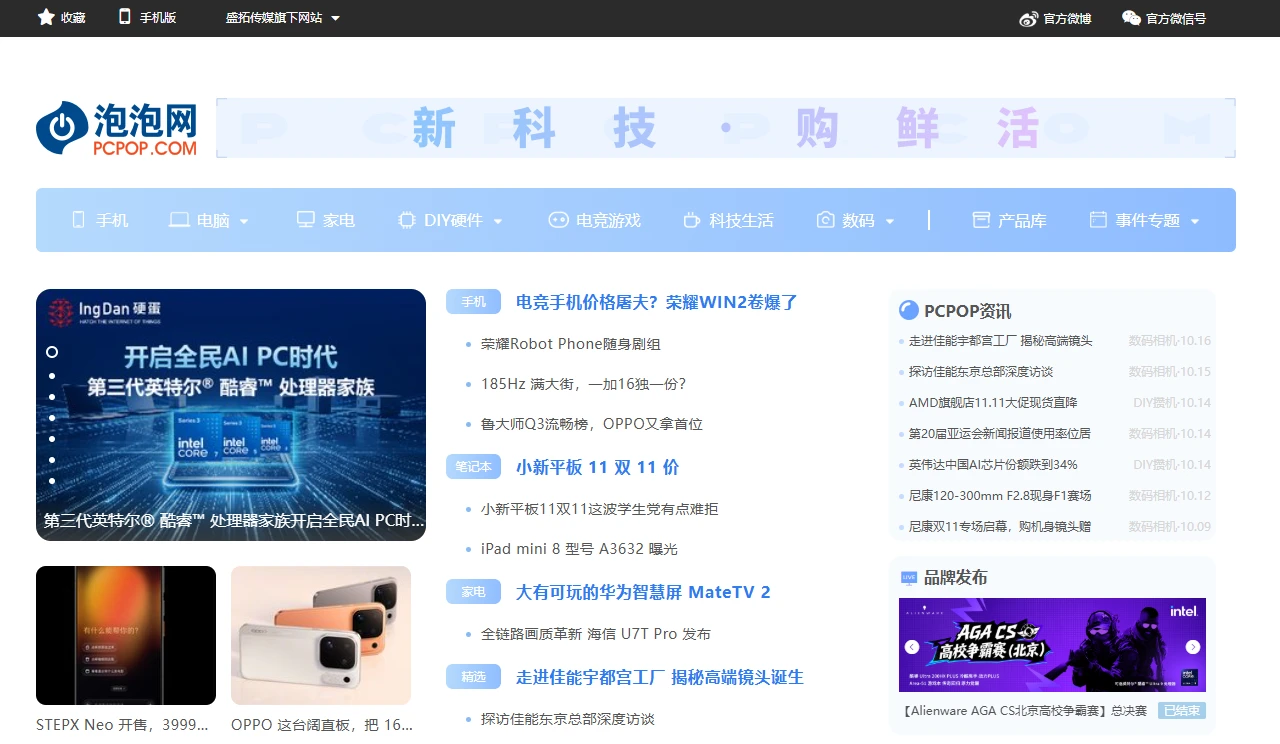
 Pcpop
Pcpop's DIY PC building section helps beginners build computers safely
Official Website: https://www.pcpop.com
Friends around who want to build their own computers always ask me, how can I avoid being ripped off? Either the recommended components are way over budget, or the configuration simply can’t meet their own usage needs. I also fell into these traps when building my first computer, browsed many 3C platforms, either full of product promotion links, or parameters that a complete beginner like me couldn’t understand at all, until I found the DIY PC building section of that long-standing 3C media outlet, which saved me a lot of effort.
The easiest traps for beginners are: first, thinking that the PC building recommendations on all platforms are the same, or only trusting the eye-catching “best-selling configurations” on the homepage. For example, I was tricked before: a high-end motherboard promoted on a platform’s homepage, but I only use it for office work and light entertainment, and I don’t need those redundant functions at all, which ended up wasting money and affecting my graphics card budget. Second, can’t tell the difference between neutral content and paid soft advertisements; some platforms’ “shopping guides” are actually sales pitches, recommending only products they distribute, without considering users’ actual needs at all.
The core value of this long-standing 3C media outlet is that it provides 3C information for ordinary consumers, not technical reviews only for enthusiasts. The **DIY PC building section** operates stably for a long time, not an empty shell with a name but no content. Its content is not for making traffic or selling goods, but really wants to help people build a suitable computer, which is the biggest difference between it and many new platforms — after all, it has been around for so long, supported by a stable readership, so it doesn’t need to attract attention with exaggerated titles or paid content.
When I use this platform to build a computer, I most like to look at the detailed content in the DIY PC building section, not the general “X-yuan configuration recommendations”, but specific scenarios like office work, games, design, etc. For example, when I do video editing, it will recommend compatible CPU and memory, and also remind that the power supply should leave a margin, not just look at the nominal value in the parameters; when choosing a case, it will say which models’ air ducts are more suitable for air cooling, so that performance won’t be affected by poor heat dissipation — these details are rarely mentioned by other platforms. Also, it will mark the compatibility of components, such as the pin matching of a certain CPU and a certain motherboard, so you don’t have to check a bunch of parameters yourself, saving a lot of time.
Compared with similar platforms, this platform has outstanding advantages:
When using this platform, I have also stepped into many traps, so here are a few practical tips for beginners. Don’t just look at the recommended configurations on the homepage, go to the DIY PC building section to find content that matches your own needs; for example, if you are a student with a tight budget, search for “student PC building configurations”, don’t be dazzled by the high-end configurations on the homepage. Also, after reading the recommendations, check the user comments below; those who have actually used it will say things like “will this graphics card lag when playing a certain game”, which is much more useful than the official introduction from the editor. In addition, some component models will be updated, make sure the recommended one is a commonly used stable model, not a newly released niche model, to avoid compatibility issues when purchasing.
Finally, about the suitable crowd: this platform is most suitable for beginners who just started building computers, people with low budgets who want to save time, or ordinary people who want to find neutral references. If you are an enthusiast pursuing extreme performance, only looking at professional review data, you may find its content not in-depth enough; if you want to do product promotion content yourself, its content positioning is also not suitable for you. But for most people who want to build their own computers and are afraid of stepping into traps, the DIY PC building section of this long-standing 3C media outlet is definitely a practical tool that can help. After all, when it comes to building a computer, finding reliable references can save you a lot of detours compared to figuring it out blindly.