
Fences
Practical features and usage tips for the desktop organising tool Fences
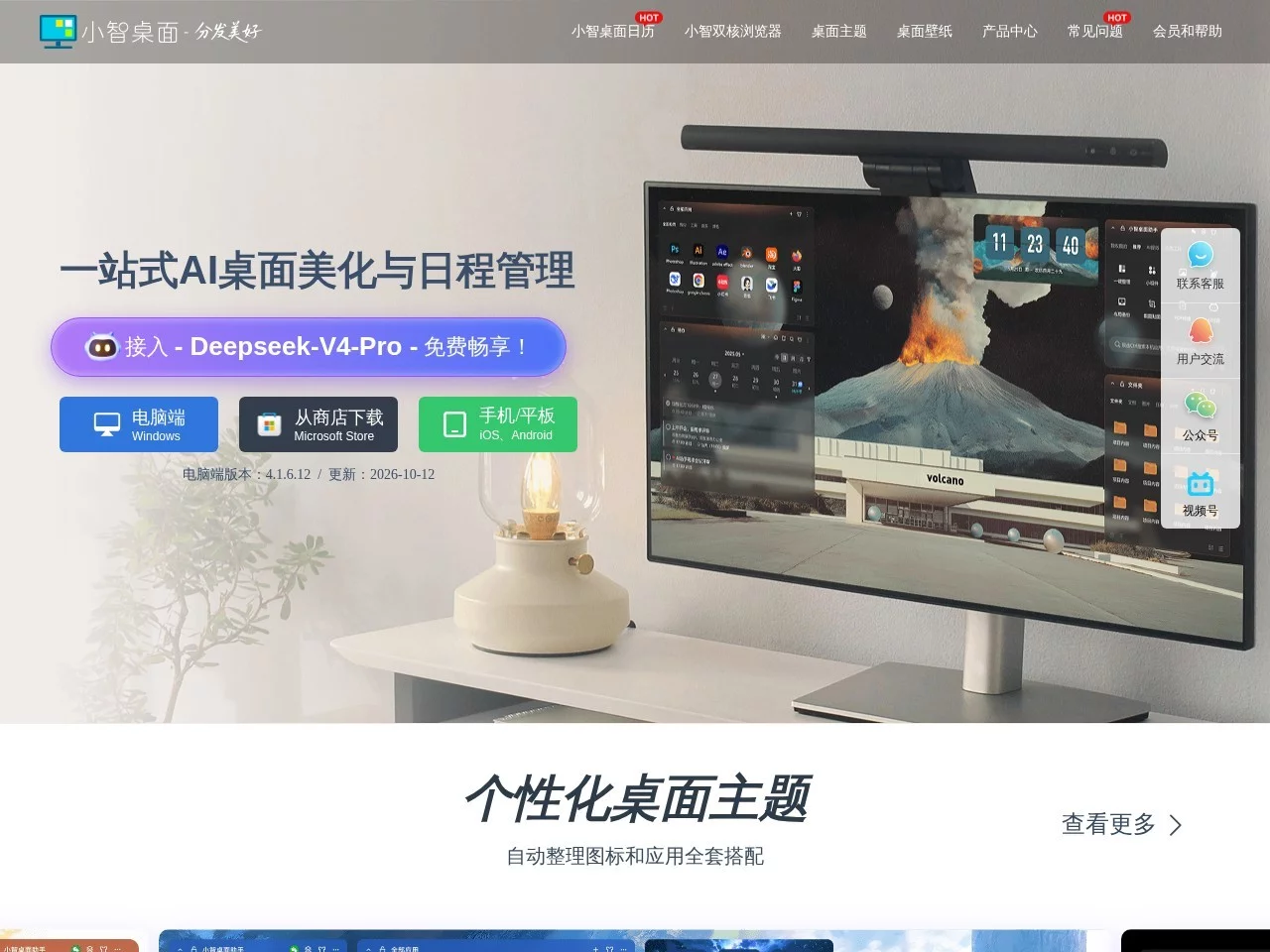
 XiaoZhi Desktop
 is a lightweight and practical desktop management tool
Official website: http://xzdesktop.cqttech.com/
In the first three seconds of turning on my computer every time, I have to rummage around on my messy desktop for ages — the newly downloaded project report is mixed with chat screenshots, last week’s installation package is still lying in the corner, sometimes when I’m in a hurry to find a client’s contract, I can’t find it after searching the whole desktop, and I have to switch to Windows Explorer to search, which is a waste of time. Sometimes when I’m busy, I even forget my scheduled client meetings; I’ve changed my desktop wallpaper many times, but I still don’t feel like it’s neat.
When I first started using this type of desktop tool, I also ran into pitfalls. When I first used it, I thought it was just a fancy tool for changing wallpapers, but when I turned on auto-organize, it moved my files to folders I couldn’t find. Later I realized I had to set custom classification rules first; also, when I installed it for the first time, I didn’t notice that I had selected bundled software, and as a result, ads for other software popped up for several days. I quickly went to settings to turn off auto-pop-ups to fix it; there was even a time when I installed another desktop tool at the same time, both were memory-intensive, making my computer extremely laggy, and it only got smooth after I deleted one.
After using it for a long time, I found that its core is not fancy beautification, but really saving time — you don’t have to move files manually to fix a messy desktop, you don’t have to write down to-dos in a notebook, you don’t have to search for wallpapers on other websites anymore. It’s like putting several commonly used small functions into a space-saving panel, so you don’t have to switch between software back and forth.
Speaking of specific usage experiences, what makes me most stress-free about desktop organization is that I can set my own classifications. For example, I will categorize all PDFs as “Work Documents”, images as “Materials”, and installation packages as “To-Be-Cleared”. It will automatically move the files on the desktop there, so I don’t have to drag them one by one manually; file search is much faster than the built-in one. Sometimes when I search for an old document on the whole drive, it comes out in a second after I enter the keyword, no need to wait for ages to load; to-dos are in the small grid on the desktop panel, set the time and it will pop up a reminder when the time comes. Unlike mobile to-dos that I always forget to check, I can see it just by glancing at the desktop; wallpapers are built-in, no need to jump to those messy websites to find them, and you can also upload your own saved images, so there won’t be ads popping up to disturb you.
I’ve also tried other similar tools. Some are like malware after installation, popping up various recommendations when the computer starts; some have a “one-size-fits-all” organization function, moving files randomly regardless of whether I want classification or not, making them harder to find; some to-do functions are too complicated, requiring me to register an account and fuss around for a long time, and I have to switch out to check reminders. This one is different, not so many fancy things, all practical functions that can be used on the desktop, and it’s not memory-intensive, doesn’t lag the computer when running, and won’t take up resources from other software.
Here are a few practical tips: when installing, carefully check each pop-up step and uncheck all bundled software; go to settings to turn off auto-pop-ups immediately after installation, so you won’t be bothered by ads; when setting custom classifications, first categorize the existing files on the desktop, then set the corresponding rules, otherwise it will still be messy after organization; don’t run two desktop management tools at the same time, as they are not only memory-intensive but also prone to conflicts.
This kind of tool is suitable for office workers and students who often forget their to-dos and have a messy desktop forever. You don’t have to fuss around with complicated software, you can handle most small things on the desktop; it’s also suitable for people who don’t want to spend time changing wallpapers but want a neater desktop. No other tools are needed, one can solve the daily desktop problems, no need to switch back and forth, which is very stress-free.