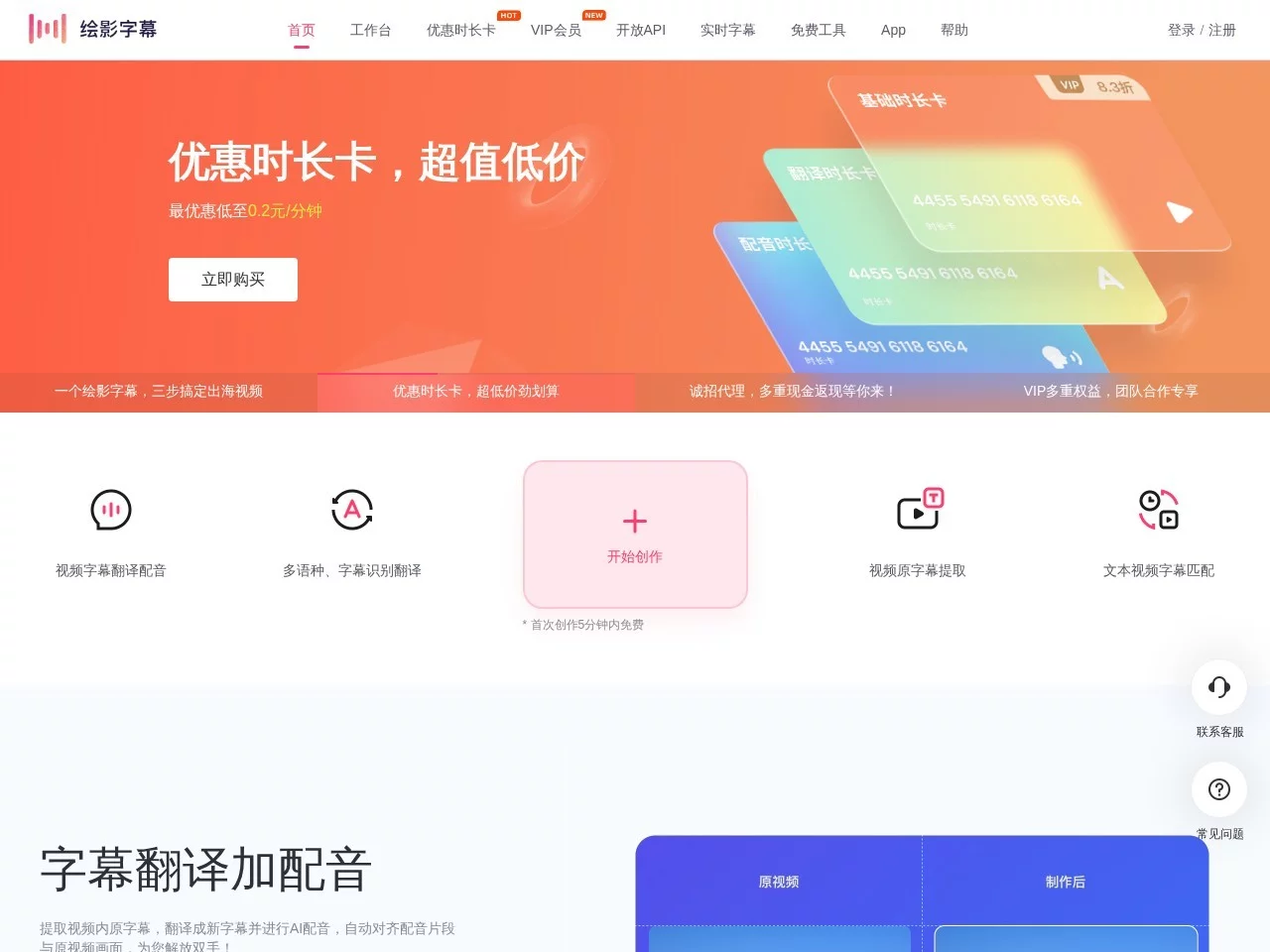
绘影字幕Automatically add subtitles to videos, subtitle translation, subtitle production software
Screenshots

Always struggling with adding subtitles to videos? This tool can help you save half the time
Many people have fallen into the trap of subtitles when making videos: typing manually until the early hours, revising several versions that still don’t match the footage, and struggling to find a handy tool for bilingual subtitles. In fact, you don’t need to stay up late — Huiying Zimu can solve these problems. It uses AI technology to create intelligent subtitle solutions, and is a popular tool among creators on Douyin, Kuaishou, and vlog platforms, covering scenarios such as short videos, self-media, and educational courses.
Official website: https://huiyingzimu.com/
Are automatically generated subtitles accurate? Will there be many errors?
The core of Huiying Zimu is advanced speech recognition technology, which can automatically capture the human voice in videos and convert it into subtitles, eliminating the need for manual typing word by word — much faster than traditional methods. It supports translation between 110 languages, and can create mainstream bilingual subtitles such as Chinese-English and Chinese-Japanese. Whether it’s course content or short videos, it can quickly adapt to the language needs of different audiences.
Even if there are minor issues with automatically generated subtitles, don’t panic — its editing functions are very flexible: you can manually modify the content, adjust the timing of subtitle display to sync precisely with the video footage, and customise fonts, sizes, and colours, making the subtitles more harmonious with the video style and less out of place.
Need to process dozens of videos — can you add subtitles in bulk?
Of course it can. Bulk processing is a thoughtful feature of Huiying Zimu for frequent creators, allowing you to add subtitles to multiple videos at the same time, saving time on repetitive operations and avoiding the need to process each video individually. It also has many practical small details, such as built-in karaoke-style subtitle effects, which are suitable for music and drama videos, making subtitles not just text overlays but part of the content.
This tool is adaptable to many scenarios: for example, teachers use it to add bilingual subtitles to course videos, making them understandable to students in different regions; self-media creators use it to quickly make subtitles that fit the platform’s style, enhancing the video’s reach, so they don’t have to spend too much energy on subtitles and can focus on the content itself.
Which to choose: official website or web version? Free or paid plan?
Huiying Zimu has two access points, suitable for different needs: the official main site https://huiyingzimu.com/ has full functionality, ideal for creators who need a complete toolchain; the web version at https://huiyingzimu.com/work requires no download or installation — just open it and use it, perfect for situations where you need to process subtitles temporarily, such as for breaking news-related videos.
Service options are also flexible, catering to different users: the free version can handle basic subtitle recognition, which is sufficient for daily use; the paid version supports minute-based billing, so you can choose as needed if you create a lot, without wasting money. Whether you’re a beginner or a long-time self-media creator, you can find a suitable plan, and don’t have to treat subtitles as a burden on your creation.
Why are more and more creators choosing Huiying Zimu?
Competition in video creation is fierce now, and the quality and speed of subtitles directly affect the video’s reach. Huiying Zimu covers the entire subtitle production process, from automatic recognition to personalised adjustments, reducing work that would originally take hours to just a dozen minutes, while also meeting the needs of multiple languages and scenarios, helping creators focus back on the content.
Additionally, its bilingual subtitle function can expand the audience: for example, adding English subtitles to domestic videos allows them to reach overseas viewers, enhancing the video’s expressiveness and reach — no wonder many people use it for subtitles.
Relevant Navigation
123apps
Online Audio Converter
Powtoon
Audio Trimmer
Right Sugar