
AD Recommendation
Join Now
Important: Please do not trust the content and ads of various websites easily! Recommended reading: Safety Tips
PickFrom
Scan to visit on your phone
3wks agoupdate 702 00
0

PickFromPickFrom

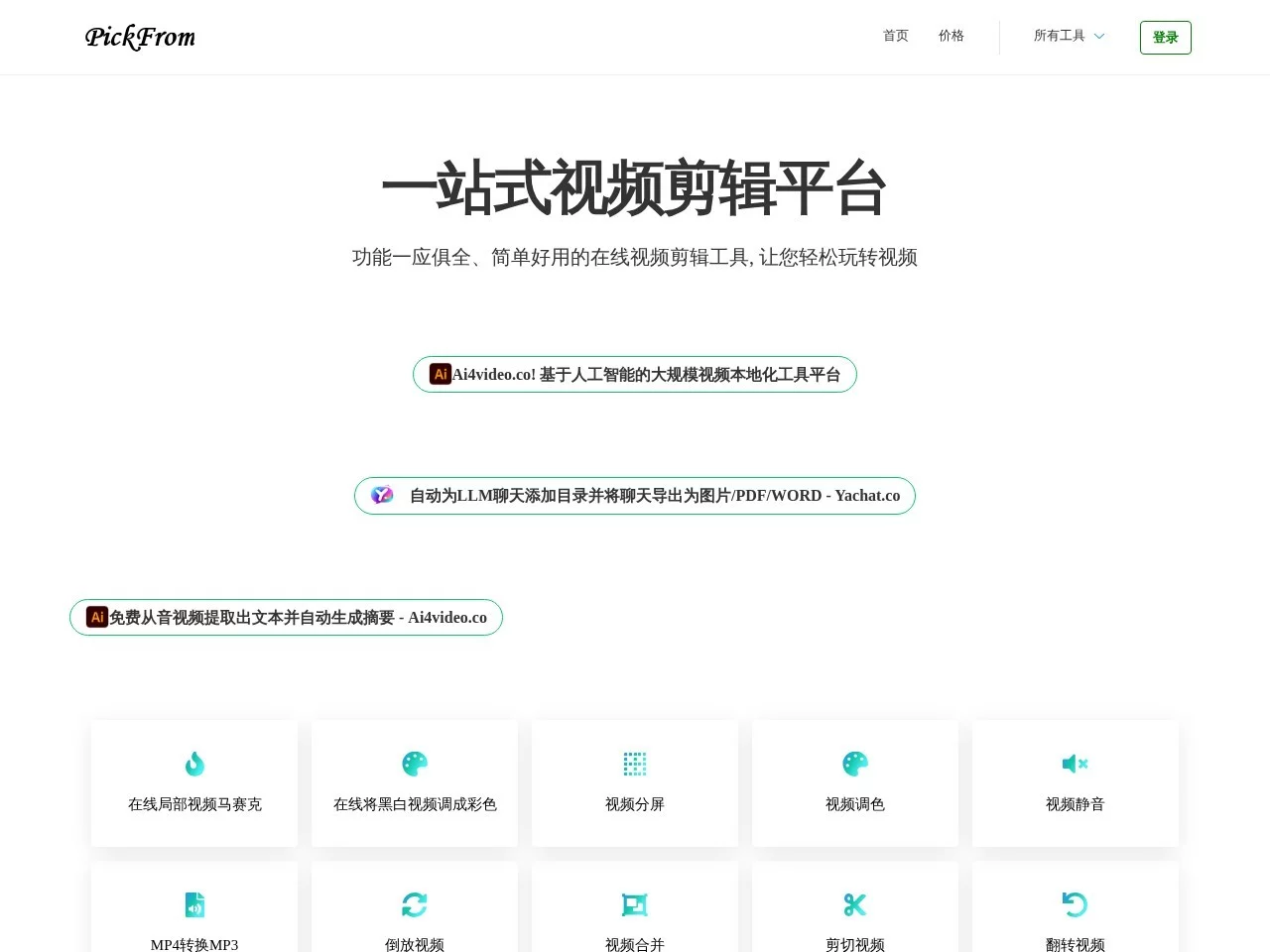
PickFrom is an all-in-one video editing platform that provides comprehensive and easy-to-use online video editing tools, designed to help users easily process video conte...


Screenshots

PickFrom

Want to edit a vlog but your memory is taken up by software installers? Want to colour-grade old videos but can’t find a tool that doesn’t require learning complex parameters? Or want to quickly adjust video dimensions to fit different social platforms but keep getting stuck on format compatibility issues? This article will introduce an online editing tool that solves all these problems.

Can Beginners Use Editing Tools That Don’t Require Software Installation?

Last month, I helped my cousin who does handicrafts edit a competition video. The software she used before not only took up over 10GB of her computer space, but also kept popping up ads halfway through editing, making her almost give up. Later, I helped her find an online tool that doesn’t need installation — PickFrom. She could use it right after opening it for the first time. She edited, colour-corrected, and added transitions, and finished the competition video in one afternoon without spending a penny.

Official website: https://zh.pickfrom.net/

In fact, PickFrom’s functions are all designed around the editing needs of ordinary people, not the fancy tools that only professionals can understand. From the most basic video editing, cutting out extra clips, to removing watermarks, combining multiple videos, even adding transitions and adjusting audio — everything can be done here. It covers all steps from rough editing to final fine-tuning. Moreover, no matter if your video is in MP4, AVI, or WMV format, it can be processed after uploading, and you can choose the appropriate format when exporting, so you don’t have to look for format conversion tools everywhere.

What Else Can It Do For Creators Besides Video Editing?

Besides editing the video, my cousin also used the AI colour correction function in PickFrom that time — the old handicraft video left by her grandma was originally black and white, but after clicking a button, it turned into a coloured version, with even the fabric texture restored clearly. In fact, there’s more than one AI function on the platform. For example, lossless video upscaling can make blurry low-quality footage clear, so you don’t have to worry about it getting more blurry after zooming in. There’s also a slow-motion effect: if you fast-forward the shot of handicraft details, adding slow motion allows the judges to see her production steps clearly. None of these require adjusting complex parameters — just a few clicks.

Additionally, many people don’t know that besides video tools, PickFrom can also take web screenshots, convert PDFs to documents, and even handle some simple text content. It covers the entire process from shooting materials, organising data to final video editing. Moreover, it supports multiple languages. My cousin used the Chinese interface, but if creators from overseas switch to the English interface, they can use it smoothly without getting stuck due to language barriers.

Are There Any Limitations On Materials And Devices When Using Online Editing Tools?

My cousin edited the video on her old laptop at home that time, but later when she set up a stall at the market, she could still open PickFrom on her phone to adjust the video volume, without transferring the file to anywhere else at all. The advantage of this kind of online tool is that you don’t need to install any software — you can open it on your phone, tablet, or computer, and edit on the go, so you won’t be delayed because you don’t have your computer with you.

What made my cousin most reassured was that all operations are done in the cloud, so materials won’t be stored locally or leaked casually. The old videos she uploaded that time were all stored in PickFrom’s encrypted channel, so she didn’t have to worry about losing them if her computer broke down, or others seeing them casually. Moreover, no matter what device you use, you can operate it by opening a browser — you don’t have to worry about whether your computer has enough space to install editing software, nor wait for software updates; you can use the latest functions with one click.

Is It Suitable For Creators Of All Levels?

My cousin is a handicraft blogger who usually only edits daily videos, so PickFrom’s basic functions are enough for her. Later, when her friend did short video product promotion and needed to add special effects to product videos, she also found the corresponding tool on this platform. In fact, whether it’s ordinary people shooting daily short videos or professional teams making long videos, PickFrom can be used. It even adjusts the video sizes for mainstream platforms like YouTube and Instagram, so you don’t have to calculate the pixel ratio yourself — you can upload and post directly.

This platform has been around since 2018. My cousin said many of her friends who create content use it, with tens of thousands of users every month — it’s not a small tool that’s just launched and neglected. Its interface looks clean, with no annoying pop-up ads. You can tell where each function is as soon as you enter, so you don’t have to spend half a day looking for buttons. Beginners can focus on the video content without being distracted by various things when using it for the first time. My cousin later recommended it to her fans, and many said they could make decent videos without learning complex operations.

Relevant Navigation

No comments

You must be logged in to leave a comment!
Login immediately
none
No comments...