AD Recommendation
Join Now
Important: Please do not trust the content and ads of various websites easily! Recommended reading: Safety Tips
无界云剪
Scan to visit on your phone
3wks agoupdate 670 00
0

无界云剪无界云剪

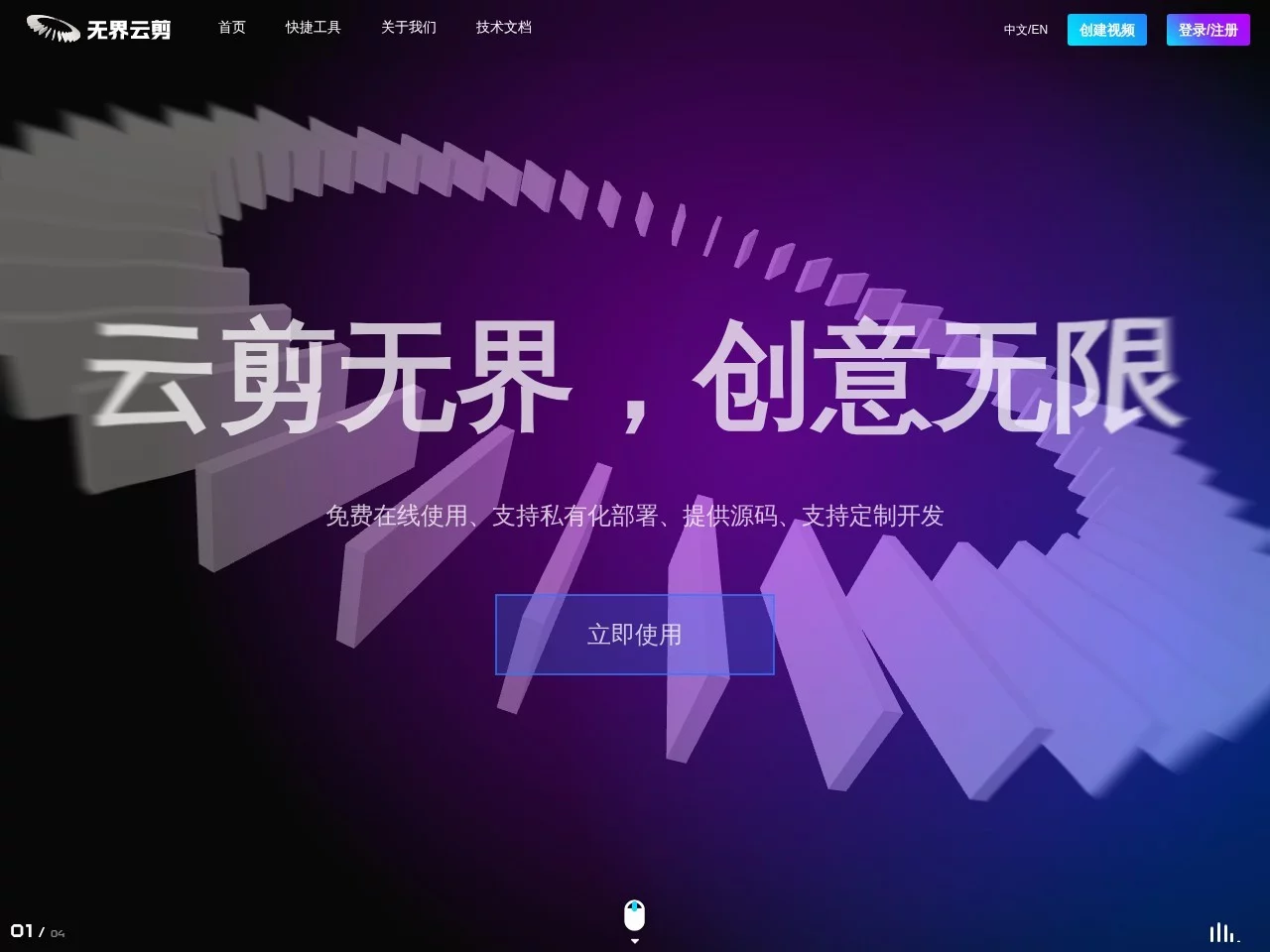
Online Video Editing Tool


Screenshots

无界云剪

What Headaches Can This Online Editing Tool Solve for Your Video Production?

Many people have encountered pitfalls when editing videos: either the installed client software takes up all the memory, making the computer lag like a PowerPoint slideshow when opened; or the online tool is too weak, crashing when editing a multi-track video. I was also troubled by these problems until I found Wujie Cloud Cut, a tool that fills the gap.

Official Website: https://video.h5ds.com/

Why Can This Download-Free Online Editor Handle the Pressure of Editing Long Multi-Track Videos?

I tried several online editing tools before, but even a 10-minute vlog would lag so much that I couldn’t export it. Later I learned that Wujie Cloud Cut uses mainstream front-end technologies like React, TypeScript, WebGL at its core, and adopts client-side rendering, which distributes some computations to the local side. This not only hardly takes up cloud server resources, but also renders more than twice as fast as ordinary online tools.

A friend of mine who makes medical educational videos needed to process multiple case study footages and add text annotations. Other online tools always had frame delays, but Wujie Cloud Cut never had issues. Even complex projects with over 10 footages and 8 layers of transitions run smoothly without crashing halfway.

What Practical Features Can Users of Different Identities Get from Wujie Cloud Cut?

When I made short videos for a friend’s marketing company using Wujie Cloud Cut, I found its functions cover the entire process from footage to finished product: whether it’s MP4, MOV, audio or images, you can upload them directly for unified management, no need to spend time converting formats; the timeline operation is intuitive, and there are dozens of transition effects, making the edited videos flow naturally.

Its AI functions really save a lot of work. For example, AI matting: I used to spend 20 minutes manually matting a 15-second video background, but this function takes only 1 minute; and AI retouching, which can quickly fix small flaws in the frame. Even beginners who just started editing can make decent effects with a few clicks.

For enterprise use, there’s also a private deployment option, allowing you to host the tool on your own server, ensuring data security. You can also modify functions according to the company’s business needs, such as adding exclusive brand watermark templates for the marketing team, or adding compliant content review portals for the medical team, without having to compromise with the fixed settings of general tools.

Can a Download-Free Editing Tool Really Meet Both Individual and Enterprise Needs?

I occasionally edit my travel vlogs, so I use the online version of Wujie Cloud Cut. No need to install software, just open the webpage to edit, saving the steps of downloading, installing and updating. It doesn’t take up computer memory, so I can edit directly on a hotel computer when on business trips, which is very flexible.

Not long ago, I made product explanation videos for a small tech company. They needed to integrate the tool into their own SaaS product, and Wujie Cloud Cut can be embedded into their business system perfectly. Customers don’t need to jump to another platform, they can directly use the supporting editing module to create content. The one-stop service saves a lot of coordination trouble.

Don’t Be Held Back by the Threshold of Editing Tools — What Limitations Can This Tool Break?

Actually, I used to think that professional video production requires heavy client software, only accessible to people who understand complex operations. It wasn’t until I used Wujie Cloud Cut that I realised modern online tools can break down professional capabilities into steps that ordinary people can understand. Whether you’re an individual creator who needs to produce videos quickly, or an enterprise user who needs a stable tool, you don’t have to struggle with choosing between “memory-heavy clients” or “weak-function online tools”. This tool integrates professional capabilities into convenient operations, making video production no longer exclusive to a few.

Relevant Navigation

No comments

You must be logged in to leave a comment!
Login immediately
none
No comments...