Kanxue BBS
Kanxue BBS is a professional community in the field of software security
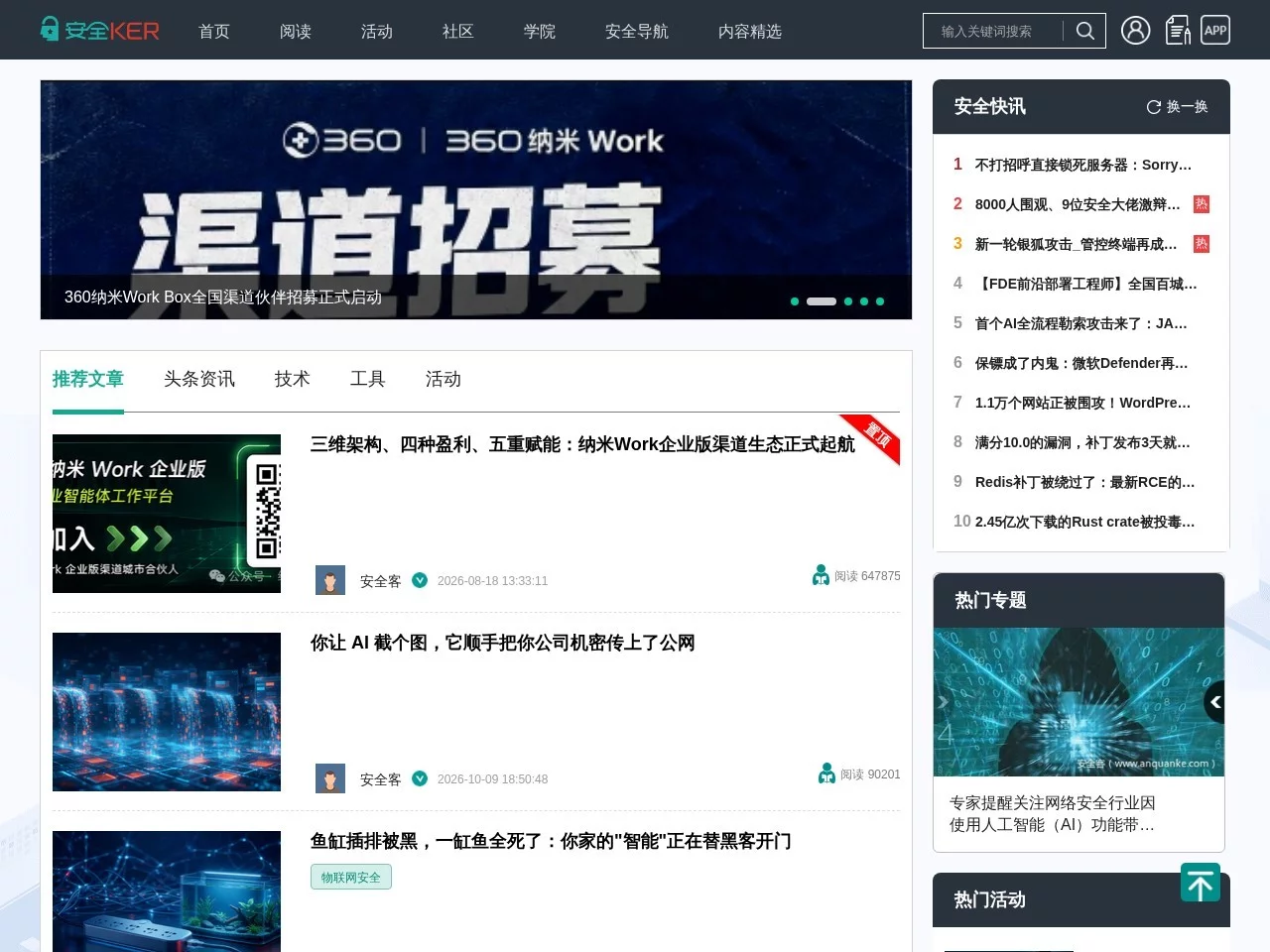
 Anquanke
A practical platform focusing on security news and vulnerability analysis
Official website: Anquanke
Back when I was working as an IT operations engineer, I had to check at least three security news sites every day. Either the title said “latest vulnerability”, but when I clicked in, it was an old notice with even the framework version unchanged; or it was a niche forum where I needed to accumulate premium member points to access core content. I was stuck with hundreds of points missing after almost a month, so I finally gave up. Later, a senior colleague in my team recommended this site. I didn’t pay much attention at first, but after using it, I found it saved me a lot of time on finding materials.
Newcomers often fall into two traps:
For someone like me who has to monitor server vulnerabilities every day, the most practical thing is not those general security event broadcasts, but field-tested details in the vulnerability analysis section. For a high-severity vulnerability in a certain framework, other sites would just casually say “there is a risk of remote code execution”, but here, the author will attach their own reproduction environment, trigger conditions, even mark the differences in vulnerabilities across versions, plus practical temporary protection solutions — not the kind of generic lines to deal with officials. For example, when I encountered a component vulnerability before, I directly copied the temporary protection command given by the author, blocked it on the same day, and didn’t delay the normal operation of the server.
Among the detailed functions, the security event tracking section is what I use most — it’s half a step faster than other news sites, and it doesn’t just stop at publishing “vendor released security advisory”. White hats will follow up to break down the vulnerability principle, and give scenario-based defence suggestions. For example, for a supply chain vulnerability before, the author broke down how to use least privilege restriction to block the attack chain. I directly applied it to my company’s IT operations permission system, saving me several days of troubleshooting time. There are also annual special topics. Don’t just look at the pop-up on the homepage — go to the Special Topics section to find them. The content every year sorts out the security trends of that year, such as the developments in AI security and cloud security in recent years. It’s a very practical industry reference for IT operations, more systematic than scattered news.
Compared with similar platforms I’ve used before, this site has three obvious advantages:
When using this site, there are also a few pitfalls to note:
The target audience of this site is clear: IT operations staff, security beginners, and practitioners who want to enter the security field. You can quickly find practical vulnerability protection techniques, offensive/defensive cases, and there is also a submission channel for newcomers to accumulate experience. If you are looking for purely theoretical academic papers, in-depth technical works from top experts, or very niche vulnerability analysis materials, this site may not be suitable. It’s better to go to specialised academic platforms or professional forums.