
DBAPPSecurity
DBAPPSecurity's official website provides high-quality practical security materials
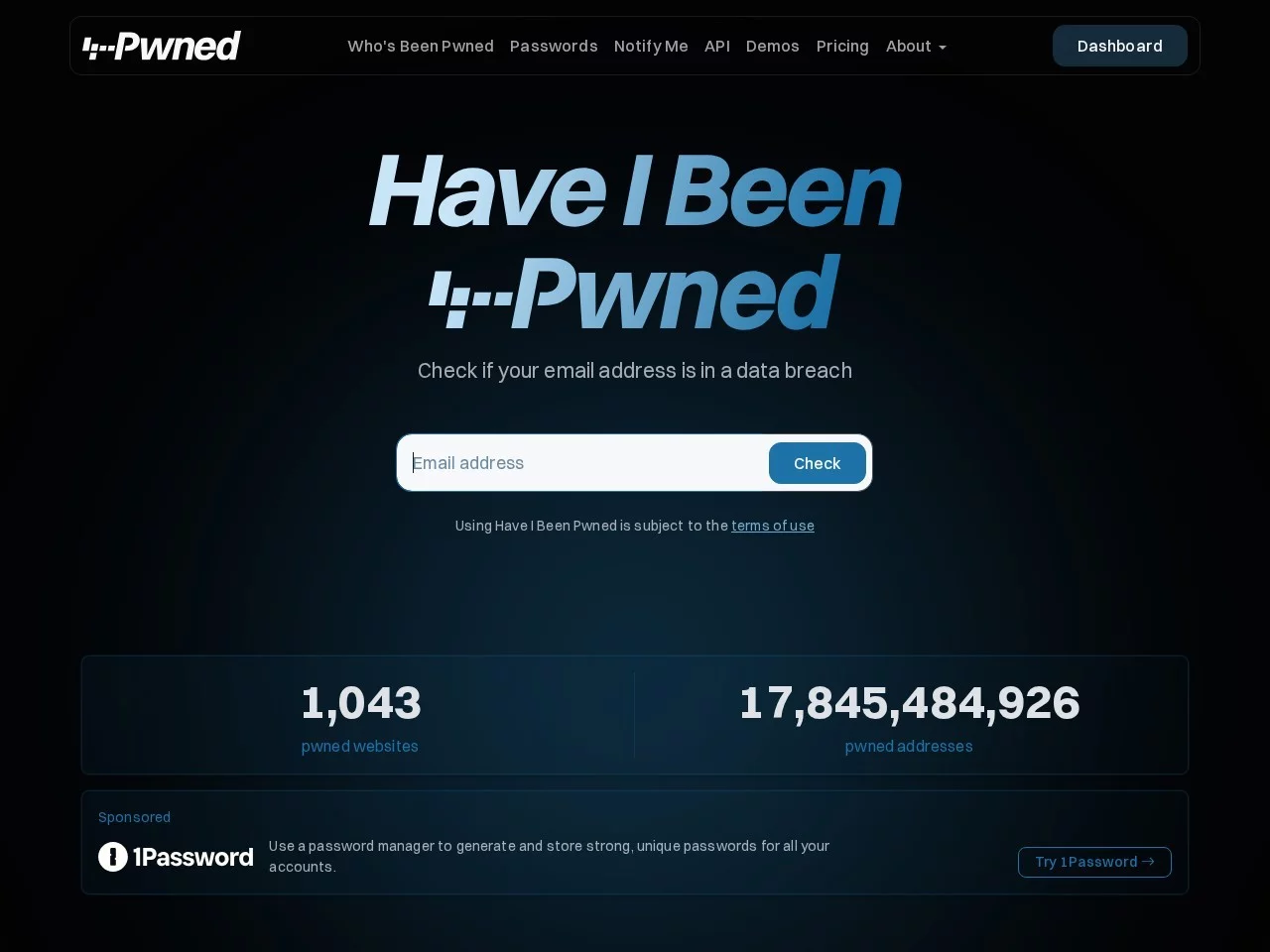
 Have I Been Pwned
 is a practical account security tool
Official website: https://haveibeenpwned.com
I register on various websites and fill in personal information frequently, always worrying that my email or password could be leaked without my knowledge. A friend’s account was hacked before because they didn’t check breach records in advance, so I started paying attention to such security tools.
As a newcomer to such tools, I’ve fallen for several common mistakes:
The most practical thing about this tool is that it has no fancy features, is purely utility-oriented, requires no payment, no extra personal information to fill in, and is ready to use right away — this is much more user-friendly than many similar tools.
Its email checking function gives results in seconds when you enter the full email address. If there’s a breach, it clearly states which event it was in and prompts you to change your password in time;
Password checking is a separate entry point. The most convenient part is that you don’t need to enter your full password — just the first few characters to complete the check, so you don’t have to worry about password theft at all. I really like this; I tried another platform before that required the full password, which always made me feel uneasy.
After comparing similar tools, some platforms are full of pop-up ads as soon as you open them, require registration and phone number filling, and claim to offer benefits — clearly trying to harvest user information; some can only check emails, not password leaks; others charge for core functions. This platform has none of these tricks. The page is clean, with only necessary functions to help you check your security status, no unnecessary complexities.
There are also a few small details to note when using it, which I’ve sorted out after making mistakes:
Another easily overlooked point is that many people reuse passwords, like using the same password for five or six accounts. This must be checked, because if the password for one account is leaked, all accounts using the same password will be at risk. This tool can help you find which passwords are already in the breach database, so you can adjust them in time.
It’s worth mentioning that its subscription function is free. Once enabled, it will automatically send you an email alert if your email or password appears in a new breach event, so you don’t have to check the page every day. This is particularly convenient for people who use many accounts.
This tool is suitable for a wide range of people. Whether you’re an online shopping enthusiast who registers new accounts frequently, or an ordinary person who uses many social platforms, as long as you care about your account security and don’t need to understand complex security knowledge, you can use it to quickly figure out your information security status.
Of course, not everyone needs to use it deliberately. If you usually pay attention to password management, never use the same password, and rarely register on unfamiliar websites, you may not need to check it frequently, but at least checking it regularly can help you avoid many potential security risks.
I now use this tool to check my main email and frequently used passwords every once in a while. I received an alert before that a frequently used password was in a small-to-medium breach event, so I changed it to a new one that same day, and now I feel much more at ease.