
Sangfor
Sangfor official website helps SMEs deploy cybersecurity tools at low cost
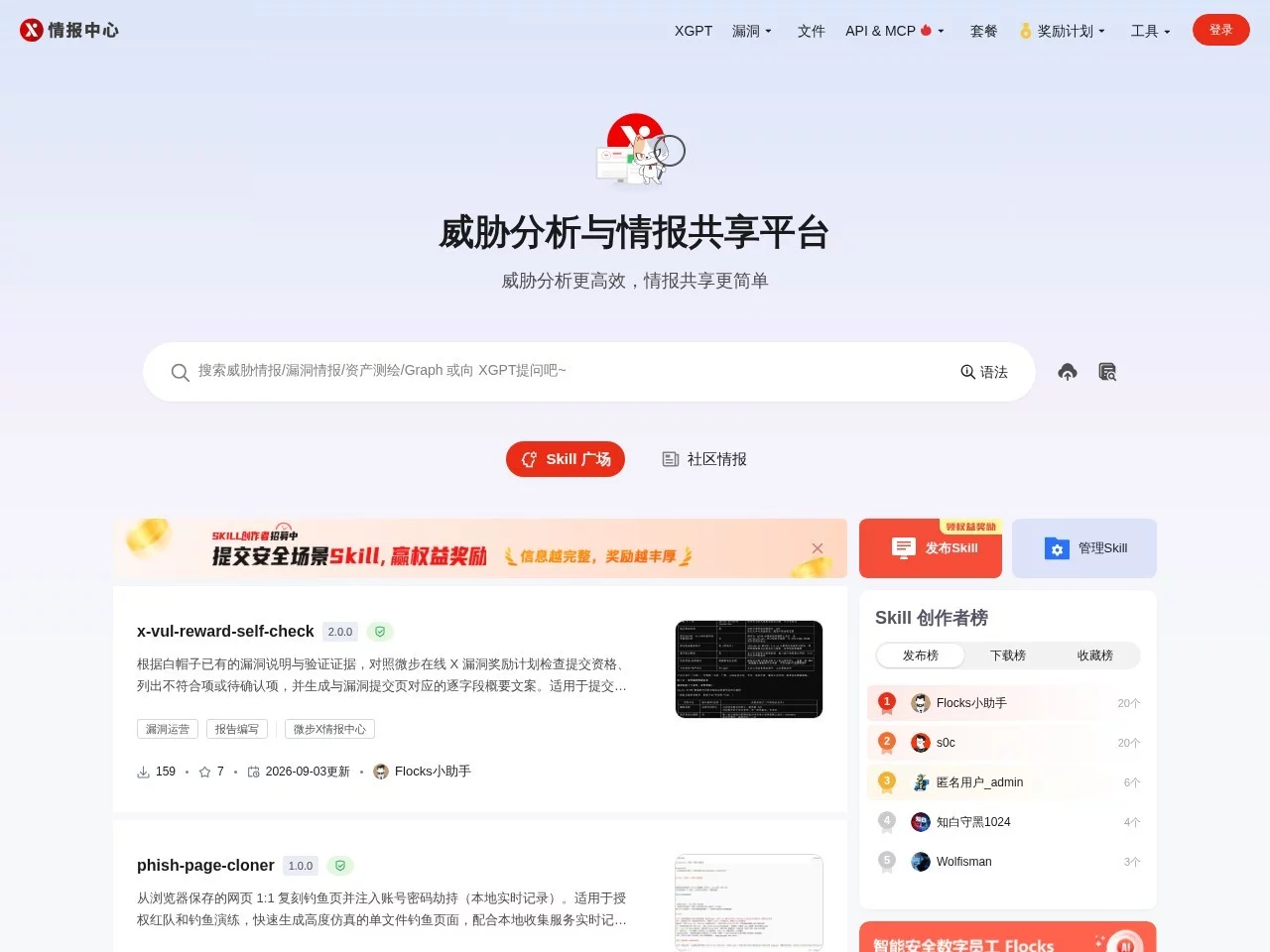
 ThreatBook X Intelligence Community
A practical cybersecurity intelligence tool, suitable for beginners and IT operations staff
Official website: https://x.threatbook.com
A few times before, connection logs for unfamiliar IPs suddenly popped up on our company intranet, and the ops team was baffled, saying this kind of small issue was a hassle to investigate. Later an old colleague threw me the link to this tool, saying it was good enough for everyday incident response or for tinkering with security on my own. At first I didn’t think much of it, but after trying it I realised it was far more reliable than the scattered intelligence sites I’d been blindly searching.
I hit a few beginner pitfalls when I first got started. For instance, the interface looked clean when I opened it, with no obvious ‘free entry’ in sight, so I assumed paid registration was required. Then I casually clicked on an IP query and, surprisingly, could enter content straight away — registration only needs an email address, with no extra verification at all, which is more generous than many similar platforms. Another thing: at the very beginning I clicked aimlessly through all the features, not knowing what to look up. Only later did I work out that the three query types used most day to day are IP, domain and sample queries. Don’t randomly poke at the other features — it just wastes time.
The core of this tool is actually its **intelligence aggregation logic**. Unlike some platforms that simply pile public intelligence together, here the information from different sources has been blended and clearly labelled — which bits are official data and which are contributed by community users. For example, when you look up a malicious IP, other platforms might only give you a ‘high threat’ label, whereas this one tells you whether the IP was used for SSH brute-forcing or SQL injection, gives rough attack time windows, and even links to other IPs in the same family — all organised so clearly that you don’t have to dig around other sites for clues.
As for the commonly used features, a few points proved most practical in actual use:
I’ve compared it with several similar tools, and its advantages actually lie in the details. For instance, some platforms are extremely stingy with free query quotas, whereas this one grants a quota on registration that’s enough for daily use, so you don’t have to worry about running short every day. Some other platforms require real-name verification before you can use basic features, which isn’t very friendly to newcomers, while here you can register with just an email address and all core features are fully open. What’s more, the community contributions are something many paid platforms lack: for many newly emerging malicious activities, before the official intelligence has been updated, community users have already shared specific sample hashes or attack clues, which are more valuable for reference than the official data.
There are a few pitfalls worth mentioning, all of which I’ve stumbled into myself. First, don’t set subscription keywords carelessly. When I’d just registered, out of curiosity I set broad words like ‘malicious’ and ‘virus’, and ended up receiving dozens of emails a day, all irrelevant junk. After changing them to ‘attack source investigation’ and ‘sample analysis requests’ it was much cleaner — only precise keywords are useful. Second, when checking samples, don’t upload files over the size limit. The free sandbox imposes a per-file size limit, and oversized files are automatically rejected — querying directly by hash is more convenient. Third, don’t rely solely on the official reputation score. Some newly emerging malicious IPs haven’t been tagged yet; you need to scroll down to the community user reports at the very bottom, where the information is often the most up to date and more practical than the basic official intelligence.
As for who this tool suits, there are really two groups: one is newcomers to the security field, who tinker with malicious samples and investigate unfamiliar IPs — it’s perfectly adequate for judging whether there is a malicious risk; the other is IT maintenance staff at small and medium-sized enterprises, who occasionally run into network anomalies and can quickly pinpoint suspicious sources without having to pay a third party for lookups. If you need thousands of batch queries a day, or want to do in-depth threat attribution, you may need a membership, but for everyday use there’s absolutely no need to spend that money.