Kingsoft Antivirus
Kingsoft Antivirus is a security tool that deals with pop-ups and rogue software on your computer.
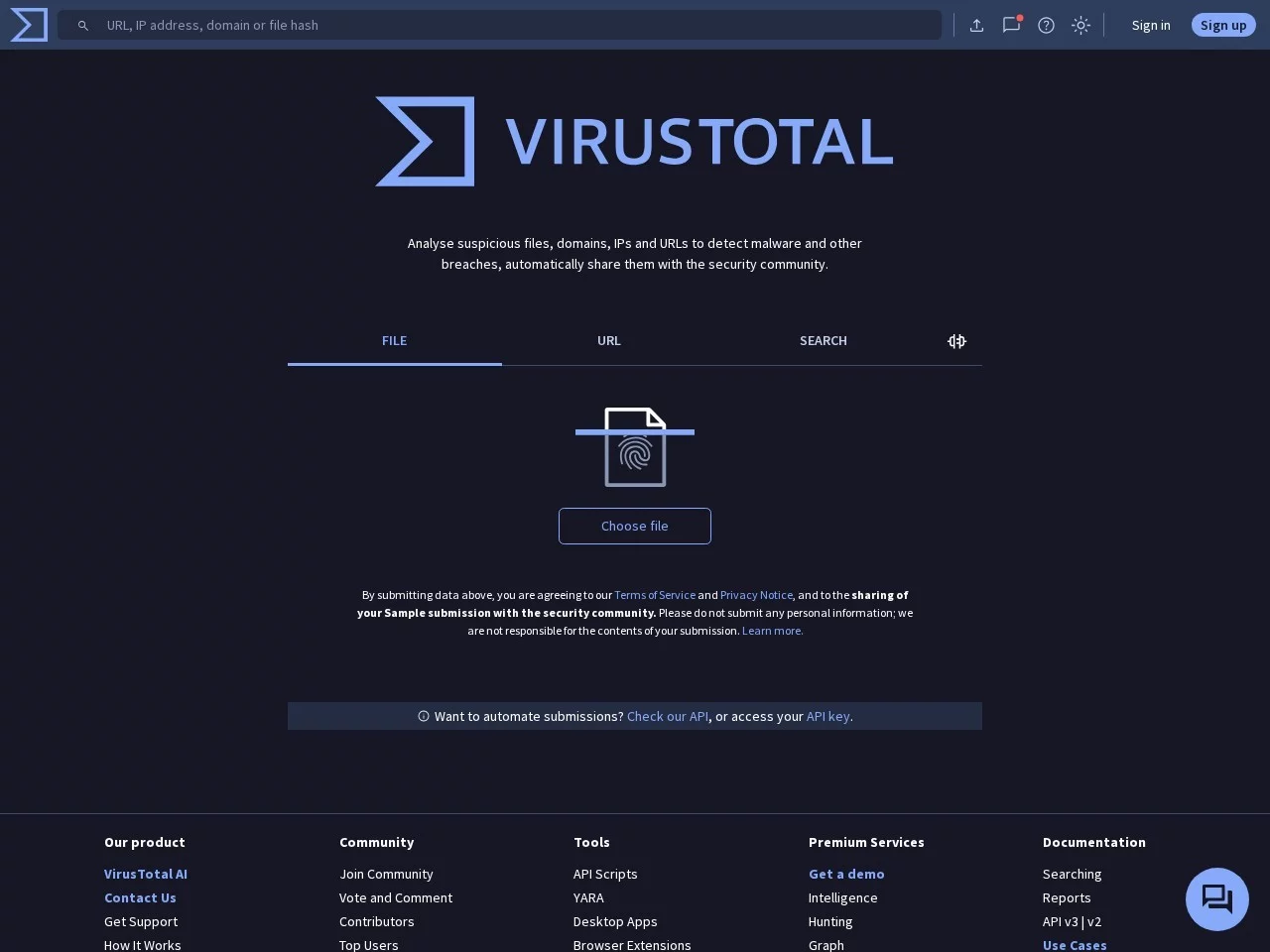
 VirusTotal
 online multi-engine security scanning tool
Official website: https://www.virustotal.com
When downloading unfamiliar software or receiving links or files from strangers, I always worried that my computer’s antivirus might miss a virus — after all, some niche tools and cracked content may not be covered by mainstream antivirus, and phishing links are even harder to guard against. Later, on a friend’s recommendation, I started using this online virus scanning tool. It requires no extra programs — just open it and use it, which saves a lot of hassle.
I hit several pitfalls when I first started: for example, I initially thought it could only scan local files, but later discovered it could also scan URLs — many shortened links hide phishing information, and this feature is exactly what’s needed; another time I uploaded a fairly large installation package and impatiently closed it halfway, wasting all that effort; the worst pitfall was only looking at the most prominent ‘safe/dangerous’ label in the report and ignoring each engine’s specific feedback. I later found that an unfamiliar engine often gave false positives — that time I nearly deleted some useful files.
The most practical thing about this tool is that you can get multi-dimensional security conclusions without any hassle. I’ve tried other similar online scanners: either you have to register an account, or they call only a handful of engines, making the results too one-sided; this tool calls quite a number of antivirus engines, covering different virus databases, plus there are user community comments — for files that many people have uploaded, people leave comments about whether there’s bundled software or whether it’s a false positive, which is far more reliable than analysing it yourself.
The individual features also fit real needs well:
Compared with other similar tools, its advantages are quite obvious: it can be used without registration, with no messy ad pop-ups; the engine feedback in the report is detailed, showing each engine’s status rather than just a vague result; it also offers an API — if you need to check files in bulk, there’s no need to upload them manually; a simple script will do, which suits security professionals or site owners. Other platforms either limit API calls or charge for them, so the barrier here is much lower.
There are a few pitfalls to avoid when using it: never upload files containing personal privacy information — no matter what the platform says about not storing them, don’t take the risk; wait for the upload to complete and don’t close it halfway, or the upload is wasted; when reading the report, focus on the feedback from mainstream antivirus engines — don’t worry too much about errors from niche engines, as many are false positives; don’t upload malicious samples you’re testing yourself, as violations will cause problems; if a scan flags a problem, don’t delete it in a hurry — verify with one or two other platforms first to avoid accidentally deleting useful content.
Quite a few people will find this tool useful: ordinary users can use it to check safety when downloading unfamiliar software or receiving unfamiliar links; security professionals can use it as an auxiliary detection tool; site owners can use it too, to check whether their domains have been flagged as malicious sites. It’s not suitable for those who need extremely fast scans or want to upload very large files — after all, multi-engine detection requires waiting for every result, so the speed won’t be particularly fast, and it can’t match dedicated single-engine virus scanners.