Screenshots
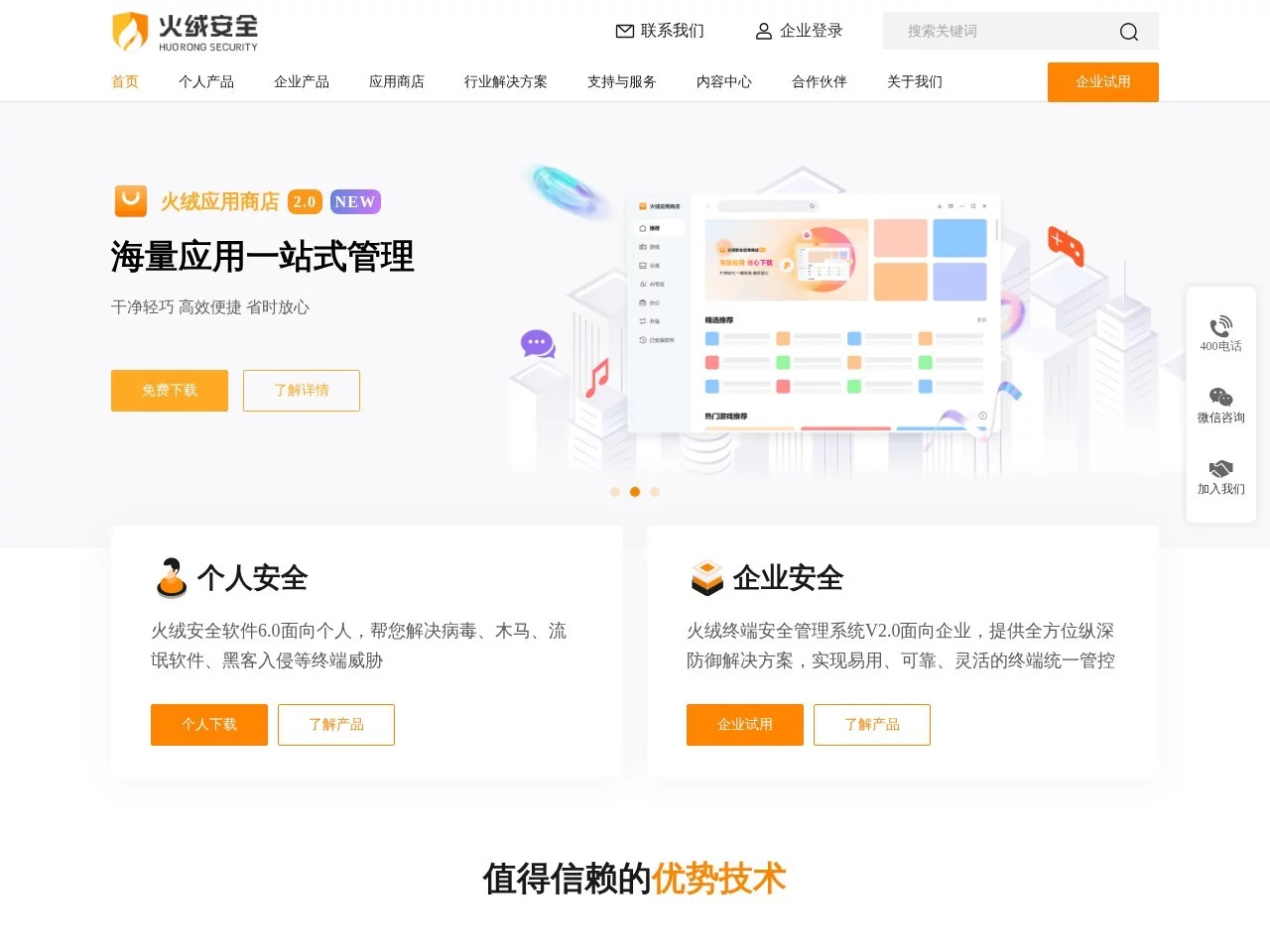
Official Website: https://www.huorong.cn
I use my computer mainly for office documents and design files, with a pile of browser tabs open. What I fear most is security software popping up ads or bundling all sorts of junk. I’ve fallen into too many traps before and switched between several security tools before finally settling on Huorong — its “clean” nature hit my core needs perfectly.
- The first trap beginners easily fall into: assuming free security software has incomplete features. In fact, all basic protection in the personal edition of Huorong is fully open. It has never popped up prompts like “become a member for better security”, and you can use all features without any threshold.
- The second misconception: thinking Huorong is only for virus scanning. In fact, its system-level popup blocking is the most practical highlight. It blocks not only browser ads but also input method notifications, background popups and the misleading ads built into the system. When I used other software before, my input method kept popping up “claim your red packet today”; after adjusting the settings in Huorong, it never appeared again.
- Advanced users often overlook Huorong Sword, thinking it is a hacker-only tool. In fact, ordinary users can use it to check abnormal processes. For example, when the computer slows down for no reason and Task Manager only shows the process name without the path, Huorong Sword can directly locate the unknown program in the temporary folder. It has helped me solve several problems of background programs secretly running.
- Some people always think they need to turn on full protection to feel safe. For personal use, real-time protection and network intrusion blocking are enough; other features can be adjusted as needed, which saves resources without interrupting daily operations.
The core practical value of Huorong is that it fully fits the usage habits of Chinese users. It has none of those flashy add-on features, runs few background processes, and never secretly uploads data. Its resource usage is even lower than many lightweight tools. When I have a dozen documents, design software and browsers open at the same time, the background usage of Huorong is almost unnoticeable.
- Virus scanning: not the heavy kind of scan that takes half an hour — a custom scan of common folders finishes in a dozen or so minutes without interrupting work. Scan results are clearly labelled, and falsely flagged files can be restored manually without any complicated steps.
- The real-time protection design is thoughtful: when you plug in a USB drive, it doesn’t secretly scan in the background but pops up a small window for you to choose. I usually pick a custom scan to avoid mistakenly deleting normal files. I once plugged in a USB drive copied by a friend that carried an ad plugin, and Huorong directly blocked the malicious program and didn’t let it stay.
- Network intrusion blocking: when connected to a public hotspot, you can see directly whether unknown IPs are trying to connect in the background. I once connected to WiFi in a coffee shop and Huorong popped up a blocking notification, avoiding the risk of data leakage. This is very important for people who often use public networks.
- Hands-on experience with Huorong Sword: once my computer was inexplicably running an unknown process that took up memory, and Task Manager only showed a process ID with no specific path. I clicked into the process module of Huorong Sword and saw the path was in a temporary cache folder. After ending the process and deleting it, it never appeared again. This feature has solved several headaches for me.
Compared with similar platforms, Huorong’s advantages stand out:
- Compared with a certain traffic-focused domestic security software, it has no popup acceleration, lottery inducements or automatic bundling of other software after installation. Even update notifications can be turned off, so it never interrupts work — particularly worry-free for office users.
- Compared with foreign security software, it detects domestic rogue software and bundled plugins from download sites more accurately. Domestic malicious programs often missed by foreign tools can be directly blocked by Huorong, making it well suited to the Chinese software environment.
- Compared with niche security tools, it offers more complete features: both basic protection and advanced tools like Huorong Sword, so you don’t need to install a pile of scattered small programs.
A few tips to avoid pitfalls when using it:
- Don’t use third-party modified versions of Huorong. Although some versions add features, they most likely carry malicious programs. The official version is the safest. A friend of mine used a modified version and his computer got a bundled virus, which took ages to fix.
- Make sure to enable system-level blocking in popup blocking. By default it only blocks browser ads. I didn’t enable it at first, and system popups kept covering my work windows. Only after enabling system-level blocking in the settings did the full effect show.
- Don’t casually whitelist cracked software. Cracked files mostly carry malicious programs, and Huorong’s false positive rate is very low. When something is wrongly blocked, first confirm the file is safe, then add it to the whitelist manually — don’t just turn off protection.
- Know the difference between the personal and business editions. For personal use, download the personal edition; the business edition is for companies and has centralised terminal management. Don’t download the wrong version.
Huorong suits these people: those who use computers for daily office work and hate ads, popups and interruptions; those with average computer skills who don’t want to fiddle with security settings but worry about hidden risks; and advanced users who like studying system processes and troubleshooting small issues.
It is less suitable for: those who need enterprise-level terminal management, or those who enjoy tinkering with custom settings across various security software. If you pursue extreme personalisation, Huorong may not satisfy you for now, but for everyday personal use it is more than enough.

 Huorong Security Software