
AD Recommendation
Join Now
Important: Please do not trust the content and ads of various websites easily! Recommended reading: Safety Tips
Qingtu
Scan to visit on your phone
3wks agoupdate 680 00
0

QingtuQingtu

Requires registration to use, online blurry image sharpening, blurry photo sharpening


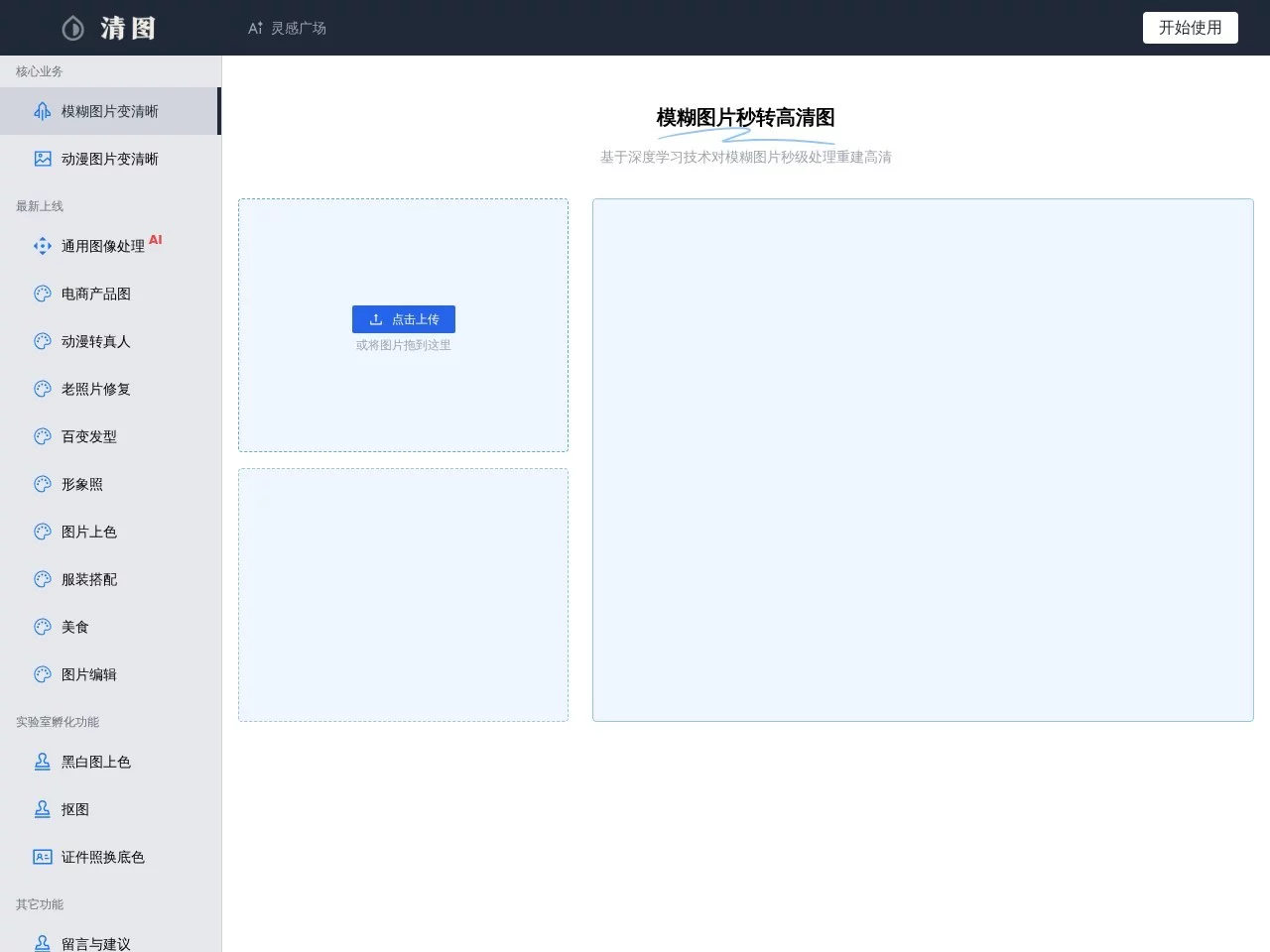
Screenshots

Qingtu

Old photos getting blurry, screenshots being unclear, product images lacking sufficient resolution… These frustrating image issues now have a simpler solution. Qingtu is an online image processing platform based on deep learning technology, with its core capability being converting blurry images into high-definition ones. It also offers various functions such as anime image sharpening, smart matting, ID photo processing, colourisation of black and white photos, image compression, and adjusting image DPI. Users don’t need to download software or master professional photo editing skills; they can complete processing just by opening a web page.

Qingtu Official Website Entry

Official website: https://qingtu.cn/

Qingtu adopts a fully online operation method, and the entire process can be summarised in three steps: visit the official website, upload an image and select a function, download the processed high-definition image. The platform uses advanced AI algorithms to perform intelligent analysis and reconstruction on images, with fast processing speed and high efficiency, so there is almost no learning threshold for ordinary users.

Compared with traditional photo editing software like Photoshop, Qingtu’s advantage lies in encapsulating complex algorithms into one-click operations. There is no need to understand professional concepts such as layers, masks, or sharpening parameters; just click the corresponding function button, and the rest of the work is done by AI, so you can get the finished product in a few minutes.

Overview of Qingtu’s Main Functions

In addition to its signature function of sharpening blurry images, Qingtu has built a complete functional matrix around daily image processing needs, mainly including:

  • Blurry images to high-definition: Based on deep learning models, it restores details of low-quality images, making blurry photos clear and distinguishable again.
  • Anime image sharpening: Optimised for anime images, lines remain smooth after enlargement, making it suitable for processing avatars, illustrations, and wallpapers.
  • Smart matting: Automatically recognises the subject and background, quickly separating people or objects, eliminating the tedious steps of manual matting.
  • ID photo processing: Standardises ID photos to meet the needs of daily uploads, printing, and other scenarios.
  • Colourisation of black and white photos: Uses AI to intelligently colourise old black and white photos, bringing back colours to yellowed memories.
  • Image compression and DPI adjustment: Adjusts file size and resolution parameters, making it convenient for uploading to platforms or printing.

These functions cover the complete chain from restoration and beautification to output, and one website can basically solve most image problems that ordinary people encounter in daily life.

How Does the DouDou Mechanism and Free Quota Work

Qingtu requires registration with a mobile phone number to use. The platform’s billing unit is called DouDou, and one DouDou is consumed for processing one image. New users receive one DouDou upon registration, and can claim one more DouDou every day through check-in.

According to this rule, if you only need to repair one or two photos occasionally, the DouDou obtained through registration gifts and daily check-ins can basically achieve completely free use, which is quite friendly to light users.

  • Occasional processing of one or two images: The DouDou from registration and check-in rewards can cover the demand, no need to spend money.
  • Users with batch processing needs: DouDou is consumed quickly, so you can consider pairing with other free image sharpening tools, or use the Qingtu platform for paid processing.

Who Is Suitable for Using Qingtu

From the functional positioning, Qingtu is suitable for a wide range of people, and the following types of users are especially worth trying:

  • Individual users: Repair old family photos, process blurry daily photos, organise blurry screenshots in mobile phones.
  • Photographers: Enhance details of finished images, making up for insufficient clarity caused by limited shooting conditions.
  • Designers: Perform operations such as enlargement, matting, and compression on materials, improving daily work efficiency.
  • Anime enthusiasts: Convert low-definition anime screenshots and wallpapers to high-definition versions, which are more pleasing to the eye for collection or desktop use.
  • E-commerce operators: Optimise product image quality, enhancing the professionalism and attractiveness of store pages.

Whether it is improving image quality or creative editing, as long as it involves image processing, Qingtu can provide corresponding solutions.

Usage Steps and Common Questions

Is Qingtu’s Operation Process Complicated

Not complicated at all; the entire processing process only requires four steps:

  1. Register and log in to the account on the official website with a mobile phone number;
  2. Upload the image that needs processing;
  3. Select the corresponding function, such as image sharpening, matting, or colourisation;
  4. Wait for the AI processing to complete and download the high-definition image.

Can Processed Images Be Used As Evidence

Here is a special reminder: Images processed by Qingtu are simulated based on machine learning algorithms, not factual images, and cannot be used as legal basis. If it involves scenarios with strict requirements for image authenticity such as evidence collection or judicial matters, please keep the original materials; AI-enhanced versions are only recommended for daily display and appreciation.

What If There Are Many Images to Process

For users with a large number of images, relying solely on check-in to accumulate DouDou may not be enough. In this case, there are two ideas: one is to pair with other free image sharpening tools for shunting processing, and the other is to use the Qingtu platform for paid processing; you can choose flexibly according to your own processing volume and budget.

If you are troubled by blurry photos, you might as well visit the Qingtu official website to try it out personally, upload an image to experience the actual effect of AI restoration, and then decide whether to include it in your list of commonly used tools.

Relevant Navigation

No comments

You must be logged in to leave a comment!
Login immediately
none
No comments...