Erase.bgErase.bg is an efficient background removal tool that automatically removes backgrounds from all types of images, from HD to 4K, without any loss of image quality.
Screenshots

Last week, I was helping a friend organise product images for their Taobao store, but I spent the whole afternoon and still hadn’t finished. I was manually tracing the product outlines in Photoshop, but there were always background noises left on the edges. Outsourcing to a photo editor would take ages and cost hundreds of yuan. Then I found out about a tool called Erase.bg—just upload the image on its website, and it’s done in seconds, with no loss of image quality.
An online background remover with no software to install—just open the website and use it
Official website: https://www.erase.bg/zh
I used to think background removal was a job only professional photo editors could do—either you had to master complex Photoshop operations, or pay someone to do it, which was out of reach for ordinary users. In fact, I’ve tried many online background remover tools before, but either the processed images turned out blurry, or you had to meet specific format requirements to upload, which was a real hassle. Erase.bg is different: you don’t need to download or install anything. Whether it’s a Windows PC, Mac laptop, or iOS/Android mobile device, you can open the browser and enter the URL to start using it.
I specifically tried uploading a large 4K product image. I was initially worried that online tools would compress the image quality, but the processed image retained even the smallest details like hair strands and product edges, with almost no difference in clarity from the original. Whether you’re making a main image for an e-commerce product page, or an avatar or shareable image for social media, it’s ready to use directly—no need for extra editing to waste time.
Three simple steps from upload to saving: the background removal process
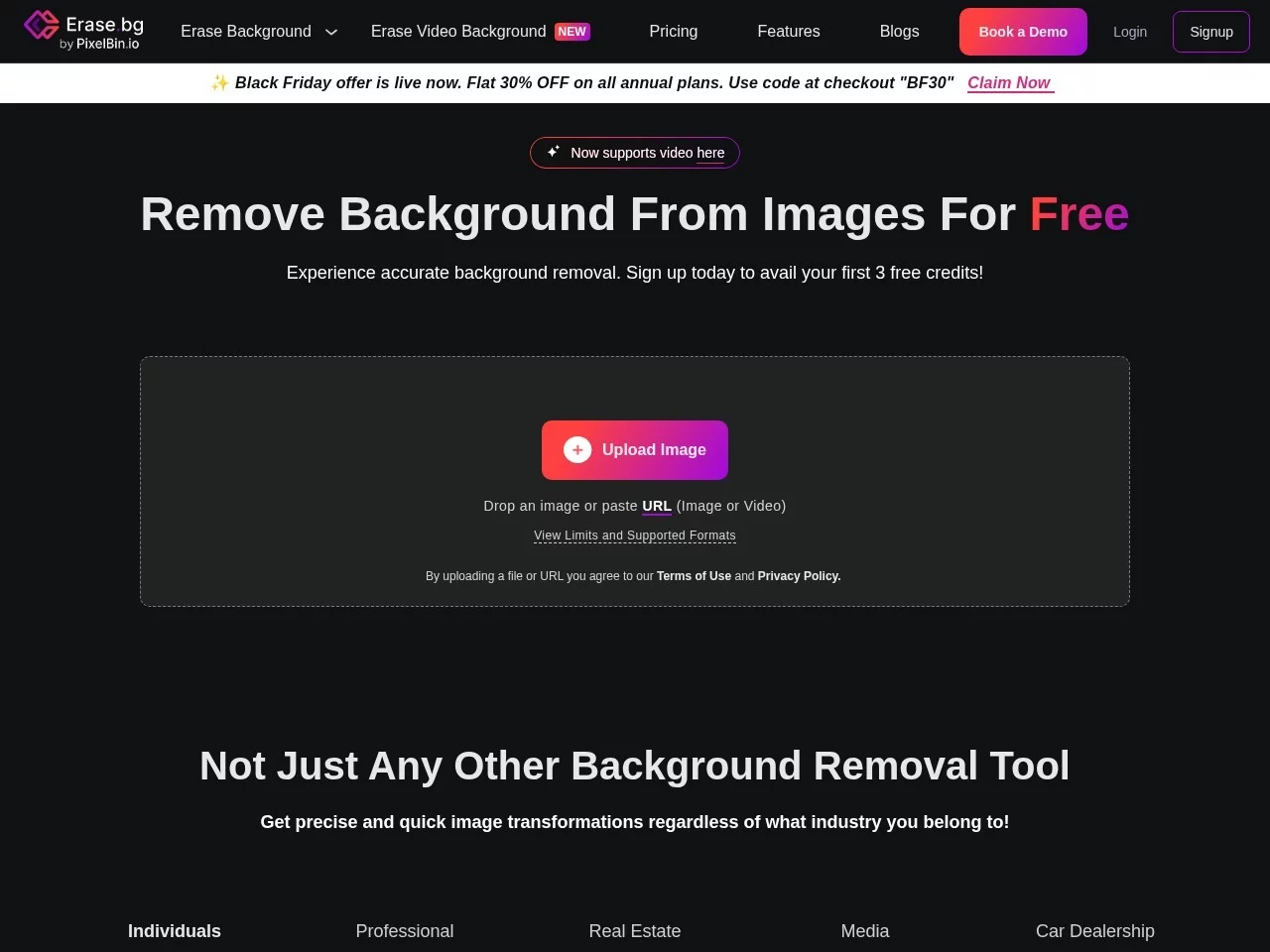
When I first used Erase.bg, I was worried there would be a bunch of complicated settings, but when I opened the website, I found it was very clean—there was only one upload button. Click it to select images from your computer or mobile phone, and it supports a wide range of formats: common JPG, PNG, and even professional RAW images can be uploaded normally.
After uploading, click confirm, and in just a few seconds, the system will automatically remove the background. I watched the progress carefully at the time—after about three seconds, an image with a clean transparent background was ready. The subject edges were very smooth, with no jagged lines. Finally, just click save to store the image locally. The whole process takes less than ten minutes—way more than ten times faster than using Photoshop for background removal before.
A background remover for all people, covering all scenarios
Later I found out Erase.bg has many uses. My friend is a Taobao seller; he uses this tool to make product main images. Before, he had to take photos of products on a solid background, but now he can upload a photo of a product taken casually in the living room, and it will automatically remove the background—ready to use directly, saving a lot of photo-taking time.
Designer friends also love using it. They always need to remove backgrounds from many images when making posters or materials, and before they used to batch process in Photoshop. Now with Erase.bg’s batch service, they can upload dozens of images at once, process them directly, and save them—no need to operate one by one, saving a lot of repetitive work time. Developer friends integrate this tool’s API into their own systems; after customers upload images, the background is automatically processed in the backend without manual intervention, making the whole process very smooth. Even ordinary users who want a new avatar can upload a selfie, and a transparent background image is generated in seconds—no need to learn photo editing to get it done.
No need to worry about quality loss or hassle—every detail is considered
The biggest headache with other background remover tools I’ve used before is that large images get blurry or edges aren’t removed cleanly. Erase.bg doesn’t have this problem. Its AI algorithm seems to focus on details: whether it’s a high-definition image or a large 4K image, it retains the original resolution after processing. Small details on edges, like hair strands or tiny product textures, are clearly recognised—no over-smoothing that makes the image look unnatural after background removal.
If you need to process a large number of images, don’t panic—it has a batch background removal service, upload multiple images at once and process them uniformly, no need to wait for each one. For developers, you can integrate the API into your own business system—no need to upload images manually every time, just connect to the system to process automatically, which greatly improves efficiency.
A few small questions to clarify before using
Do I really not need to download software?
Absolutely not. It’s an online tool—whether on a computer or mobile phone, just open the browser to use it. No need to install any programs locally, and it doesn’t take up memory on your computer or phone. Just close the website after use—very convenient.
Will large images lose quality during processing?
No. It supports all image types from HD to 4K, and tries to retain the original quality during processing. It won’t compress images just because it’s an online tool. I tried uploading a 4K landscape image, and after processing, when I zoomed in, the details of the subject were still very clear.
Can it integrate with my existing workflow?
Ordinary users follow the simple steps: upload, remove background, preview, save—very easy, no need to change your habits. For enterprises or developers, use the batch service or API integration, connect directly to your own system, no need for manual operation, and it can fit into your existing workflow.
Later I recommended this tool to several friends around me—whether e-commerce sellers, designers, or ordinary people wanting a new avatar—they all said it’s very convenient, and they no longer have to worry about background removal.
Relevant Navigation
miniPaint
Online Portrait Retouching, Photo Online Editor
PixEraser

Yingjingtu
remove.bg
Drawnix