BigjpgIntelligent lossless free image upscaling
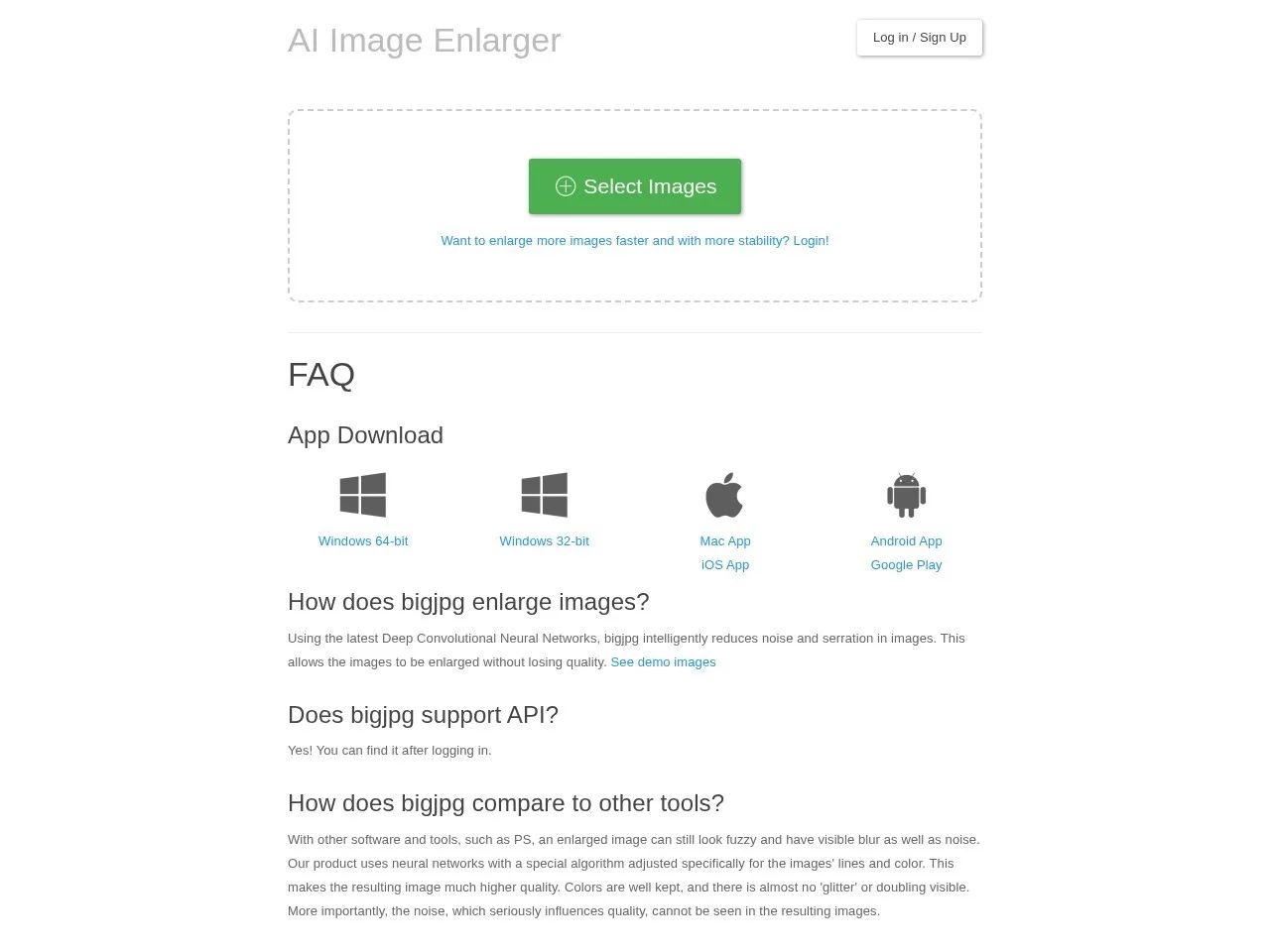
Screenshots

Blurry when enlarging small images? Bigjpg uses AI deep learning to reshape image quality
In daily work and life, we often encounter such troubles: we finally find a favorite image, but its size is too small. When stretched and enlarged directly, it is either full of screen noise or jagged edges, making it completely unusable. Bigjpg is an AI image lossless enlargement tool designed to solve such problems. Based on Deep Convolutional Neural Network (DCNN) technology, it can intelligently supplement details while enlarging images, keeping the picture clear, colors realistic, and edges sharp, with a maximum output of 4000×4000 4K-level ultra-high resolution.
Official website: https://bigjpg.com/
Different from traditional interpolation enlargement tools, Bigjpg does not simply stretch and fill pixels, but learns and deduces image content through neural networks, automatically reducing noise and eliminating jaggies during enlargement. The official is quite confident about its effect — “Use AI Deep Convolutional Neural Network (CNN) to intelligently and losslessly enlarge images for free, the effect beats PhotoZoom enlargement”. For users who often work with images, this undoubtedly provides a new choice worth trying seriously.
Core Capabilities Breakdown: Enlarge Multiples, Noise Reduction and Stylization in One Step
Up to 32x Enlargement, Supports 4K-level Output
Bigjpg provides multiple enlargement multiples for users to choose freely, covering from mild enlargement to extreme stretching. Supports up to 16x or 32x enlargement, it can produce 4K-level (4000×4000) ultra-high resolution images. Even if the original image has a very low resolution, you can get a finished product with considerable size and well-preserved details.
Dual Optimization: Noise Reduction and Stylization
- Lossless Enlargement: AI algorithm reduces noise and jaggies while enlarging images, resulting in natural and delicate image quality;
- Noise Reduction Processing: Automatically removes noise during enlargement, making the final image cleaner and more transparent;
- Stylization Options: Provides different optimization modes for two types: illustrations and ordinary photos, with particularly excellent line smoothness after enlarging anime and illustration images;
- Multiple Multiples Optional: Choose different enlargement multiples as needed, flexibly matching various uses such as printing, display, and wallpapers.
The design distinguishing between illustration and photo styles is very considerate — photos focus more on restoring real textures, while illustration and anime images emphasize sharp lines and color blocks. The advantage of separate processing is that, no matter what type of image, you can get an enlargement effect matching its own characteristics.
Cross-platform Support: Web, PC, Mobile, Available Anytime, Anywhere
Whether a tool is good or not, whether it can be called anytime and anywhere is key. Bigjpg has done quite comprehensively in this regard, supporting five platforms: Web, Mac, Windows, iOS and Android. That is to say, whether you are batch-processing materials on a computer in the office, or using a mobile phone for emergency use outside, you can open Bigjpg to complete image enlargement, with consistent user experience across different devices.
For users who do not want to install software, they can directly access the official web version for online use; designers and photographers who are used to local operations can choose the corresponding desktop client or mobile application. This cross-platform strategy allows Bigjpg to adapt to various work scenarios and device conditions, truly putting AI enlargement capability in everyone’s pocket.
Free Quota and Paid Versions: Options for Both Light and Heavy Users
Bigjpg adopts a dual-version model of free and paid. Free users can enlarge 20 images per month, which is sufficient for light users who only need to enlarge a few images occasionally; for heavy users such as designers and content creators who need to process images frequently, the paid version provides higher upload limits and faster processing speed, with very obvious efficiency difference when batch processing. It is recommended to first test the effect with the free quota, then decide whether to upgrade according to actual usage frequency.
Developer’s Gospel: Open API Interface
In addition to the web version and clients on various platforms for ordinary users, Bigjpg also provides API interface, making it convenient for developers to integrate AI image enlargement capability into their own applications or workflows. This means if your product needs image enlargement function, you do not have to train a model from scratch; directly call Bigjpg’s interface to quickly implement it, greatly reducing development costs.
Who is Most Suitable for Using Bigjpg?
- Designers: The obtained materials have insufficient resolution and need to be enlarged for printing or large-screen display;
- Photographers: Enlarge local areas after cropping, while requiring details and colors to remain realistic;
- Content Creators: The sizes of self-media images do not meet standards, but remain clear and sharp after enlargement;
- Anime and Illustration Enthusiasts: Want to enlarge and save small-sized illustrations or anime images in their collection, or make them into wallpapers;
- Developers: Hope to integrate AI enlargement capability into their own products, with the API interface ready to use.
If you also have a batch of images that are “too small and blurry when enlarged”, you might as well try it yourself with the free quota on Bigjpg’s official website: upload an image, select the appropriate enlargement multiple and style, and intuitively feel the difference between AI lossless enlargement and traditional stretching.