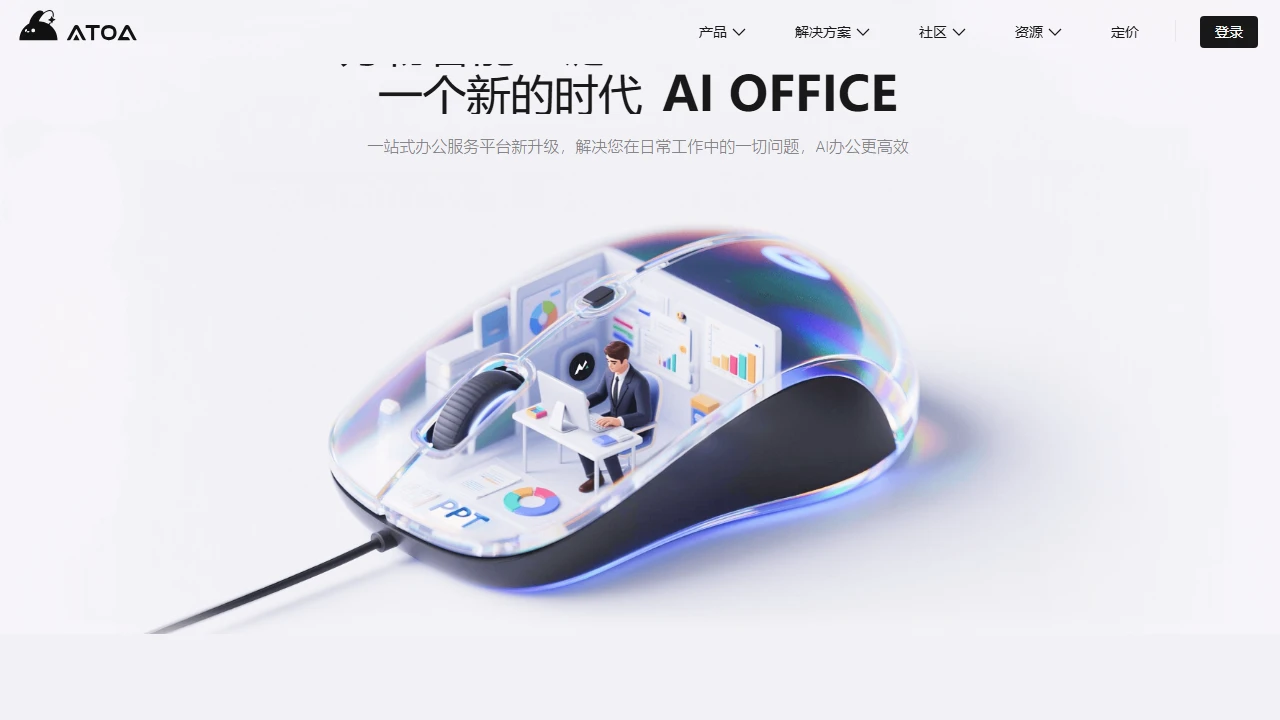
Smart AI ATOA.AIAToA.AI (Smart AI) adopts the core concept of "Intelligence is Office" in the office field, subverting the traditional concept of office software through cloud-based inte...
Screenshots

On a Friday afternoon rushing to meet a project deadline, are you staying late at the office staring at a blank PPT, wanting to create a brand LOGO but worried about copyright pitfalls? The several tools from ATOA.AI can solve these common workplace problems.
First, clarify your core needs
Many people using AI office tools try to cover all functions at once, but end up choosing the wrong ones that suit them. In fact, as long as you first clarify the specific problem you need to solve, you can quickly find the corresponding tool. For example, if you need to create a presentation for a report, don’t use the LOGO generation function; if you need to organise core data from meeting notes, look for a tool that can extract key points from documents.
Official website: https://www.minds.vip/
When choosing tools, don’t just look at what they “can do” — pick ones that are “easy to use”
Most office workers don’t have much time to learn complex tools, so the learning curve is the key factor when choosing such AI platforms. Take AIPPT for creating presentations: you don’t need to remember any shortcuts, just enter the topic and core content, and a complete PPT can be generated in a few minutes, with one-click switching between different styles such as minimalist and tech styles.
The same applies to AILOGO for creating brand identities: you don’t need to know design, just specify “tech feel, blue tones” or select the relevant industry, and multiple designs can be generated. You can also edit colours and graphics online, export high-definition formats such as PNG and SVG, and there’s no need to worry about copyright issues for commercial use.
AIDOC for document processing and AICHART for creating charts also have low learning curves. AIDOC can write reports, extract core content from long documents, and polish the language; AICHART can upload Excel or CSV data, automatically generate bar charts, line charts, etc., without manually adjusting axes and colour schemes, and the exported formats can be directly used in PPTs or posters.
Avoid these common pitfalls
When using AI tools, don’t just use the first version of the generated content — check the details carefully. For example, the content generated by AIPPT may have parts that are not closely related to the topic, so you need to adjust the core information accordingly; for designs generated by AILOGO, confirm whether the colours and graphics will conflict with existing brands, as consistency is important for commercial use.
Also, don’t ignore the copyright statements of the tools. The LOGOs generated by AILOGO are copyright-protected, but it’s best to double-check the copy written by AIDOC and the charts created by AICHART, especially for content used for external promotion, to avoid text or data errors.