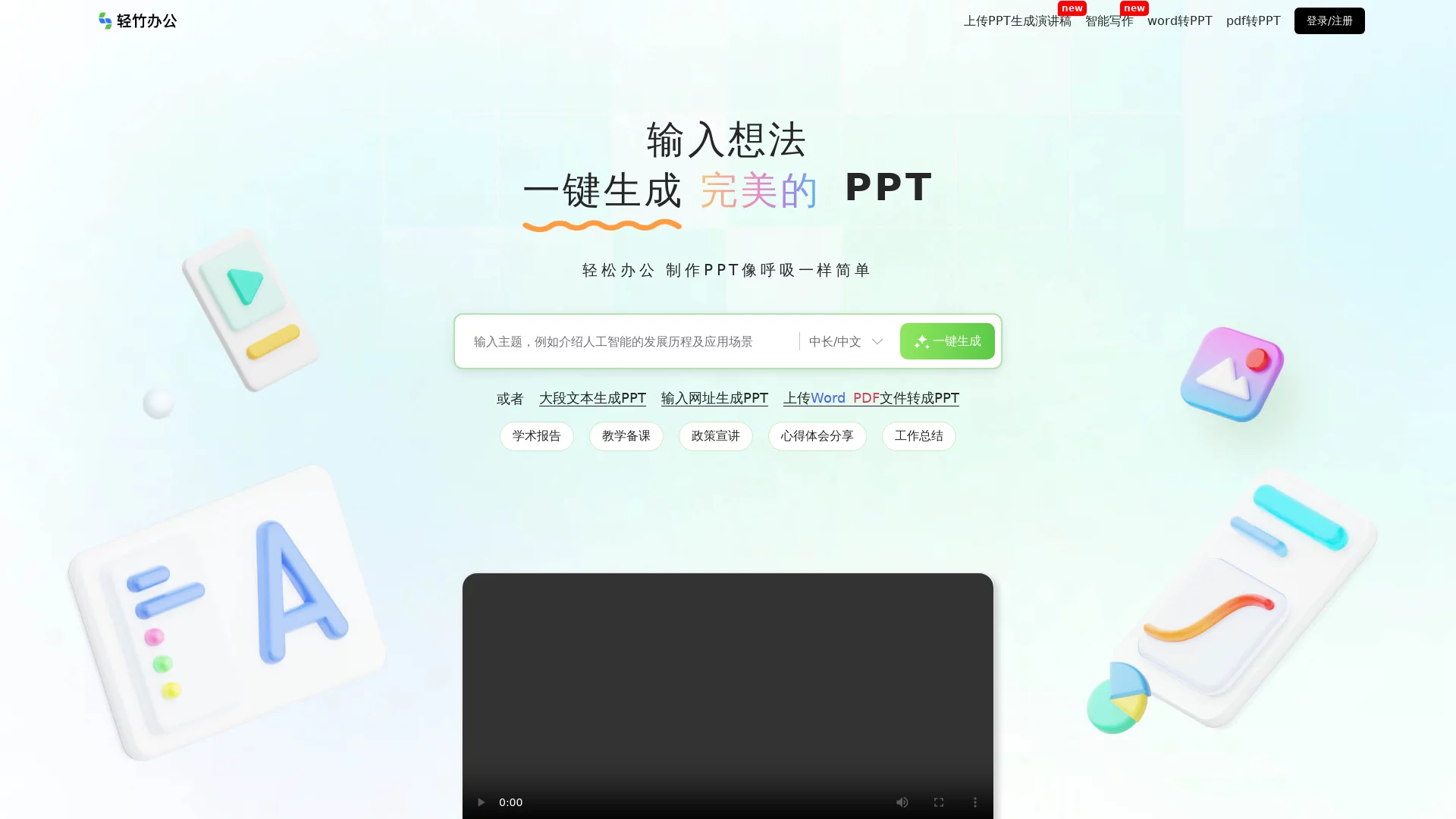
Qingzhu PPTAI Auto-Generated PPT
Screenshots

Many office workers have experienced the embarrassment of realising their PPT is still on the title page right before a presentation. Qingzhu PPT is an AI auto-generated PPT tool designed for exactly such moments: just input the PPT topic, the Qingzhu AI PPT generator can produce the entire set of content in 10 seconds, and automatically complete the layout, turning “starting a PPT from scratch” into “editing a ready-made first draft”.
One Topic, One Full Set of Slides in 10 Seconds
Official website: https://www.qzoffice.com/
The logic of using Qingzhu PPT is very straightforward: tell it “what you want to present”, and leave the rest to AI. After inputting the topic, the system will first generate the PPT outline, then complete the content copy page by page around the outline, and automatically apply the appropriate template style at the same time. The entire generation process takes only about 10 seconds. For people who receive tasks at short notice and are pressed for time, this means they can directly skip the three most time-consuming steps: “building the framework, filling in the text, adjusting the layout”.
The generated first draft is not set in stone. Qingzhu PPT supports online editing, allowing you to adjust text and content in the browser; if you are not satisfied with the overall style, you can also change the PPT template with one click, and the system will automatically re-layout, eliminating the need for manual rework page by page.
Four Core Capabilities Covering the Entire PPT Creation Process
For each link of “Input — Generate — Beautify — Export”, Qingzhu PPT has corresponding functions:
- Generate PPT with one sentence: Input the PPT topic, AI automatically generates the outline and all content copy in 10 seconds, and automatically matches the PPT template;
- Generate PPT from Word/PDF documents: Copy and paste the article, or directly upload Word/PDF documents, AI will automatically understand the content and convert it into PPT, which is especially suitable for occasions where you already have finished materials;
- Massive templates and resources: Provides PPT templates and a large number of resources in different styles and color schemes, and automatically re-layout when switching templates;
- Download and secondary editing: Download .pptx files to local in seconds, the format is fully compatible with all PPT software, and the downloaded files still support further editing.
In addition to these functions, Qingzhu PPT is also equipped with AI-assisted creation and editing: when you have no ideas halfway through writing, you can use AI to complete and polish the copy, making the content of the entire PPT more coherent, rather than just mechanically piling up text.
Who Is It For? These Scenarios Are Perfect Fits
In terms of applicable people, Qingzhu PPT covers users from various industries such as government agencies, business white-collar workers, enterprise management, university teachers and students, and education and training. As long as you need to deal with slides frequently, you can find your own use case:
- Work summary PPT: Hand over scattered materials to AI at the end of the quarter or year-end inventory, and quickly build a presentation framework;
- Teaching courseware PPT: Teachers input the course topic when preparing lessons, get the courseware draft in 10 seconds, and leave time for teaching design;
- Thesis/Project defense PPT: Before thesis or project defense, use the document import function to convert existing materials into a well-structured presentation;
- Media promotion PPT and event planning PPT: Switch several sets of templates in different styles to compare effects, and pick the one that best fits the tone to further refine.
In other words, whether it is “only the topic, starting from scratch” or “complete materials, lacking a decent presentation form”, Qingzhu PPT has a corresponding entry to meet the demand.
Three Common Questions Before Use
I have already written Word materials, do I need to retype the topic?
No. Directly upload Word/PDF documents, or paste the article in, AI will automatically understand the document content and generate PPT, saving the effort of secondary refinement.
Can I still modify it after downloading to local?
Yes. The exported file is in .pptx format, which is fully compatible with all PPT software, and there is no obstacle whether you go back to PowerPoint, WPS for fine-tuning, or continue editing online with Qingzhu PPT.
What if I am not satisfied with the automatically matched template?
There are multiple sets of schemes in different styles and color schemes in the template library. After switching with one click, the system will automatically re-layout. Try several sets, and you will always find the one that matches the content’s style.
Let AI Create the First Draft, Focus on the Content Itself
Combining the above functions, an efficient usage can be summarized as:
- Very tight time, only the topic is thought of: Directly use generate with one sentence, get the full draft first and then modify the details;
- Already have finished Word/PDF documents: Use document import, let AI complete the structured conversion;
- Care about visual presentation: Switch several sets of templates, and quickly compare drafts with automatic layout;
- Pursue perfect details: Download .pptx to local, and finish with the software you are comfortable with.
The most time-consuming part of making PPT is never the layout itself, but the process of repeatedly overthrowing and starting over. For users who deal with presentations, courseware, and planning documents every week, entrusting the first draft to Qingzhu PPT and focusing on polishing ideas and on-site expression is a more cost-effective division of labor.