

Color MorphColor Morph — online gradient background generator
Screenshots

Struggling with gradient backgrounds as a designer? Color Morph can help
Why can others finish a gradient background in half an hour while you spend ages fiddling with the colour palette? Often it’s not that your skills are poor — you just haven’t found the right tool. Color Morph is a free online tool that solves this problem: no software to install, no complex code to remember, just open the web page and start using it. It’s designed to save time for designers and web developers.
Official website: https://www.color-morph.com/
Figure Out Your Needs First
Many people start clicking around randomly as soon as they open Color Morph, only to end up with gradients that are either too flashy to use or too plain to stand out. In fact, knowing what you want beforehand makes the whole process much smoother. For example, if you’re making a website banner, you’ll need a bold, striking gradient; if you’re making a small mobile app icon, you’ll need to keep the gradient’s complexity in check.
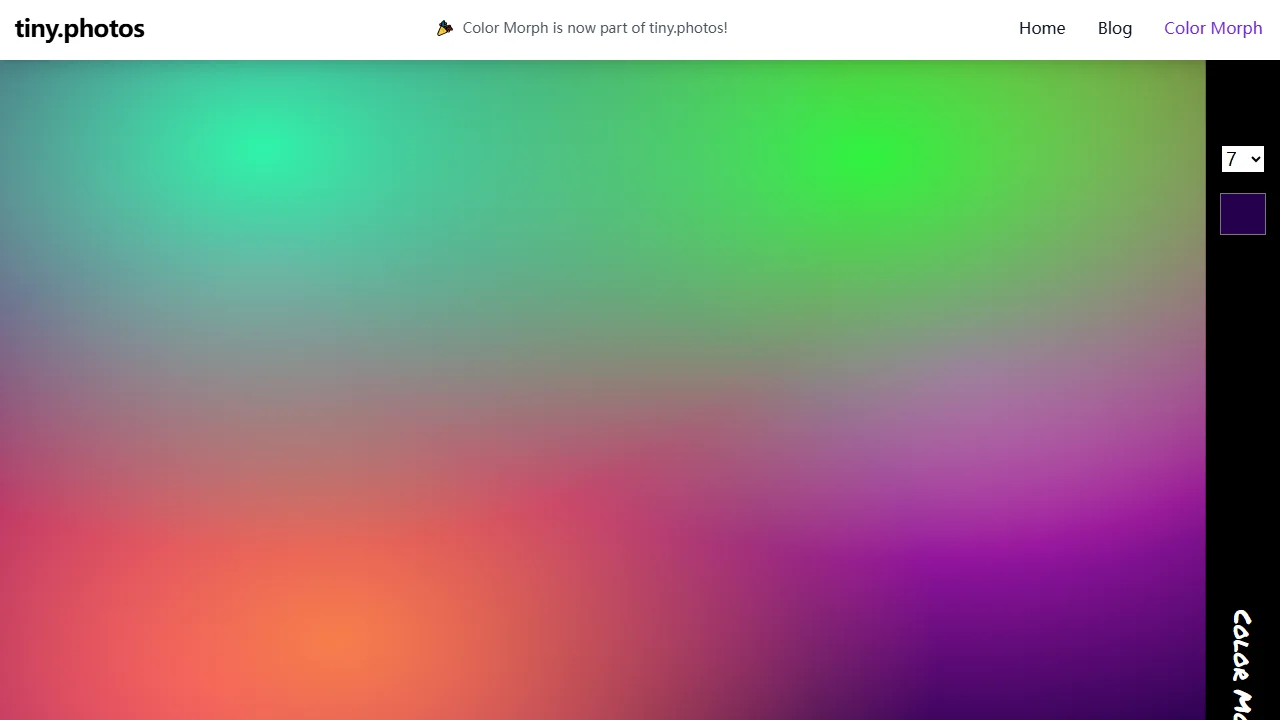
Here’s a small detail many people miss: Color Morph lets you choose the number of colour layers. For a clean, minimalist style, choose 1 to 2 layers for a soft, gentle gradient that’s easy on the eyes; for the eye-catching effect of an event poster, choose 3 to 4 layers to create a rich, vibrant look that won’t clash with the monotonous gradients seen everywhere online.
Answers to Your Key Questions
Can you create unique gradients without design skills?
Absolutely. You don’t need any professional design background — just click the random generate button. Every gradient generated is one of a kind, so you won’t share the same material with others, directly avoiding the visual fatigue of cookie-cutter designs. Even if you know little about colour, the random results will most likely meet your everyday needs, saving you the trouble of browsing colour scheme websites.
Can you adjust it to look the way you want?
Of course. Its customisation options are genuinely useful, not flashy gimmicks. You can freely change the gradient type, choosing between linear and radial; adjust the gradient angle, from horizontal to vertical, or even precisely set a 45-degree diagonal; and modify the centre point and colour parameters, such as brightening or darkening a particular colour. It can fully match whatever style you want — whether fresh and minimalist or vibrant and dynamic.
How do you use it in your projects after generating?
This is where it saves you the most hassle — no manual image extraction or coding required. The generated background can be downloaded free as an SVG file, a vector format that stays sharp at any size, whether for a giant poster or a small mobile icon. If you’re a web developer, simply click to copy the CSS code and paste it into your stylesheet — seamless integration that saves plenty of time writing gradient code by hand.
More Reasons It’s Hassle-Free to Use
Many online tools either require registration before use or charge for some features, but Color Morph has none of these hassles — open the web page and all features are available, without spending a penny. Whether you occasionally make a social media image or regularly change website backgrounds, the no-registration setup saves you plenty of effort — no need to remember a pile of account credentials.
For designers, it helps you break out of fixed colour thinking without agonising over the palette; for developers, the copy CSS feature directly cuts repetitive work — no more spending ages tweaking styles in the browser. Even if you just want a simple gradient background as your phone wallpaper, it can meet your needs without any complicated fiddling.
- One-click random generation of unique gradients — no design skills needed
- Freely adjust gradient type, angle, and colour parameters
- Free SVG download and direct CSS code copying