CoolorsCoolors online quick colour scheme generator
Screenshots

Top choice for designers’ efficient colour matching: A complete analysis of the Coolors online tool
Official website: https://coolors.co/
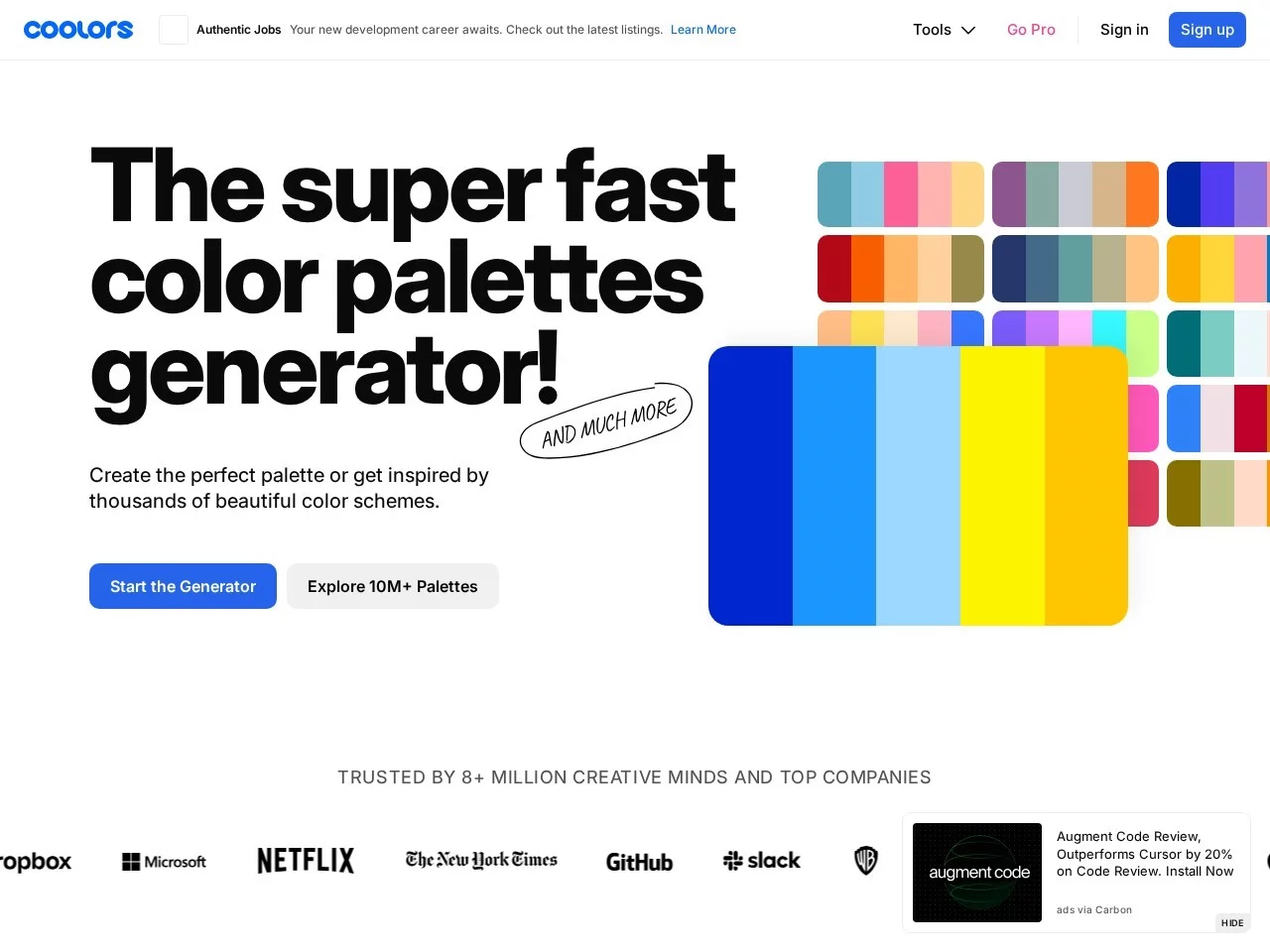
In the field of creative design, the choice of colour schemes often directly determines the overall texture of a work, and a good colour matching tool can greatly improve creative efficiency. Coolors is an online colour scheme generation platform designed specifically for designers, created and continuously maintained by Fabrizio Bianchi. It has now gained recognition from over 5 million designers and top companies, making it a highly reliable professional colour matching solution in the creative community. Whether it’s a professional brand design project or daily personal creative needs, Coolors helps users quickly generate beautiful and practical colour combinations, solving the problems of lack of inspiration and low efficiency in colour matching.
Coolors Core Features: Colour Matching Solutions for All Scenarios
Coolors’ functions are designed around the colour matching needs of different users, covering everything from quick generation to professional adjustment and cross-scenario adaptation, fully meeting the colour needs of various creative tasks. For users who need quick colour matching inspiration, the Smart Colour Scheme Generation function is a core highlight — just press the spacebar to randomly generate a set of colour schemes that comply with colour theory, and you can manually adjust the hue, brightness, and saturation of each colour to quickly optimise your desired combination.
In addition to the quick generation function, Coolors is equipped with a professional-level colour tool matrix, covering multiple practical functions such as colour palette generation, in-depth colour theory analysis, colour gradient creation, colour contrast check, image colour extraction, and colour space conversion. These tools not only meet the fine adjustment needs of professional designers, but also help non-professional users understand the underlying logic of colour matching, reducing the professional threshold of colour matching.
Multi-scenario Adaptation and Cross-platform Support: Enhancing Flexibility in Colour Matching Work
To adapt to different users’ work scenarios, Coolors provides the Theme Colour Exploration function. Users can search for popular colours or palettes of specific style themes to quickly find colour combinations that suit different design styles. Whether it’s minimalist, retro, or cyberpunk style, you can find corresponding reference schemes on the platform.
Meanwhile, Coolors supports cross-platform use. In addition to the online web version, it also offers iOS apps, Figma plugins, and Chrome extensions, making it easy for users to seamlessly switch between different devices and design software. In terms of export, it supports multiple formats such as PNG, SVG, and CSS, ensuring that colour schemes can be directly applied to different scenarios such as web pages, graphic design, and brand visual construction.
Coolors’ Practical Advantages: A Design Tool That Balances Professionalism and Usability
For professional designers, Coolors’ core advantage lies in the balance between practicality and convenience. Users can create personal accounts to save, categorise, and manage colour schemes for easy access in subsequent projects. Some functions also support offline use, allowing users to continue colour matching work even when the network is unstable, greatly improving overall work efficiency.
For non-design users, Coolors’ advantage lies in its extremely low operation threshold. Its interface design is intuitive and clear; without mastering complex colour theory basics, users can generate colour schemes suitable for their own needs through simple clicking and adjustment operations. Whether creating personal posters, social media graphics, or building simple web pages, users can quickly complete colour matching with Coolors.
Coolors Application Tips in Different Design Scenarios
In web design, users can use Coolors’ Colour Contrast Check function to ensure that colour schemes comply with accessibility standards, making web content user-friendly for all. In graphic creation, the image colour extraction function helps users quickly extract the main tones from photos and convert them into practical colour schemes. When building brand visuals, the Theme Colour Exploration function can quickly find popular colour schemes that match the brand’s positioning, enhancing the consistency and professionalism of the brand’s visuals.
In addition, Coolors’ community aspect also provides users with extra value — there are a large number of high-quality colour schemes shared by designers on the platform, which users can refer to and learn from. They can also share their own works with the community to get feedback and inspiration, forming a positive creative interaction ecosystem. Whether you are a new designer just starting out or an experienced senior designer, you can find a suitable colour matching solution in Coolors, making colour matching no longer a problem in creative work.