DiceBear
DiceBear is an open-source avatar generator designed specifically for quickly generating customizable SVG avatars for web, mobile, or any scenario requiring user avatars.
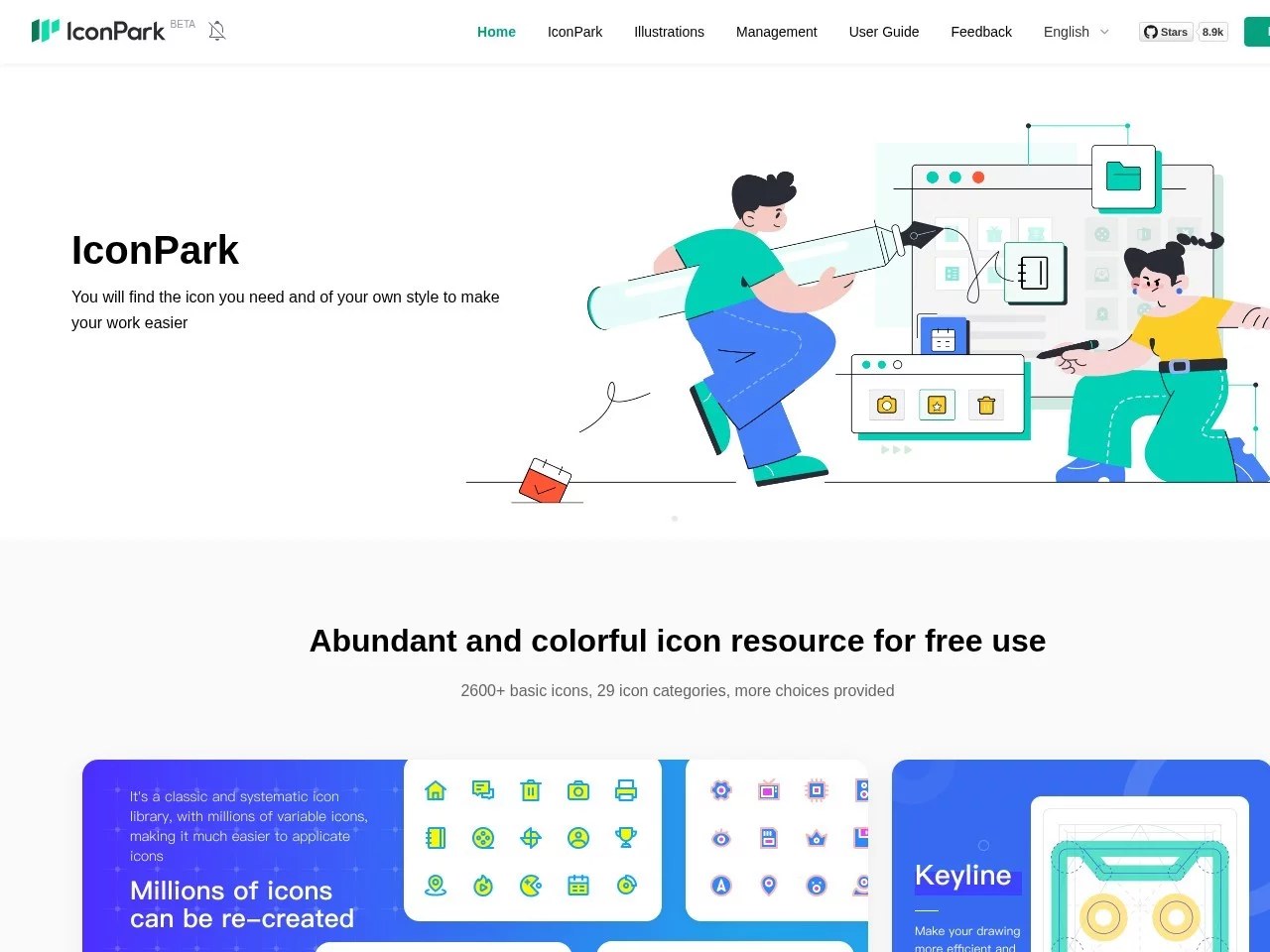
 IconPark Icon Library
An icon library produced by ByteDance
When choosing icons for a project, what is the biggest worry? Not enough assets, styles that are hard to unify, and having to redraw everything whenever the theme changes. IconPark Icon Library, an open-source icon library launched by ByteDance, was built precisely to tackle these pain points. Centred on technology-driven vector icon style transformation, it lets a single SVG source file switch freely between themes; combined with a reserve of 2000+ high-quality icons and a lightweight code structure, it has gradually become a go-to icon tool on the desks of designers and developers.
What is most remarkable about IconPark is that it turns ‘style transformation’ into an underlying technical capability. Traditionally, if designers wanted the same icon to fit different visual styles such as outline or fill, they often had to redraw it each time; in IconPark, everything is based on a single SVG source file, from which multiple visual themes can be derived directly, saving a great deal of repetitive work and making it easier to keep the icon style of an entire product consistent.
Lightweight is another keyword. The icon code structure has been streamlined, keeping the loading cost after integration relatively low — a real benefit in practice for web applications that care about first-screen speed and bundle size.
Official website: https://iconpark.oceanengine.com/
The first thing you notice when opening IconPark Icon Library is that it is ‘plentiful and easy to search’. The library contains 2000+ high-quality icons organised across a variety of industry scenarios. Whether you are building an admin dashboard, a mobile app or a marketing landing page, you can quickly locate assets that fit your business along the categories.
For UE and UI designers, it is more like an ever-replenishing ammunition depot of assets: consistent icon styles, dependable quality and flexible theme switching — from shortlisting inspiration to final delivery, everything can be done within one system, without comparing back and forth across multiple asset sites.
Developers are best placed to judge how usable an icon library is. IconPark is clearly friendly to mainstream tech stacks — it can fit perfectly with mainstream development frameworks such as Vue and React. Once integrated, icons can be invoked in a project just like ordinary components, with a learning cost that is almost negligible.
The cross-platform export feature further simplifies the workflow: it supports exporting multiple icon code libraries on demand to suit different development scenarios. Export whichever format you need, greatly streamlining the asset referencing process and sparing teams the hassle of format conversions when collaborating.
No. IconPark follows the Apache License 2.0 open-source licence, supporting free download, use and secondary development, with no commercial copyright restrictions — both personal projects and commercial products can adopt it with confidence.
Its scope of application is quite broad: UE and UI designers can use it as an efficient channel for sourcing icon assets; React and Vue developers can integrate it quickly thanks to its framework adaptation; product and design teams can also leverage its multi-theme transformation to flexibly adjust interface styles while keeping the visuals consistent.
From theme transformation of a single SVG source file, to multi-scenario coverage of 2000+ icons, and then to lightweight adaptation for the Vue and React frameworks, IconPark has turned icons from ‘finding assets’ into ‘using a tool’. That is exactly why it has entered the daily workflows of numerous designers and developers worldwide, securing an important place in the field of open-source icon libraries.