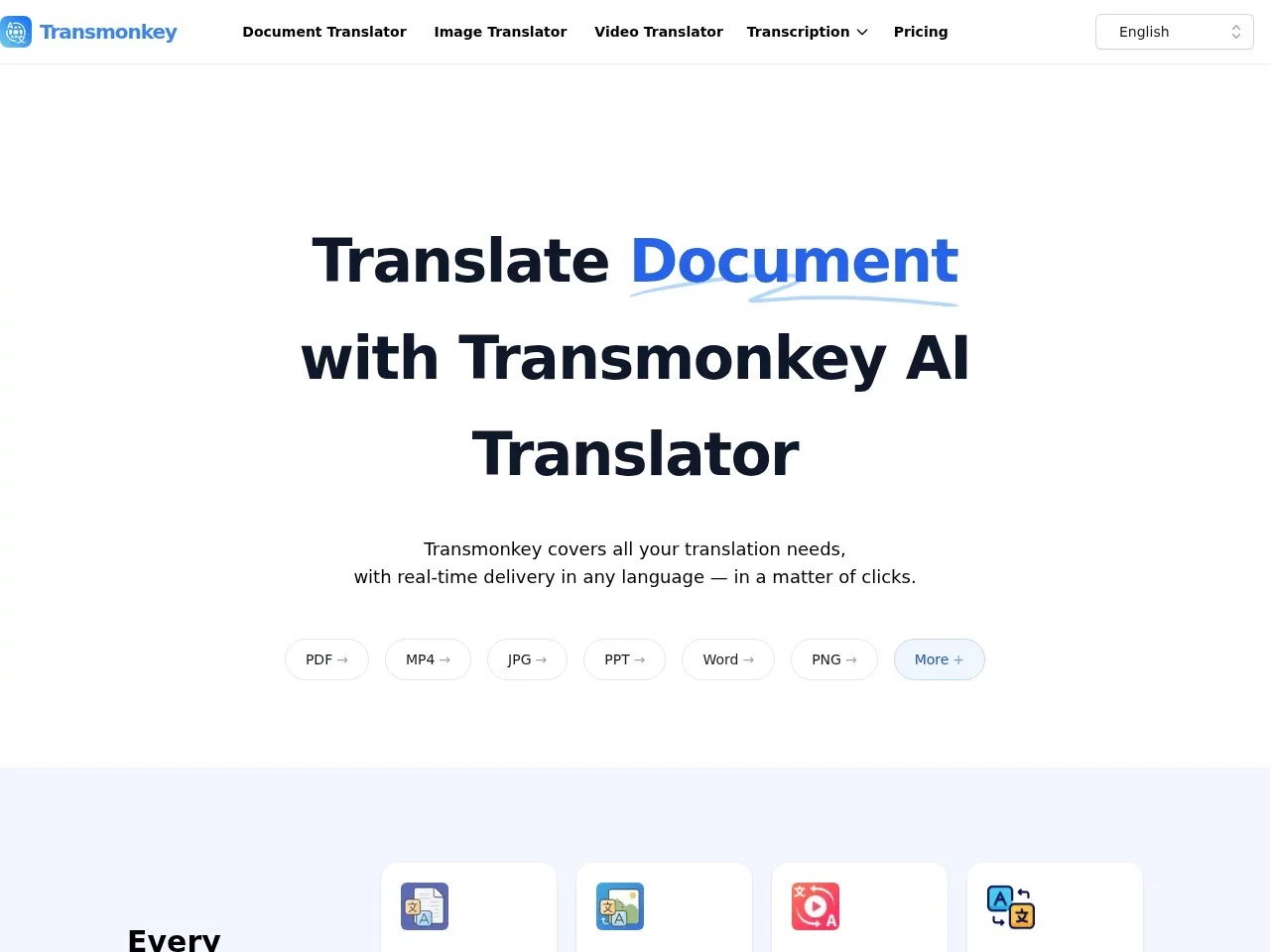
TransmonkeyTransMonkey is an advanced AI-powered multilingual translation tool that supports translation services in over 130 languages. It can handle various file formats such as d...
Screenshots

Struggling to understand international emails, finding foreign documents hard to read, or missing subtitles for overseas videos… These troubles, in the era of mature AI translation technology, now have more efficient solutions. As an advanced AI translation software, Transmonkey integrates four major translation scenarios: documents, images, videos, and audio into one platform, supporting over 130 languages, providing seamless multilingual translation experiences for individual and enterprise users. Below, we will comprehensively understand this tool from the perspectives of functional highlights, language and format support, applicable groups, and common questions.
Transmonkey: One Platform for Multilingual Translation
Official website: https://www.transmonkey.ai/zh
Unlike traditional translation tools that can only handle plain text, Transmonkey is positioned as an all-round AI translation platform. Whether it’s office documents, comic images, technical drawings, or video subtitles and audio content, translation can be completed directly on the platform. Its underlying AI engine understands context, ensuring good accuracy and fluency in translations.
In terms of language coverage, the platform fully supports major global languages, including commonly used languages such as English, Chinese, Japanese, Korean, Arabic, French, German, Russian, and Spanish. High-frequency translation directions like Chinese-English, Chinese-Japanese, and Chinese-Korean are ready to use immediately.
Four Core Functions Covering Mainstream Translation Scenarios
Document Translation: Format Retention is a Highlight
The biggest fear in document translation is messy formatting after translation. During translation, Transmonkey can preserve the original layout and format, so the translated file maintains the same layout as the original, saving a lot of manual adjustment time. The platform also supports large file processing; for example, documents with up to 1500K characters can be translated smoothly.
This function is very friendly for contracts and reports in business communication, foreign literature in academic research, and long manuscripts in content creation, with processing efficiency far higher than the traditional way of repeatedly copying and pasting.
Image Translation: Comics and Drawings Can Also Be Translated
Text in images is often deeply integrated with the visuals, making it difficult for ordinary tools to handle. Transmonkey supports high-quality image translation. Even content like comics where text is closely coupled with visuals, and professional images such as technical drawings, can have their text translated while maintaining visual quality without damaging the original image’s appearance.
Video Translation: Subtitle Generation + Voice Dubbing
For video content localization, Transmonkey provides two capabilities: subtitle generation and voice dubbing. It can automatically generate and translate multilingual subtitles for videos, and also enable videos to “speak foreign languages” directly through the dubbing function, helping creators bring their content to audiences speaking more languages.
Audio Translation: Making Voice Content Readable and Shareable
For audio content such as podcasts, interviews, and meeting recordings, the platform supports audio file translation and subtitle generation, converting voice content into text in the target language to facilitate localized distribution and secondary utilization of audio.
130+ Languages, 30+ Formats, Excellent Compatibility
The breadth of language and format coverage directly determines the practical upper limit of a translation tool. Transmonkey has delivered impressive data in both aspects:
- Language Support: Over 130 languages, covering major global languages such as English, Chinese, Japanese, Arabic, French, German, Russian, and Spanish;
- Format Support: Can handle more than 30 file formats, including common office documents like PDF, Word, Excel, PPT, as well as image formats like PNG and video formats like MP4.
This means users don’t need to switch between multiple tools for different types of files; one platform can complete the entire translation process from documents to audio and video.
Who Is Suitable for Using Transmonkey?
Transmonkey has a wide user base, and individual users, enterprises, students, creators, and travelers can all find suitable ways to use it:
- Enterprise Users: Handle cross-border business communication, multilingual contracts and reports. The document format retention capability can significantly improve collaboration efficiency;
- Students and Researchers: Quickly translate foreign academic literature and materials. Large file support makes papers with hundreds of pages no longer a barrier;
- Content Creators: Expand content globally through video subtitles and dubbing functions. Image translation is suitable for the dissemination of comic and design works;
- Travelers and Individual Users: Get accurate multilingual translation support anytime when traveling abroad or reading foreign content in daily life.
FAQ
Which Languages Does Transmonkey Support for Translation?
The platform supports over 130 languages, including major global languages such as English, Chinese, Japanese, Korean, Arabic, French, German, Russian, and Spanish, covering mainstream translation directions.
Will the Layout of the Translated File Be Messy?
No. The document translation function retains the original layout and format, so the translated file maintains the same layout as the original; image translation also maintains visual quality while converting text.
How Large a File Can It Handle?
Transmonkey supports large file processing. For example, documents with up to 1500K characters can be translated directly, suitable for long manuscripts and batch content processing needs.
What Specific Capabilities Does Video Translation Include?
Video translation provides two functions: subtitle generation and voice dubbing, supporting the generation and translation of multilingual subtitles, which can meet the complete needs of video content localization.
If you are looking for an AI tool that can handle document, image, video, and audio translation at the same time, you might as well visit Transmonkey’s official website to experience it yourself and test whether it fits your usage scenarios with a practical translation.
Relevant Navigation
Datagrand
Smart Translator
RandomX AI
Spark Research Assistant