Caiyun Translate
Caiyun Translate online translation entry
 QuickTranslate
Simple, fast, and free document translation service
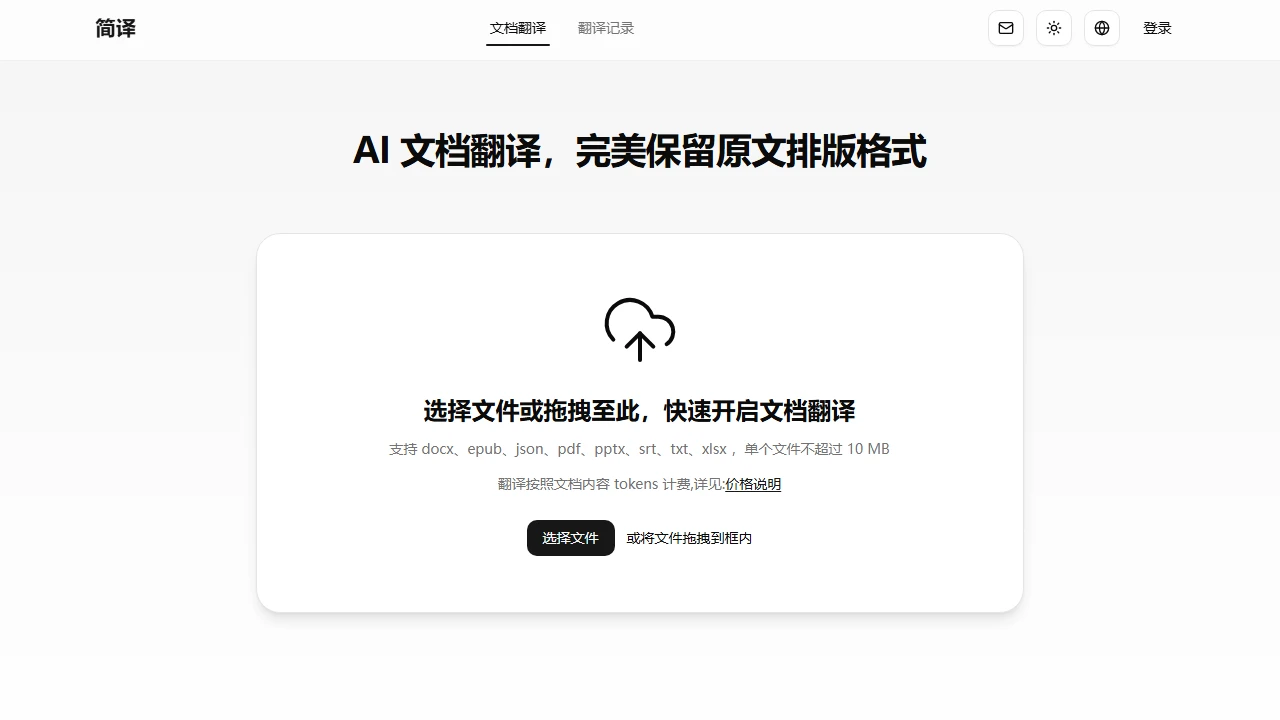
QuickTranslate is the most user-friendly tool I’ve encountered among free online document translation services, especially suitable for people who need to handle multilingual documents. It’s not a small tool that only translates plain text; it covers scenarios and details that address actual pain points in use.
Official website: https://quicktranslate.cn/
The most convenient feature is that you can upload and translate documents without converting formats. The supported formats are all daily high-frequency used: office documents like .docx, .pptx, .xlsx, and commonly used formats for data interaction like .json. You don’t need to spend time converting to TXT or other general formats; you can just upload and start the process.
It also has a wide language coverage, supporting mutual translation between over 100 languages, including all popular languages such as English, Chinese, French, Spanish, Arabic, Portuguese, German, Russian, Japanese, and Korean. Whether it’s cross-border business contracts, academic papers, or technical documents for multilingual products, it can handle them directly.
It offers the option of private deployment, which is particularly important for enterprises or institutions with sensitive data. Not only can the service be deployed privately, but even the AI model can be deployed privately. Document data will only circulate in an environment controlled by the user, so there’s no need to worry about leakage in the intermediate links. It is suitable for teams with high requirements for information security.
The total duration is the sum of two parts: queue time and actual translation time. The platform dynamically adjusts resources based on the number of users; there may be queues during peak hours, and the page will display real-time prompts. The actual translation time depends on the amount of document content: it takes as little as 1-2 minutes, or up to more than ten minutes, which can meet most daily needs.
After translation, the original document’s formatting will be fully retained, including text paragraphs, table structures, and chart positions, without any mess. You don’t need to spend time adjusting the format again, saving the effort of secondary modifications. Additionally, you must download the document as soon as possible after translation. After closing the current page, the platform will automatically delete the relevant documents. Do not close the page randomly during the translation process to avoid document loss.
If you want to do private deployment, you need to go through the official exclusive consultation channel, where you can ask about specific deployment details, adaptation solutions, and cooperation processes. This solution is suitable for teams of different sizes, from internal document processing for small enterprises to multilingual data management for large institutions, and can provide targeted support to help users turn document translation into a secure and controllable self-management mode.