
360 Driver Master
360 Driver Master is a practical computer driver management tool.
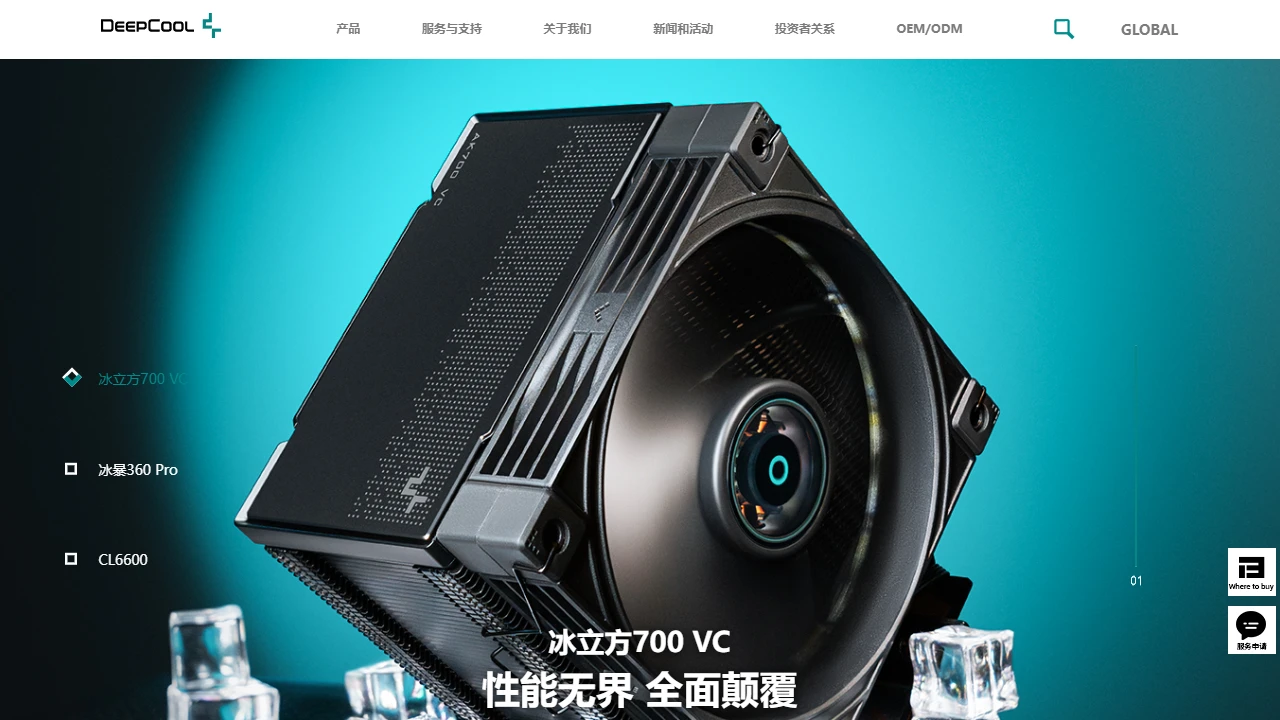
 DeepCool
The DeepCool official website helps PC builders choose the right cooling components
Official website: https://www.deepcool.com/cn/
Since I started building PCs, finding a cooler has always come with pitfalls: either the cooler doesn’t fit the case, or it’s incompatible with the motherboard socket, or I dare not go for liquid cooling for fear of leaks. It wasn’t until I used this brand’s official website that I no longer had to keep gambling on e-commerce platforms.
Beginners really do make lots of common mistakes when building a PC, such as:
The core value of this official website is that it consolidates all the key compatibility information you need for building a PC in one place, so you no longer have to jump to other platforms to check specifications. The product line covers air coolers, liquid coolers, cases and power supplies, making it more direct to find official information on basic components when assembling a PC and avoiding discrepancies in third-party information.
Among the detailed features, I find the **smart filtering by socket and case size** the most practical: I was building with a 13th-gen i5 motherboard, my case had a 160mm height limit, and I wanted ARGB lighting sync. After selecting “air coolers” in the cooler section of the official website, I simply ticked LGA1700 socket, 160mm height limit and ARGB options, and the compatible new GAMMAXX 400 came up straight away. I didn’t have to check mounting bracket parameters against the motherboard manual myself, which saved a lot of hassle. There is also an anti-leak technology explanation in the liquid cooling section — not vague marketing, but a specific description of the patented sealing structure. My previous concerns about liquid cooling leaks were dispelled after reading it. The knowledge base also has installation videos, such as the mounting bracket installation steps for the GAMMAXX series, which you can follow without mistakes.
Compared with similar platforms, its advantages stand out: other cooler brands’ official websites either only offer price filters and cannot break things down by socket, case size or lighting effects, or have vague specification labels — saying “compatible with a certain platform” without mentioning the need for adapter accessories, which is easily misleading. E-commerce platform listings often swap specifications too, such as listing a radiator’s thickness as 25mm when it is actually 30mm; the specifications on the official website come straight from the manufacturer, with no padding. Warranty service is also more hassle-free: on the official website you can enter your product serial number directly to check the warranty period, and apply for a replacement online without going through a retailer — a more direct process.
I have hit quite a few pitfalls while using it myself, and here are a few tips to avoid them:
This official website suits: beginners new to PC building who fear picking the wrong cooler; those upgrading hardware who worry about the cooler being incompatible with their motherboard or case; those who like ARGB lighting and want it synced with the motherboard; and those worried about liquid cooling leaks who want official technical support. If you only chase the lowest price and don’t care about compatibility, the website’s filtering function won’t be of much use — you’d be better off comparing prices directly on e-commerce platforms.