
CPU-Z
CPU-Z is a practical hardware testing tool for PC building
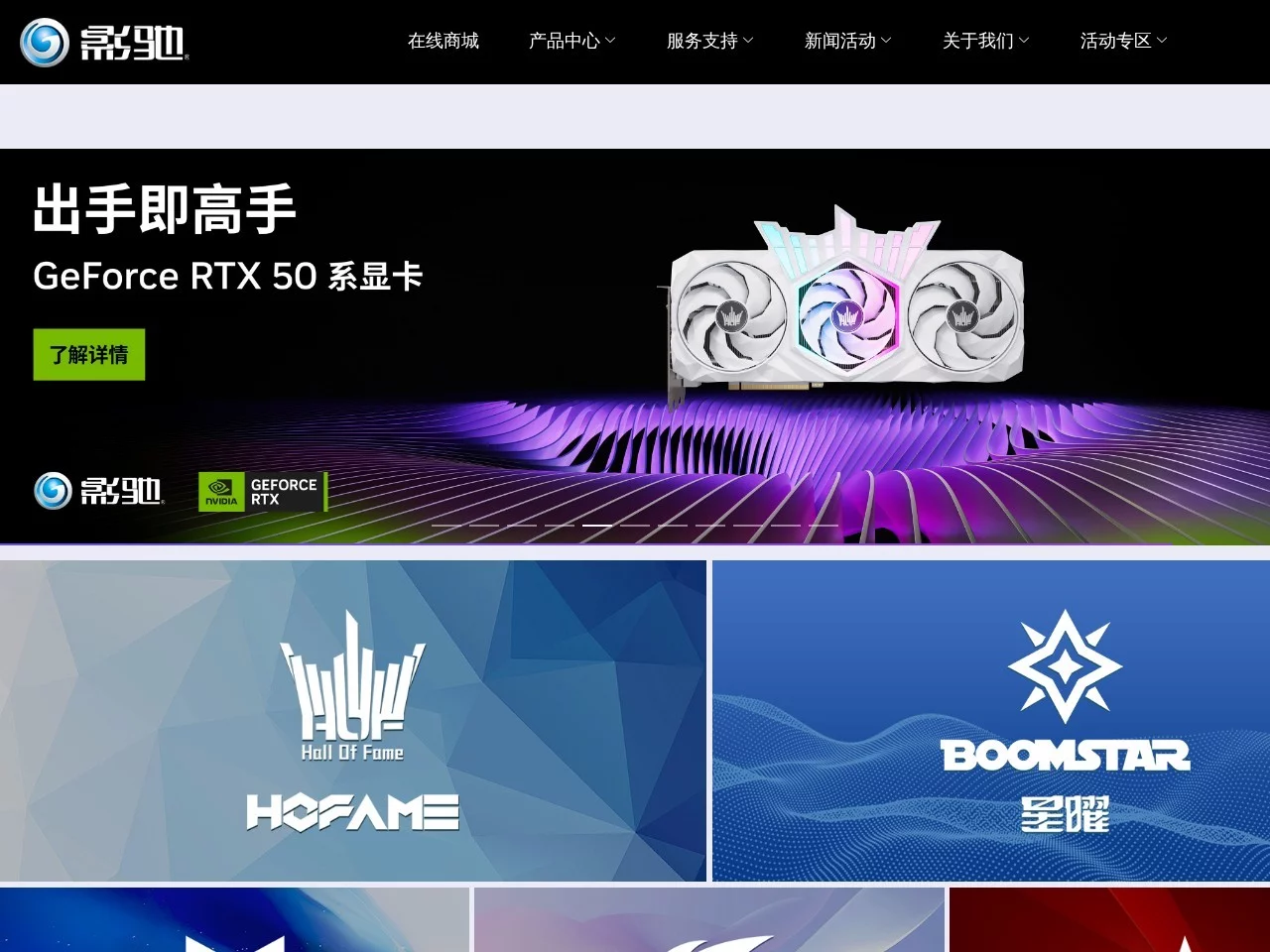
 GALAXY
 Official Website is a reliable official channel for DIY hardware enthusiasts
Official Website: https://www.szgalaxy.com/
I’ve encountered quite a few pitfalls related to graphics cards when building a PC before. Cards sold by third-party stores have hidden defects, and after-sales services keep passing the buck. It took me a long time to figure out that going through the brand’s official channel is the most reliable. GALAXY is no stranger in the DIY community. As an established graphics card manufacturer, it has a solid foundation, unlike those random brand stores that always play word games with components.
New DIY beginners often fall into several common pitfalls: First, they think the official website only sells individual graphics cards, but it actually has complete PCs, peripherals and other supporting products. I previously wasted money on a PC assembly service from a third-party store, only to find the power supply used was an unknown small brand. Second, they feel that third-party lighting control software has more functions. I fell into this trap: when using third-party software to adjust the lighting effects of a GALAXY Star card, the screen flickered so much that even the system lagged. Third, they don’t trust the parameters on the official website, thinking the e-commerce page has more detailed information. In fact, the specifications on the official website are fully updated, even with details like BIOS versions marked clearly.
The core advantage of GALAXY’s official website is the **reliability of its official nature**: the genuine product verification entry is directly embedded on the homepage. You can enter the graphics card’s serial number to instantly check if it is brand new and unactivated, and the warranty period is clearly marked, unlike third-party stores that would just change the serial number to deceive customers. The after-sales service is also strong: previously, my graphics card driver crashed, and third-party customer service kept passing the buck. The official customer service guided me step by step to download the corresponding model’s driver and helped me troubleshoot compatibility issues, so I didn’t waste my time.
In actual use, several functions on the official website really meet practical needs: For example, the **official lighting control software**: when I used a GALAXY Star OC card, I initially thought I needed to install several lighting control tools, but the official software directly supports synchronizing the lighting effects of ASUS and MSI motherboards, so I don’t need to adjust each hardware separately. When playing AAA games, the lighting effects change color with skill sounds, unlike third-party tools that just pile up flashy presets. There’s also an overclocking tool: the official parameter adjustment won’t lock the graphics card directly like third-party tools, allowing fine-tuning of power consumption and temperature limits. When I play large games, the frame rate has been stable, and there has never been a blue screen caused by overclocking. In addition, the technical support section on the official website organizes common problems like lighting not turning on and driver errors into graphic steps. You don’t need to wait for customer service; you can solve them yourself, saving a lot of time.
Compared with similar platforms, GALAXY’s official website has obvious advantages: The official flagship stores on e-commerce platforms mostly have outsourced customer service, and when encountering professional problems, they only say “Dear, I will apply for after-sales service for you”. The official website’s customer service directly handles product technology, without passing the buck. Other graphics card brand’s official websites either have lighting control software that crashes easily, or lag in parameter updates. GALAXY’s lighting control tool has not crashed in two years, and the first-launch models of products can be seen on the official website immediately, without waiting for pre-sale links on e-commerce platforms.
Here are some practical tips for beginners to avoid pitfalls: When downloading all software related to products, you must enter through the software center entry on the official website. Don’t click on links from pop-up ads; many are third-party pirated software, and their plugins will take up system resources. When buying graphics card drivers, you must choose the exclusive version for the corresponding model; don’t use third-party driver tools to install automatically. Previously, I used a tool to install once, resulting in the graphics card’s game performance being about 15% lower than normal. Although the complete PCs on the official website’s mall are a bit more expensive than those from third-party stores, they all use genuine brand components, and after-sales service includes pick-up and delivery. Most complete PCs from third-party stores only have store warranty; if there’s a problem, you have to send it back yourself, which takes a lot of trouble. Also, don’t buy second-hand graphics cards on the official website. Although the official website has a similar section, the optional models are too few; it’s better to go to a professional second-hand hardware platform.
The people suitable for using GALAXY’s official website are also very clear: New DIY players who don’t know much about hardware, are afraid of hidden pitfalls, and want official-level after-sales service and stable lighting effects. Users of models like GALAXY Star and Metal Master, who want to adjust lighting effects and hardware performance to the most stable state. Also, users who are afraid of being cheated by third-party stores: the official website has transparent prices, no temporary price increases or component substitutions. If you are an experienced player who pursues extreme value for money and only buys second-hand hardware, the categories and prices on the official website may not meet your needs, after all, official channel prices won’t be as discounted as third-party ones.