AD Recommendation
Join Now
Important: Please do not trust the content and ads of various websites easily! Recommended reading: Safety Tips
file.kiwi
Scan to visit on your phone
4wks agoupdate 337 00
0

file.kiwifile.kiwi

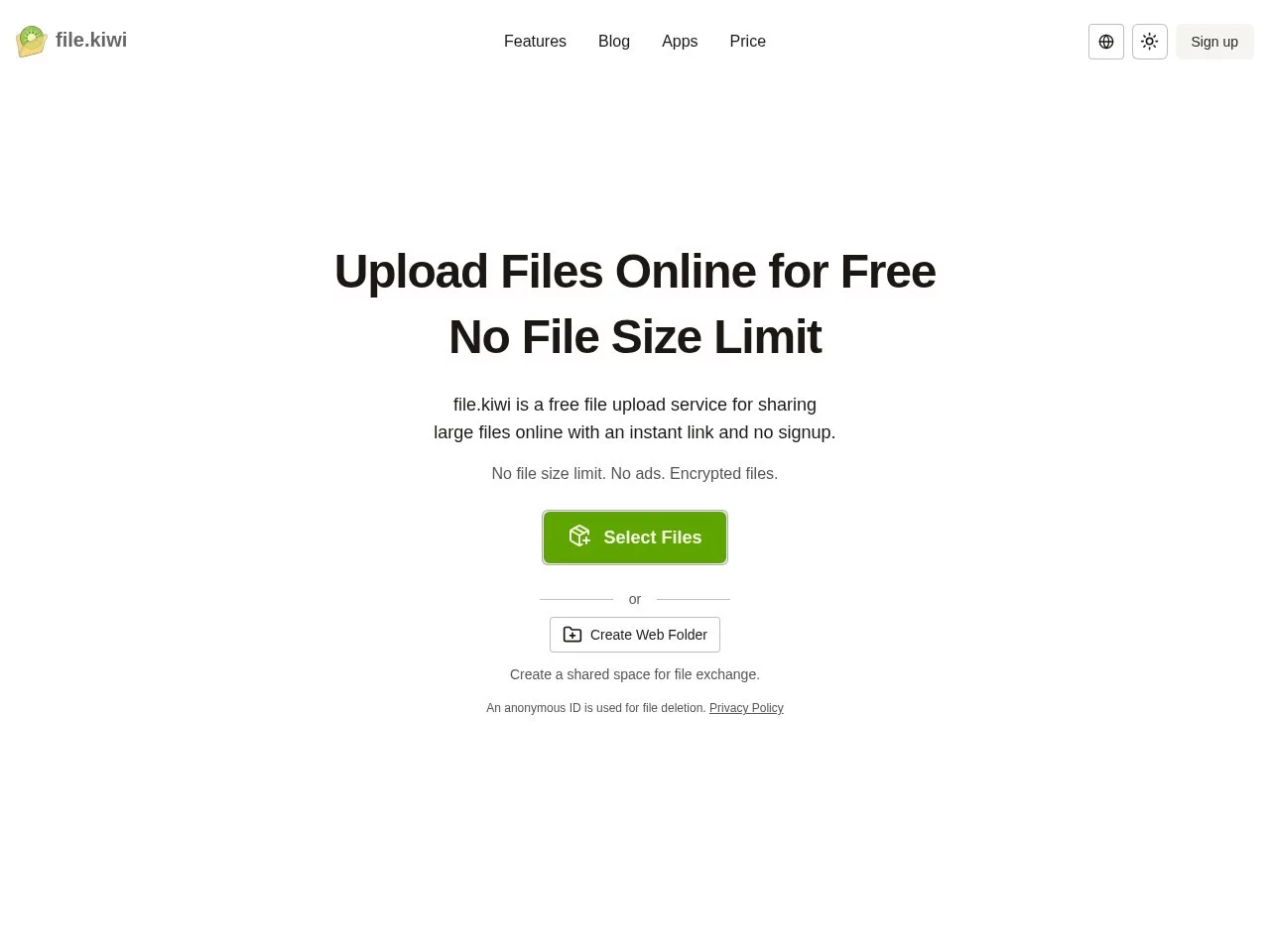
A platform offering free large file transfer services


Screenshots

file.kiwi

Figure out your needs first

file.kiwi is an online tool focused on large file transfers, with core advantages of no restrictions and encryption, solving the long-standing problem that regular platforms can’t handle large files. However, there’s a practical prerequisite for its use: it can’t be accessed directly in mainland China, and you need to use a VPN to open it.

Official website: https://file.kiwi/zh

Core Differences Between Free and Paid Plans

All basic functions are free, no registration required, no client installation needed — just open modern browsers like Chrome or Firefox to use it, and it adapts to Windows, Mac, and mobile devices, with zero threshold to get started. The free version allows transferring files of any size, even high-definition videos of tens of GB, large design documents, or entire batches of images, without the size limits of regular platforms.

The free version also supports resume transfer. If the network is interrupted halfway through transfer, or you accidentally close the browser, you can continue uploading next time without re-uploading and wasting time. However, the free version has limited transfer speed and temporary storage quota; if you transfer very large files or use it frequently, you may find it insufficient.

Practical Performance in Security and Collaboration

Whether free or paid, file.kiwi uses 128-bit AES-GCM end-to-end encryption, so files won’t be intercepted during transmission. Uploaded files are only temporarily stored on the server and deleted immediately after transfer, fundamentally protecting privacy and data security — this is important for those transferring sensitive files.

It also has a Webfile folder collaboration feature, allowing you to create multiple dedicated folders and generate links that only authorized people can open. Others can only view or upload content, making it suitable for teams to transfer materials together. If you’re an individual user and delete files after transfer, this collaboration feature is not needed; if you work on files with colleagues or friends, this feature is much more practical than regular file sharing links.

Options for Different Users

Individual users who only occasionally transfer a few GB of files, such as sending 4K video materials to friends, the free version is enough — no cost, no registration hassle. If you frequently transfer large files over 10GB, or need stable high-speed transfers, the paid version’s higher speed and larger storage quota are more suitable, saving a lot of time.

For enterprise teams, the Webfile collaboration feature can clearly manage permissions for multi-person file transfers, without repeatedly sending links to confirm who can view. However, note that you must first confirm that you can access this tool normally, otherwise no matter how good the features are, they can’t be used.

Relevant Navigation

No comments

You must be logged in to leave a comment!
Login immediately
none
No comments...