

AD Recommendation
Join Now
Important: Please do not trust the content and ads of various websites easily! Recommended reading: Safety Tips
Titan Disk
Scan to visit on your phone
4wks agoupdate 386 00
0

Titan DiskTitan Disk

Temporary File Transfer Station


Screenshots

Titan Disk

Every time I need to send a few gigabytes of videos or large compressed files to friends, I either have to compress for ages and lose quality, or spend ages looking for a cloud drive that requires registration, wasting half an hour and possibly being speed-limited. It wasn’t until I found Titan Disk that this problem was solved.

How to transfer a 10GB large file without registering an account?

Official website: https://app.tmp.link/

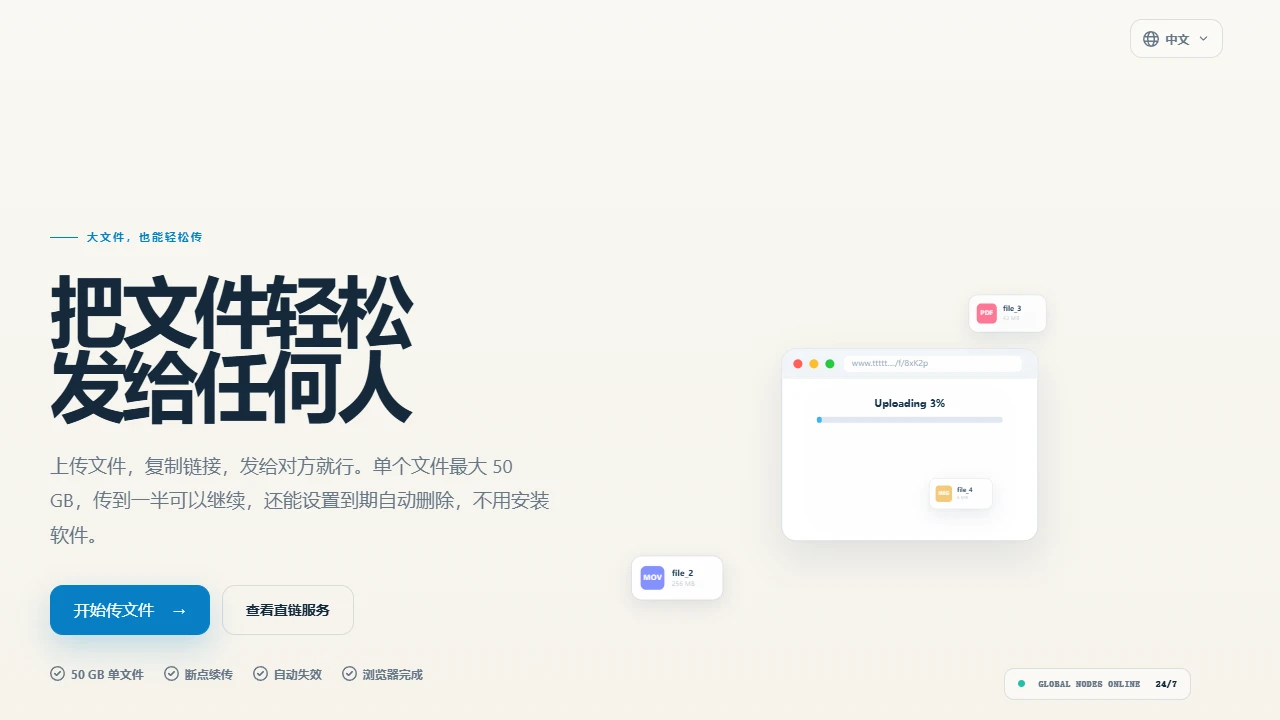
Previously, I always thought that transferring large files meant finding a cloud drive that required a membership, or registering an account in advance. Sometimes when using it temporarily, just filling in the registration information takes two minutes. Later, I found out that Titan Disk doesn’t even have a login threshold — you can directly open the web page to transfer files, no need to fill in a phone number, no need to set a password, just click the upload button to select files. The whole process takes less than 10 seconds, which is especially suitable for emergency situations.

Last time I transferred an 8GB wedding video material, I was originally worried that it would have to be compressed to below 4GB, but after selecting the file, I uploaded it directly. No “please upgrade your membership to speed up” prompt popped up throughout the whole process. From start to finish, the progress bar never stalled, which was more than twice as fast as the free version of a well-known cloud drive I used before. Moreover, it doesn’t restrict file formats at all — I have transferred MP4, PSD source files, and even installation packages of several gigabytes, and never encountered a “this format is not supported” prompt. This is really worry-free.

Will temporary files be lost after being stored for 7 days?

Previously, when using other temporary storage tools, either the link would be lost after a few days of storage, or you had to delete it manually. If you forgot, it would take up space. Titan Disk’s auto-delete function solves this problem perfectly. I usually transfer files for temporary use, such as product samples required by clients, or old project backups for colleagues. I will set a 7-day validity period — no need to remember to delete them, they will be automatically cleared when expired, leaving no traces.

Moreover, its temporary storage capacity is unlimited. The most I have transferred at one time is three files totaling 25GB, and I never encountered a “space insufficient” prompt. There is also additional private storage space, which is enough for storing my own work documents on a daily basis, so I don’t need to find another cloud drive separately. Sharing is even simpler: after uploading, just click to generate a link, no need to set a password, and the other party can download directly by clicking the link. Last time I transferred materials to a partner, they said it was three steps less than the tool they used before, saving a lot of communication effort.

What makes Titan Disk better than other free tools?

In fact, I have tried several similar temporary cloud drives before. Either each file is limited to 2GB, so large files have to be split into several compressed packages, or speed is limited during transfer — even though it’s the free version, it’s far worse than the membership version. Titan Disk just avoids these pitfalls. Each file can be up to 10GB, no need to split, upload and download are not speed-limited, which is more than enough for ordinary users.

From my own experience, whether it’s transferring large travel photos for personal use or project engineering files for work, there have been no problems. The interface is also very simple — when you open it, there’s only an upload button, no messy ads, and no need to learn any new operations, just a few clicks to finish. In short, it is specifically designed to solve the pain points of temporary file transfer: no need to install a client, no need to spend time registering, and it automatically clears after transfer. For most people, it’s sufficient and easy to use.

Relevant Navigation

No comments

You must be logged in to leave a comment!
Login immediately
none
No comments...