AD Recommendation
Join Now
Important: Please do not trust the content and ads of various websites easily! Recommended reading: Safety Tips
Send Anywhere
Scan to visit on your phone
4wks agoupdate 371 00
0

Send AnywhereSend Anywhere

Cross-platform file transfer tool that supports file sharing between multiple operating systems and devices.


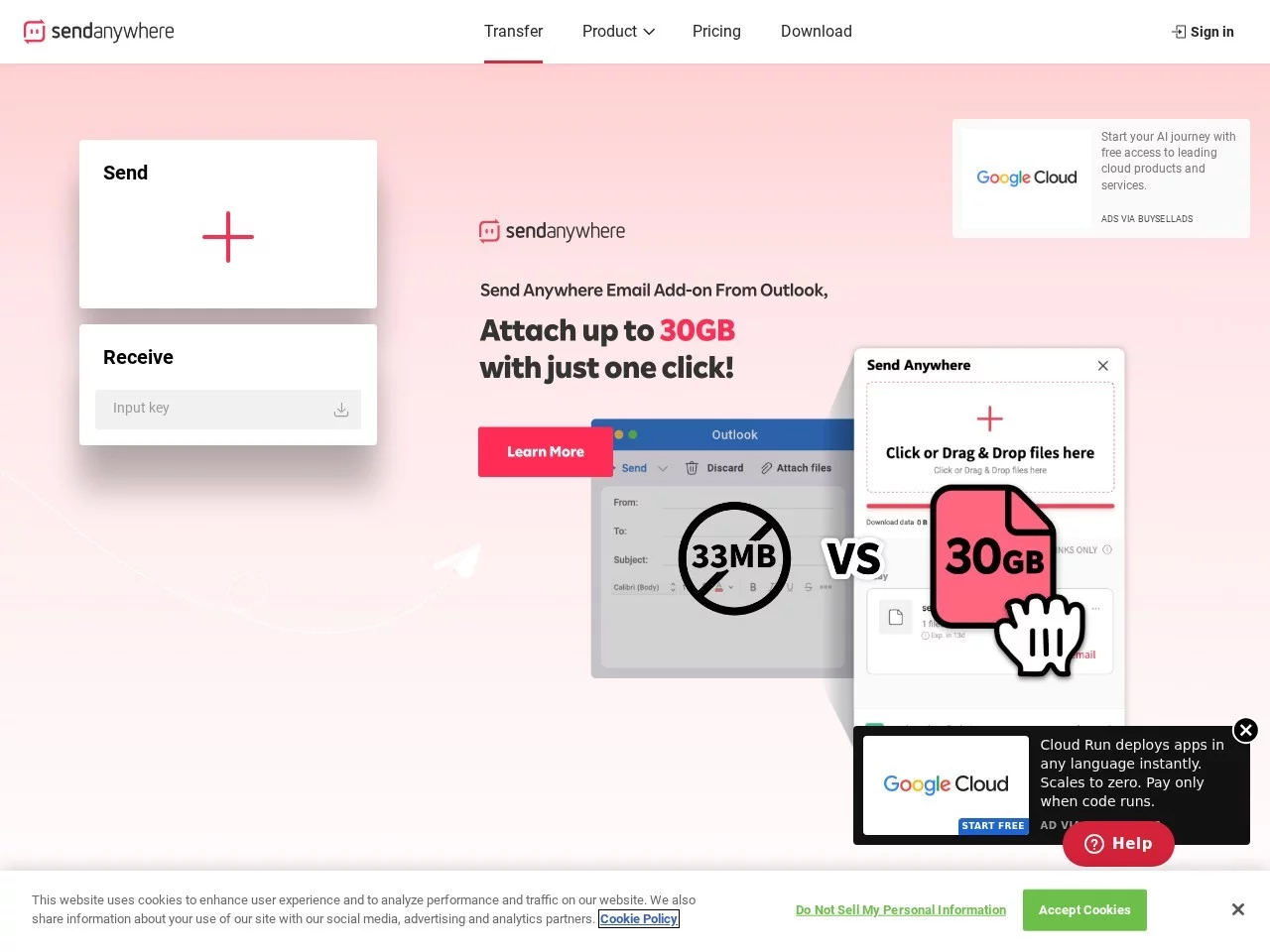
Screenshots

Send Anywhere

Sometimes you want to transfer large videos from your computer to your phone, or send work files across different operating systems, but end up wasting time due to system limitations, slow speeds, or security issues? Actually, there’s a tool that can solve all these problems. Today I’ll talk about Send Anywhere, which I’ve been using for almost two years, to help you avoid the pitfalls of cross-platform file transfer.

Do you really not need to register an account to transfer files with Send Anywhere?

I’ve tried many cross-platform file transfer tools before, either requiring a mobile number for registration, or installing a dedicated plugin, and sometimes having to log in again when switching devices, which is really troublesome. Later, when I started using Send Anywhere, I found that it really doesn’t require registration or personal information, and you can use it directly after opening. The operation is also simple: select the files you want to transfer, click to generate a six-digit key, and the other side just needs to enter this number. You don’t need the same account, or add friends, and you can connect in a few seconds.

Moreover, it even works when there’s no network. Last time I was out of town, my phone had no data, and my computer wasn’t connected to Wi-Fi either. I just enabled Send Anywhere’s Wi-Fi direct connection on both devices, and still transferred the project materials from my computer to my phone, which is much more convenient than plugging in a data cable back and forth.

Can Send Anywhere ensure security and speed when transferring files?

I used to worry that large files would be intercepted midway, especially work contracts and customer data, which would be a disaster if leaked. Send Anywhere uses 256-bit encryption. I checked it specially, and this encryption strength is similar to that used by banks. The entire transmission process is encrypted, so even if someone intercepts the data midway, it can’t be decrypted. In addition, the six-digit key is one-time and becomes invalid after transmission. Even if someone happens to get the number, they can’t use the same key to transfer files again, so the security is really reassuring.

The speed also exceeded my expectations. On a local area network, it can reach more than 4MB per second. I once transferred a 10G video, which was completed in less than half an hour. If I used WeChat to send it, it would take more than an hour just for uploading. Even across cities, as long as the network on both sides is stable, the speed is faster than many cloud drives. You don’t need to wait for the file to be uploaded to the cloud and then downloaded; it’s a direct peer-to-peer transmission, saving the intermediate waiting time.

Official website: https://send-anywhere.com/

Who is Send Anywhere suitable for?

I use it in my daily life. Sometimes I transfer photos from my computer to my tablet, or videos from my phone to my computer for editing. It doesn’t require format conversion, nor is it limited by the system. It’s compatible with Windows, Mac, iOS, Android, and even Linux devices. A friend of mine who does open-source development also uses it to transfer code files.

It’s also very useful for team collaboration. Last time I was working on a project with colleagues and needed to send large design files to them. I generated a key with this tool and sent it to them. There was no need to send compressed packages or create shared folders. They could directly download it by entering the number on their side, without waiting for me to upload it to the enterprise cloud drive and grant permissions, saving a lot of communication time. Moreover, it’s completely free, with no ad pop-ups when in use, and no game ads popping up halfway to interrupt the transfer, so the experience has been very smooth.

Finally, some small details I’ve noticed after using it

Actually, there’s one small thing to note. If you’re transferring very large files, such as over 10G, it’s best to use the latest version on both sides, otherwise connection instability may occasionally occur. But overall, it’s the most worry-free cross-platform file transfer tool I’ve ever used. It doesn’t require complex settings or additional costs, and can solve the vast majority of file transfer problems.

Relevant Navigation

No comments

You must be logged in to leave a comment!
Login immediately
none
No comments...