AD Recommendation
Join Now
Important: Please do not trust the content and ads of various websites easily! Recommended reading: Safety Tips
WeChat File Transfer Helper
Scan to visit on your phone
4wks agoupdate 2,155 00
0

Screenshots

WeChat File Transfer Helper

You’ve just finished a project proposal at the company print shop and want to transfer a 1GB demo video from your computer to your phone, but you don’t want to take up a WeChat seat on the computer, and you’re worried about leaving chat records on a public device. Anyone would be stuck in this situation. At this time, finding a tool that doesn’t require installing a client and can transfer large files across devices is the right choice. Next, let’s talk about how to use the WeChat File Transfer Helper web version most conveniently.

How to transfer files across devices without the WeChat desktop client?

Official URL: https://filehelper.weixin.qq.com/

Many people don’t know that WeChat has a file transfer tool that doesn’t require logging into the desktop version — this is the official WeChat File Transfer Helper web version. No extra software needs to be downloaded, and it doesn’t take up a WeChat online seat. You can directly transfer text, images, videos between your phone and computer, and even files as large as 1GB. You can check the progress in real time during transfer, with no need to wait at all.

It is especially suitable for use in public places like print shops and internet cafes. It only loads functions related to transfer, does not display contacts or chat messages, leaves no privacy traces, and is much safer than using WeChat on a computer.

Is the process of logging into WeChat web to transfer files too troublesome?

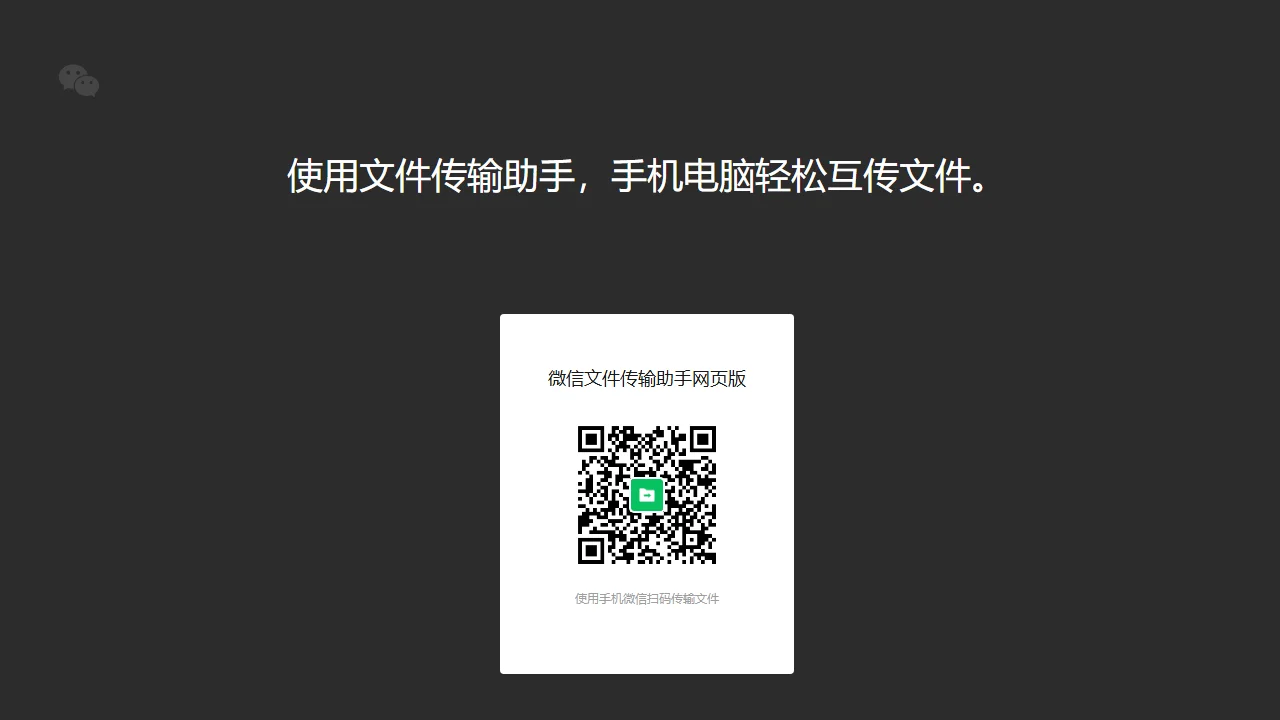
In fact, the operation is simpler than you think. You don’t need to remember complex account passwords, just follow the steps. First, open your browser, enter the official URL mentioned earlier, and a login QR code will pop up on the page. Then pick up your phone, open WeChat’s scan function, scan the QR code on the web page, and confirm login.

The whole process takes less than a minute. You can directly transfer files after scanning the code, and your phone will receive them synchronously, so you don’t need to switch between apps back and forth. Even if it’s your first time using it, you won’t mix up the steps, since WeChat’s QR code login has become a habit for everyone.

How to ensure your privacy is not leaked when using this on a public device?

When using public devices outside, the biggest concern is that your chat records or files might be seen by others. Although this tool is safe, there are still two details to note.

  • First confirm the URL is correct: You must enter the official address, do not click on unfamiliar links sent by others to avoid phishing sites, otherwise your WeChat account information may be leaked.
  • Remember to clear traces after use: Close the web page directly after transferring files, then clear the browser’s browsing history, cache, etc. Even on a computer used temporarily, no traces of your use will be left.

After all, public devices are not your own. Taking two more seconds to clear traces can save you a lot of trouble. Pay attention to these two points when using it normally, and you can use it to transfer files with peace of mind.

Relevant Navigation

No comments

You must be logged in to leave a comment!
Login immediately
none
No comments...