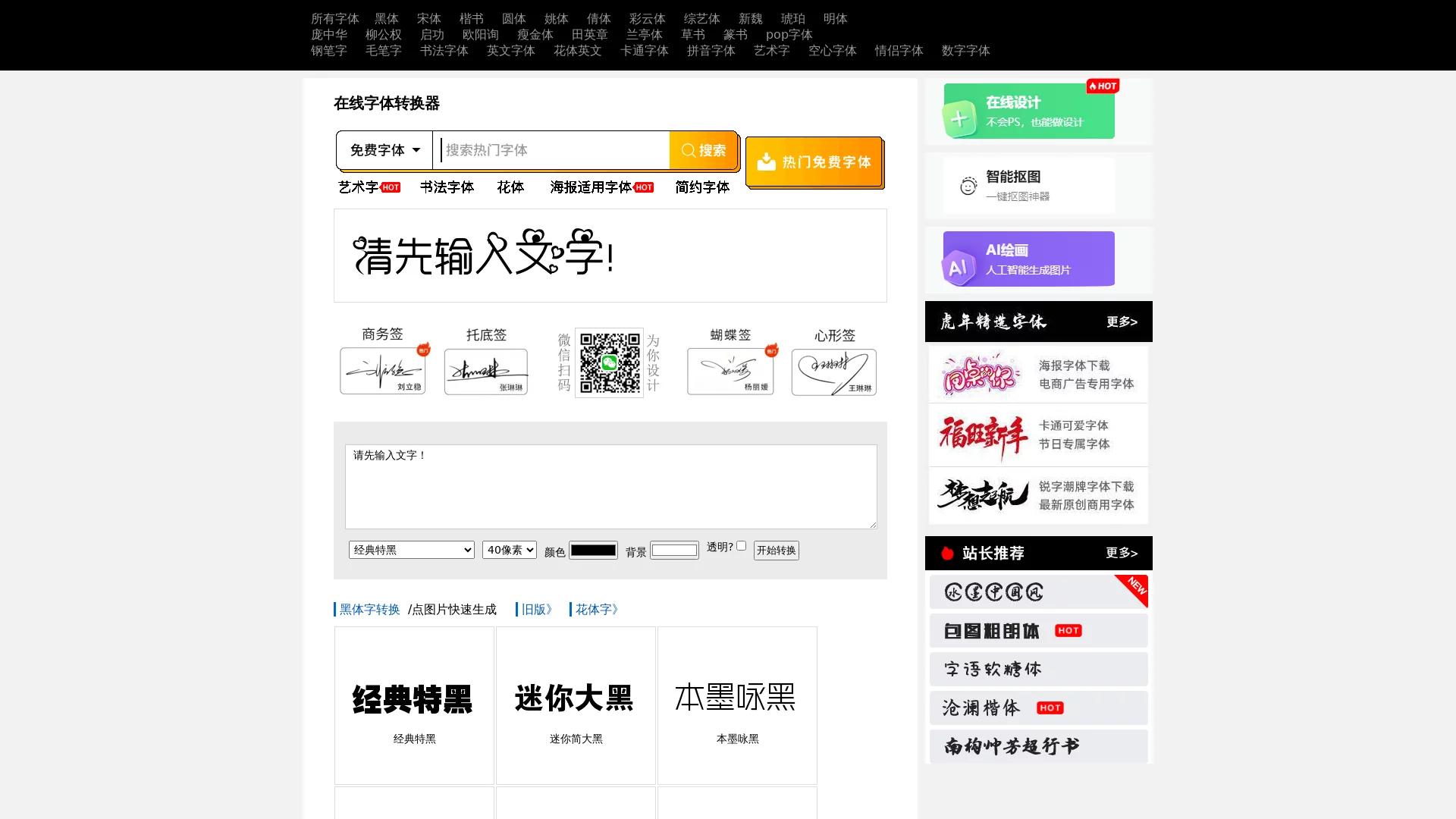
Online Font ConverterConvert plain text into various artistic font styles, including multiple Chinese and English fonts such as brush calligraphy, cursive script, seal script, etc.
Screenshots

Can an online font converter really meet daily and professional font needs?
Some time ago, I helped a friend create an event poster but couldn’t find the right font for a long time. Later, my friend recommended a tool called Online Font Converter, which is www.akuziti.com. I used it with a try-and-see attitude, and unexpectedly it solved a big problem. In short, whether you want to spruce up your Moments copy in daily life or find a suitable font for professional design, this tool can cover all needs.
The first time I used it, I didn’t read the tutorial, directly entered the copy for the poster, selected a brush calligraphy font, clicked convert, and the effect came out in just a few seconds. Later I found that it not only has brush calligraphy, but also cursive script, seal script, and even fonts with design sense like movie posters. You can directly find materials for making bullet journals or practicing calligraphy here. Moreover, after generation, you can adjust the size and color, no need to use additional photo editing software, saving a lot of steps.
Can multi-style fonts cover different scenarios?
Previously, when I looked for other font tools, they either only had one or two calligraphy fonts, or required downloading and installation, taking up computer memory. This tool is web-based, no need to install any software, just open the browser to use. I tried making calligraphy practice flashcards for my child, entered the child’s name, selected a regular script font, and the generated font size was just right for printing, which was more neat than what I wrote myself for the child to practice brush calligraphy.
Later, when helping the company make a promotional poster, I used its movie poster font, entered the event theme, and the effect was more in line with the poster style than the free fonts I found on design websites before. Another time, I made a birthday gift for an elder who loves calligraphy, converted the elder’s motto into an image with seal script, and the elder liked it very much when receiving it, saying the charm of this font was very close to the calligraphy he practiced.
Will beginners find the operation too complicated?
I don’t know anything about design, and was initially worried that I would have to learn complicated operations, but when I opened the page, I could see the input box and font options. It only takes three steps: select, input, convert. Later, when I recommended it to several friends around me who can’t use design software, they also said they could get started without learning, no need to remember shortcuts, or worry about layers and other things, completely no need to worry about complicated operation processes.
There is also a friend who does handicrafts, wanting to print artistic fonts on handmade cards. Previously, she couldn’t convert many fonts into nice effects directly. After using this tool, she entered the copy to be printed, selected her favorite font, adjusted the size and color, directly saved it as an image, printed it and pasted it on the card, which was more delicate than the fonts she drew by hand.
What is the actual user experience of the online font converter?
The most obvious feeling after using it myself is that it saves time. Previously, to find a suitable font, I had to go to several design websites, and also worry about whether the font had copyright issues. With this tool, I don’t need to consider copyright issues, just convert and use it directly, and the conversion speed is particularly fast. Last time I entered a twenty-character copy, the effect came out in less than ten seconds, much faster than finding and adjusting fonts myself.
There is also a friend who does calligraphy training, using this tool to make practice materials for students, converting the characters to be practiced into different styles of fonts. Students don’t need to write themselves, just copy the printed characters, which can make the stroke trends clearer, helping to improve calligraphy skills. In addition, the fonts generated by this tool can also adjust colors. The practice flashcards I made for my child were adjusted to dark black, printed very clearly, and the child wouldn’t strain their eyes when practicing.
Can it help in professional design scenarios?
Previously, the font I converted with this tool for my friend’s poster, later my friend said the client was particularly satisfied, better than the effect made with other font tools before. There is also a friend who does self-media, using this tool to convert the article title into an artistic font, putting it in the cover image of the official account, the opening rate is much higher than before. He said this tool has diverse font styles, whether it is making ancient-style or modern content, you can find a suitable font.
Of course, I also tried making fonts for small product packaging, using this tool to convert fonts, you can select the corresponding font according to the product style. For example, for tea packaging, selecting a brush calligraphy font, the effect is particularly traditional; for electronic product promotional images, selecting a relatively simple font can also fit the product style. No need to find a designer to make fonts separately, saving a lot of cost and time.
Who is the online font converter most practical for?
I think whether it is ordinary users or professionals, this tool is quite practical. Ordinary users usually use it for Moments posts, bullet journals, making learning materials for children, no need to find fonts or draw by hand. Sometimes when I write a diary, I also convert memorable words into artistic fonts, save as images, more meaningful than ordinary text.
There are also students, when making手抄报 and blackboard newspapers, the font converted with this tool can make the title of the手抄报 more eye-catching, no need to spend time designing fonts, can focus more on the content. Professional designers can also improve efficiency with it, for example, when making posters, first convert several different styles of fonts, then select the most suitable one, much faster than adjusting ready-made fonts directly, and can find more different effects.
By the way, this tool doesn’t need to be downloaded or installed, you can open and use it anytime, anywhere. I was on a business trip outside before, opened the webpage on my mobile phone to convert fonts, sent it to the client, and the client could directly see the effect, no need to wait for me to go back to the company to process, which was particularly convenient.
Relevant Navigation