AD Recommendation
Join Now
Important: Please do not trust the content and ads of various websites easily! Recommended reading: Safety Tips
Font Show
Scan to visit on your phone
4wks agoupdate 559 00
0

Font ShowFont Show

Local font preview and comparison tool


Screenshots

Font Show

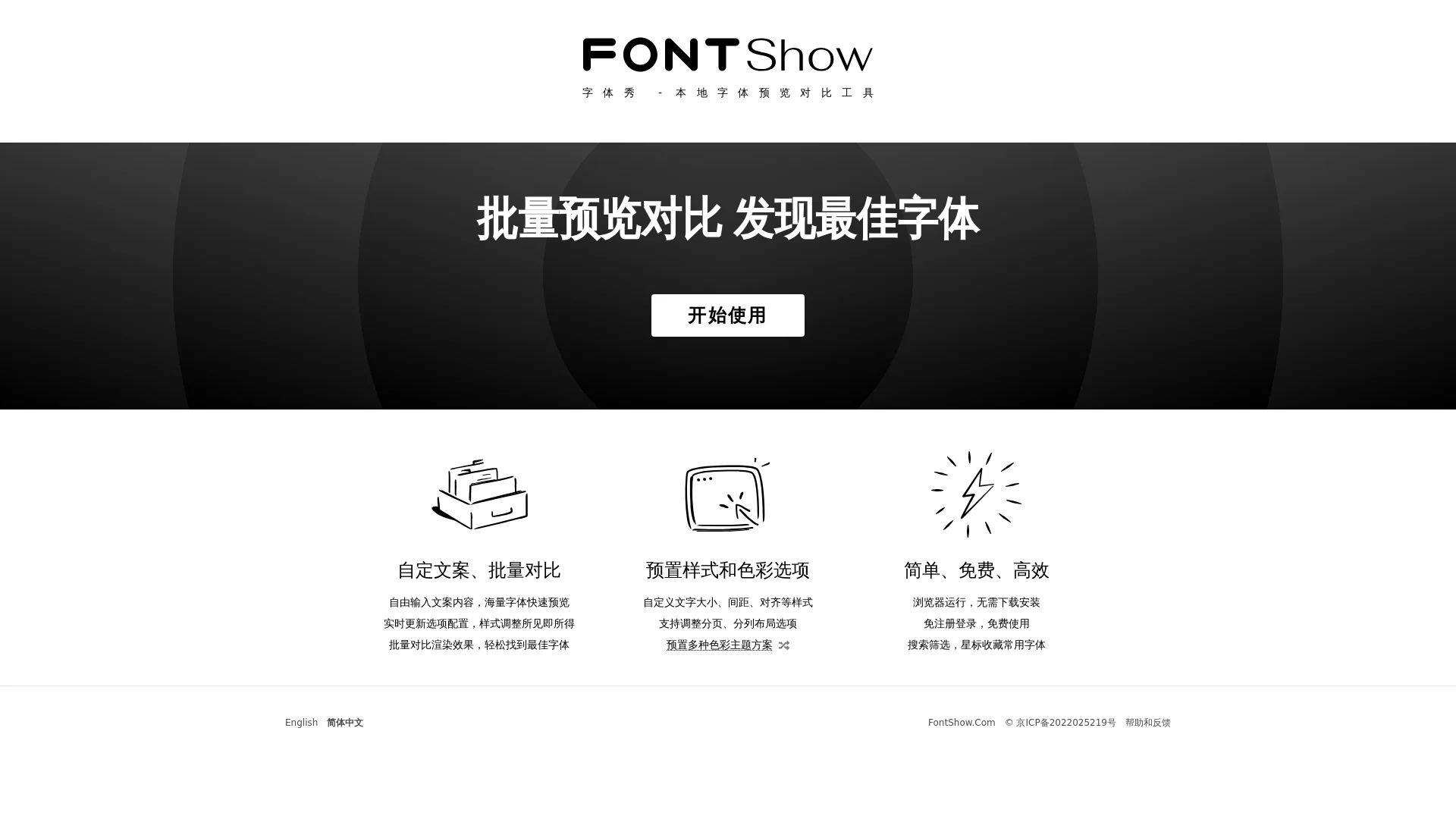
When selecting local fonts, don’t keep struggling with previewing each font individually and adjusting parameters repeatedly. This tool lets you compare the effects of dozens of fonts side by side.

Say Goodbye to the Trouble of Flipping Through Folders to Find Fonts

Many people have encountered this trouble when designing, writing copy, or typesetting: with hundreds of local fonts stored on their computer, finding the one that fits a brand slogan, article title, or poster copy requires repeatedly opening different software for previewing and switching between font files, which is time-consuming and easy to miss suitable options. At this time, a good local font preview tool becomes a necessity, and Font Show is a practical tool designed to solve such pain points, helping you quickly lock in the ideal font.

Official website: https://fontshow.com/

Comparing Side by Side in Batches Is What Makes It Truly Efficient

Unlike ordinary font preview tools, the core of Font Show is custom copy batch comparison. You don’t need to input content and adjust styles for each font individually. Just enter the text to display in the tool — from a short brand slogan to a long article title — and with one click, you can display the effects of dozens of local fonts at the same time. You can see the differences between different fonts in the same copy at a glance, and you won’t be distracted and miss details as in individual previews.

In addition to batch comparison, Font Show also allows real-time adjustment of style parameters: font size, line height, letter spacing, and paragraph alignment. Every time you change a number, the effect on the page changes immediately, so you can see the result right after making adjustments. The tool also comes with several colour themes, and you can adjust the layout by pages or columns. You can test fonts in different scenarios — for example, see if the font is glaring on a dark background, or compare the readability of copy typeset with two fonts in two columns — without manually changing backgrounds or adjusting layouts.

No Installation or Login Required — Open and Use

Many people worry that tools are troublesome — either requiring downloads that take up memory, or filling out a lot of registration information. Font Show has none of these issues. It requires no download or installation; you can use it directly in your browser. No registration or login is needed — just enter the page to start previewing fonts. It’s completely free with no extra requirements, so even using it once temporarily is no burden.

If you have hundreds of fonts on your computer and it takes time to find them, Font Show also adds search, filtering, and star-favourite functions. Just enter the font name in the tool, and you can locate the desired font in a second. When you encounter a font you use often or really like, click the star button to favourite it. Next time you open the tool, you can directly access it from the favourites bar without searching again, saving a lot of effort.

Suitable for Different Scenarios

Whether you are a professional graphic designer, a copywriter responsible for brand promotion, or an office worker who handles documents every day, Font Show can be used. It covers all scenarios where font selection is needed: when designing posters, preview the visual impact of different fonts in batches without saving individual images for comparison; when typesetting web pages, test the readability of fonts at different line heights without repeatedly calculating line height values; when processing documents, quickly find clear fonts suitable for body text without switching back and forth between Word and PS.

Practical Functions Listed — No Need to Search Blindly

  • Customize any copy, preview the effects of local fonts in batches, no need to repeatedly input content or adjust parameters
  • Adjust font size, line height, letter spacing, and alignment in real time; changes are synced immediately for more intuitive comparison
  • Built-in multiple colour themes and layout options, can simulate font performance in different scenarios to meet diverse needs
  • Runs directly in the browser, zero installation cost, completely free with no registration required, no extra burden
  • Comes with search, filtering, and star-favourite functions to efficiently manage local fonts and save time finding fonts

No need to switch back and forth between multiple software or adjust parameters repeatedly. With this tool, you can quickly find the ideal font that fits, making every creation more worry-free.

Relevant Navigation

No comments

You must be logged in to leave a comment!
Login immediately
none
No comments...