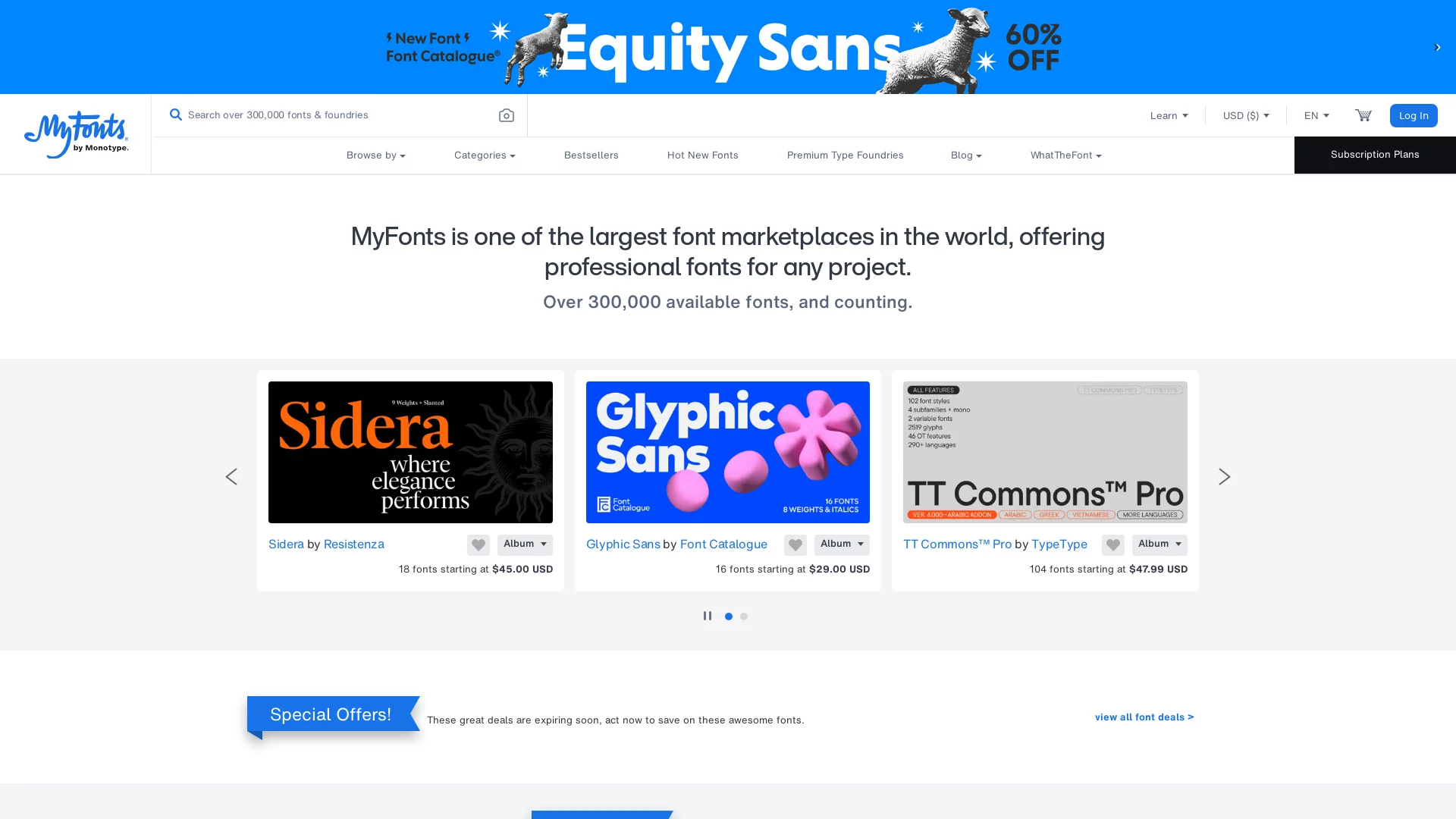
WhatTheFontOnline font identification website
Screenshots

What font-related creative challenges can WhatTheFont actually solve?
Official website: https://www.myfonts.com/pages/whatthefont
Whether you work in graphic design, brand marketing, or everyday content creation, you have probably run into this situation: staring at the typeface on a poster, magazine, or outdoor ad and liking it more and more, yet being unable to name it, and finding nothing after manually flipping through your font library until your eyes ache.
That is exactly the pain point this tool, developed by MyFonts, is designed to solve.
When you come across an unfamiliar typeface, which WhatTheFont feature should you use?
Most people using this tool for the first time care most about how quickly it can identify an unfamiliar typeface — that is, after all, its core purpose. Using advanced machine learning algorithms, it extracts details such as stroke shapes, weight, and width. Even connected scripts, complex images mixing several typefaces, or blurry or partially visible images can be matched accurately. It covers as many as 230,000 typefaces, which basically covers most of the fonts you will encounter day to day.
Different users in different scenarios will use different features. The web version suits those working at a computer: after uploading an image, you can manually select the font area you want to identify, which improves recognition accuracy, with no extra software to download. The mobile apps for iOS and Android suit designers out hunting for inspiration: simply photograph typefaces in the real world or on a screen and get results instantly, without waiting until you are back at the office.
It does more than identify fonts — it also comes with handy companion features. After identification, it offers font pairing suggestions to help you build harmonious font combinations for your design work; it can save records of fonts you have identified so you do not have to hunt for them again next time; and it lets you view similar fonts in one click, widening your font selection options.
What details should you keep in mind when using WhatTheFont?
Of course, however accurate the tool is, a few tips can help you get the recognition results right. Most basic of all: make sure the images you upload or take are as sharp as possible. Poor lighting or a tilted shot can blur the font strokes, leaving the algorithm unable to analyse them properly.
If an image mixes several typefaces, do not upload the whole thing. Manually frame the area of the typeface you want to identify — this reduces interference from other fonts and noticeably improves accuracy.
If you run into connected scripts or especially artistic special fonts, do not panic. You can adjust the selection to keep only the core text; when shooting with the mobile app, get close to capture the font details so the algorithm can extract features more accurately, and the results will not be far off.
Another easily overlooked point: for commercial use, pay attention to the font’s licence type. Some fonts are free for personal use only, and commercial use requires a separate commercial licence. The tool will take you to the MyFonts platform for details, so read them rather than run into copyright problems later.
Is WhatTheFont completely free?
Many people worry that a professional tool like this will charge fees, but its basic services are free. Uploading images and identifying fonts cost you nothing at all.
Payment is only needed in two cases: downloading the identified fonts, or using them commercially. Depending on the licence type and use, costs range from a few dollars to several hundred, with no hidden charges.
By the way, it also has a community forum where you can discuss font selection and design techniques, share identification experiences, and pick up the latest type industry news. Talking things over with peers beats fumbling on your own.
How does using WhatTheFont differ across scenarios?
Different users have different needs, so the way you use the tool should be adjusted accordingly, or your efforts will be wasted.
When graphic designers are hunting for inspiration and spot a distinctive typeface on a poster, magazine, or outdoor ad, they can simply photograph or upload the image, frame the font area, and get matching results quickly. They can also browse the styles of similar fonts at the same time, gathering material for design proposals instead of searching blindly.
For marketing professionals producing brand materials, inconsistent fonts are the biggest worry. If a font in the material is blurry or only partially visible, use the web version to frame the corresponding area for accurate identification. Combined with the pairing suggestions the tool provides, you can quickly find alternative fonts that fit the brand tone, keeping messy fonts from undermining the brand’s visual effect.
How can you use WhatTheFont more efficiently at an advanced level?
Once you have used it for a while, you will find that a few small habits make the tool even easier to work with.
Save the records of fonts you have identified and review them regularly. Over time you will build up a library of your commonly used fonts, so you no longer need to re-identify every time you choose a typeface — a real efficiency boost.
Do not overlook the community forum either. Many users share their font experience and tips there — which fonts suit poster headlines, which ones are safe for commercial use — much faster than researching on your own, and it helps you avoid pitfalls.
Relevant Navigation

Huida Font Navigation
Free Fonts
Fonts World
Font Search
HelloFont
ZitiDi