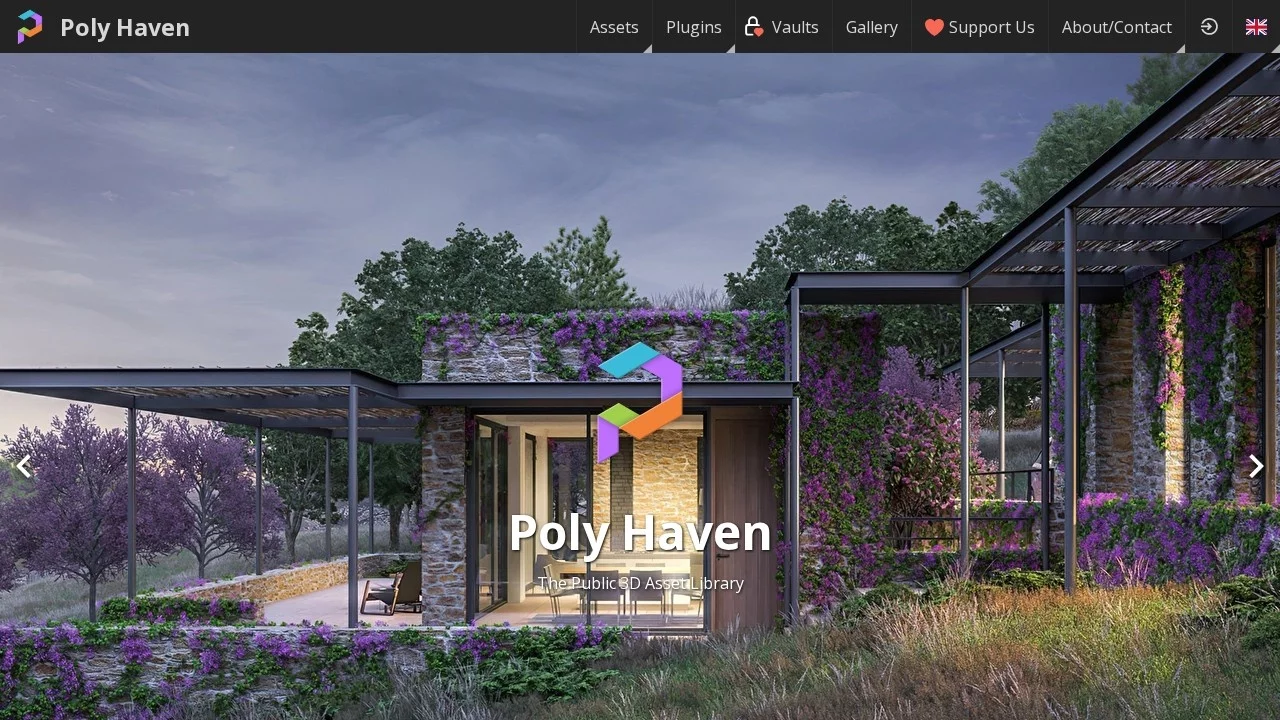

PolyHavenHigh-quality resource website for 3D models, texture maps and HDRI environment maps
Screenshots

Friends in 3D creation, have you ever encountered such frustrating moments: when rushing a project halfway, you lack a wood grain material that can withstand close-up shots, or a set of furniture models that fit the scene; resources found online are either priced ridiculously high, or have ambiguous copyright terms, making you always worried about pitfalls when using them. This article will help you figure out what a reliable platform that can solve such material pain points looks like.
How does Poly Haven solve the core pain points of 3D materials?
Official Website: https://polyhaven.com/
Many people’s expectations for a material platform boil down to two points: it works, and it is reliable to use. Poly Haven is built around these two points — a free 3D resource platform contributed by professional artists, offering three categories of materials: 3D models, texture maps, and HDRI environment maps. All are released under the CC0 Creative Commons licence, covering common themes such as architecture, furniture, animals, plants, etc., with details fine enough to support high-demand rendering outputs.
Many material platforms claim to be free, but actually hide restrictions in their licences: only for personal study, attribution required, commercial use prohibited. For creators who rely on projects for a living, these constraints can become potential risks at any time. Poly Haven has taken a more thorough approach: all resources on the site are under the CC0 licence, meaning the authors contribute their works to the public domain, so anyone can use them freely.
Is it really safe for commercial use while being free?
For commercial creators, this is the most critical point. Simply put, this means three things: no payment required for downloads, no barriers like memberships or points; can be directly used for commercial projects, whether it’s commercial rendering delivered for orders or product content released publicly, no additional authorization needed; no copyright disputes, and no need to check the licence terms of each material when collaborating in a team.
Anyone with commercial project experience knows that “being safe to use” is sometimes scarcer than “being affordable”. After all, for projects that have taken time and effort, you can’t get stuck before delivery due to material copyright issues.
How should the three types of materials from Poly Haven be used together?
Many people who first encounter this platform will wonder about the division of labour among the three types of materials: models, textures, HDRI. If downloaded separately, how to combine them into a complete scene? In fact, the relationship between the three is very simple: models are responsible for form, textures for texture, and HDRI for atmosphere. Only when all three are available can a credible 3D scene be built.
Are 3D models just placeholder pieces to make up numbers?
Of course not. The platform’s model library covers various types such as architecture, furniture, animals, plants, etc., adapting to different creation scenarios. These models are not random placeholder pieces; professional artists have put effort into details and texture processing, resulting in excellent visual effects. Even in close-up shots, it is not easy to have issues.
For creators who need to build scenes quickly, these models are like ready-made prefabricated parts, which can save a lot of time from modelling from scratch, allowing them to focus on more core creation content without spending too much effort on basic components.
Can texture maps really save the “poor texture” of close-up shots?
Anyone who has done 3D rendering knows that the gap in material details will be infinitely magnified in close-up shots. For example, a wood grain texture map, if it does not have clear texture direction and natural colour differences, will look fake in close-up rendering, like a layer of plastic film is pasted on it.
Poly Haven’s texture library includes various materials such as wood grain, metal, stone, fabric, etc. When applied to the surface of models, it can significantly enhance realism. Even for high-demand close-up shots, it can hold the effect without spending a lot of time repairing material details in post-production.
Can HDRI environment maps really handle global illumination with one image?
HDRI stands for High Dynamic Range environment maps. Simply put, it is an image that can simulate light changes in a real environment. In 3D rendering, lighting is the key to creating realism. If you adjust light sources manually, it is not only time-consuming but also difficult to get natural effects.
With Poly Haven’s HDRI environment maps, there is no need for manual lighting setup. Just import the map into the rendering software, and you can directly generate global illumination that matches the real environment, saving a lot of time adjusting light sources. Moreover, the lighting effect is more natural, without issues like harsh shadows or overexposure.
Are there any other things to note when using Poly Haven materials?
In fact, in most cases, you just need to follow the rules of the CC0 licence, no extra actions required. However, note that although it is free for commercial use, it is best not to package the materials and resell them. After all, CC0 allows free use, but does not allow charging for redistribution.
Additionally, if you are working on a project in a specific field, such as high-precision industrial modelling, it is best to download the material preview images to check the details first. Although most materials on the platform are fine enough, different projects have different requirements, and confirming in advance can avoid rework later.
Relevant Navigation


shutterstock