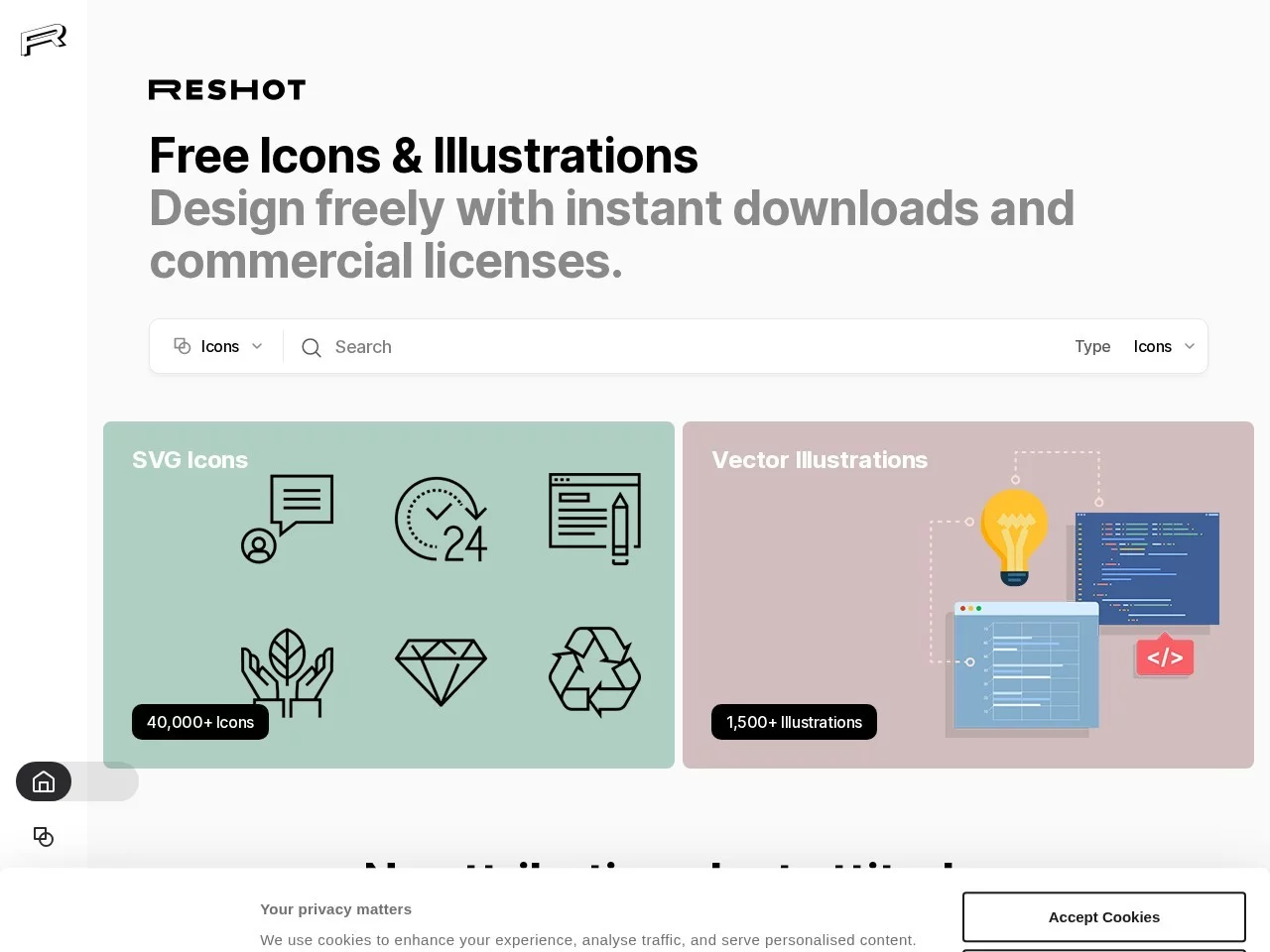
ReshotFree HD image resources
Screenshots

Anyone doing design, new media, or coding runs into the same hurdle every day: finding assets. You can’t afford the annual fees of paid stock libraries, and images pulled from search engines always risk copyright trouble — your hand hovers over the mouse in fear every time you use one. There is actually a platform that solves both dilemmas, and quite a few fellow professionals have been quietly using it for nearly three years.
Free assets for commercial use — can you really use them with peace of mind?
Official website: https://www.reshot.com/
I stumbled into quite a few copyright pitfalls when I first started out. Later I found that Reshot‘s terms are remarkably transparent — all assets are free for commercial use with no restrictions, costing not a penny and requiring no attribution to the author, so you can use them in commercial projects without any worries.
This is a huge plus for small teams. Last year I built a website for a friend’s start-up, and the budget didn’t even cover the annual fee of a paid stock library. The icons and photos from Reshot carried the whole project, and in the end the client couldn’t find a single copyright-related issue. The money saved even covered two extra rounds of prototype testing. Of course, if you’re working on commercial materials that demand top-notch polish, you needn’t worry about the assets letting you down either — the quality of its resources genuinely reaches a professional standard.
Can you really find everything you need here?
I’ve come across plenty of asset sites where the icons are too few to be useful or the photos are too blurry to look at. Reshot’s collection, broadly speaking, covers the vast majority of everyday needs.
Its resources fall into three categories, each addressing the pain points of a different scenario:
- 40000+ SVG-format icons, in styles ranging from minimalist to retro. Whether it’s small icons for web interfaces, app buttons or presentation slides, a quick search will turn up something that fits;
- 1500+ vector illustrations, covering themes from work to everyday life. For landing page heroes or brand promotional materials, they can instantly create a complete visual feel;
- 25000+ high-quality photos, sharp enough for outdoor posters. Even in demanding scenarios like advertising campaigns, they don’t look out of place.
What’s more, both the SVG icons and vector illustrations come in vector format, so they stay crisp at any size, the colours can be adjusted yourself, and if the project’s style changes midway there’s no need to hunt for new images again — saving a lot of hassle.
Can finding assets really be this straightforward?
Plenty of resources mean nothing if you can’t find them. Reshot’s search logic is smooth — you can pinpoint exactly what you want without endless scrolling.
I usually search with English keywords. Type in the right terms and the results basically match your needs, with no need to dig through piles of irrelevant images. The whole process takes just three steps, so even beginners can get started straight away:
- Enter the relevant English keywords in the search box to lock down the direction of the assets you’re after;
- Scan the results list and pick the works that best match your project’s tone;
- Open the asset page, click download and save it to your device.
In two or three minutes at most, you’ll have the assets you need — far more reliable than searching for images on Baidu as I used to.
Can its built-in AI tools really save you time?
AI photo restoration — can it really rescue ruined shots?
Sometimes the photos you download turn out a bit blurry, or the details aren’t clear enough. Instead of hunting for a new image, the built-in AI photo restoration and enhancement feature can sharpen up the blurred areas and optimise the details, saving plenty of time on rework.
AI art effects — can they really add creative flair?
And it’s not just about fixing photos. There are also plenty of creative filters — apply a different one to the same photo and you get a completely different texture. When making posters or social media images, there’s no need to open another editing tool; you can dial in the right style directly on the website.