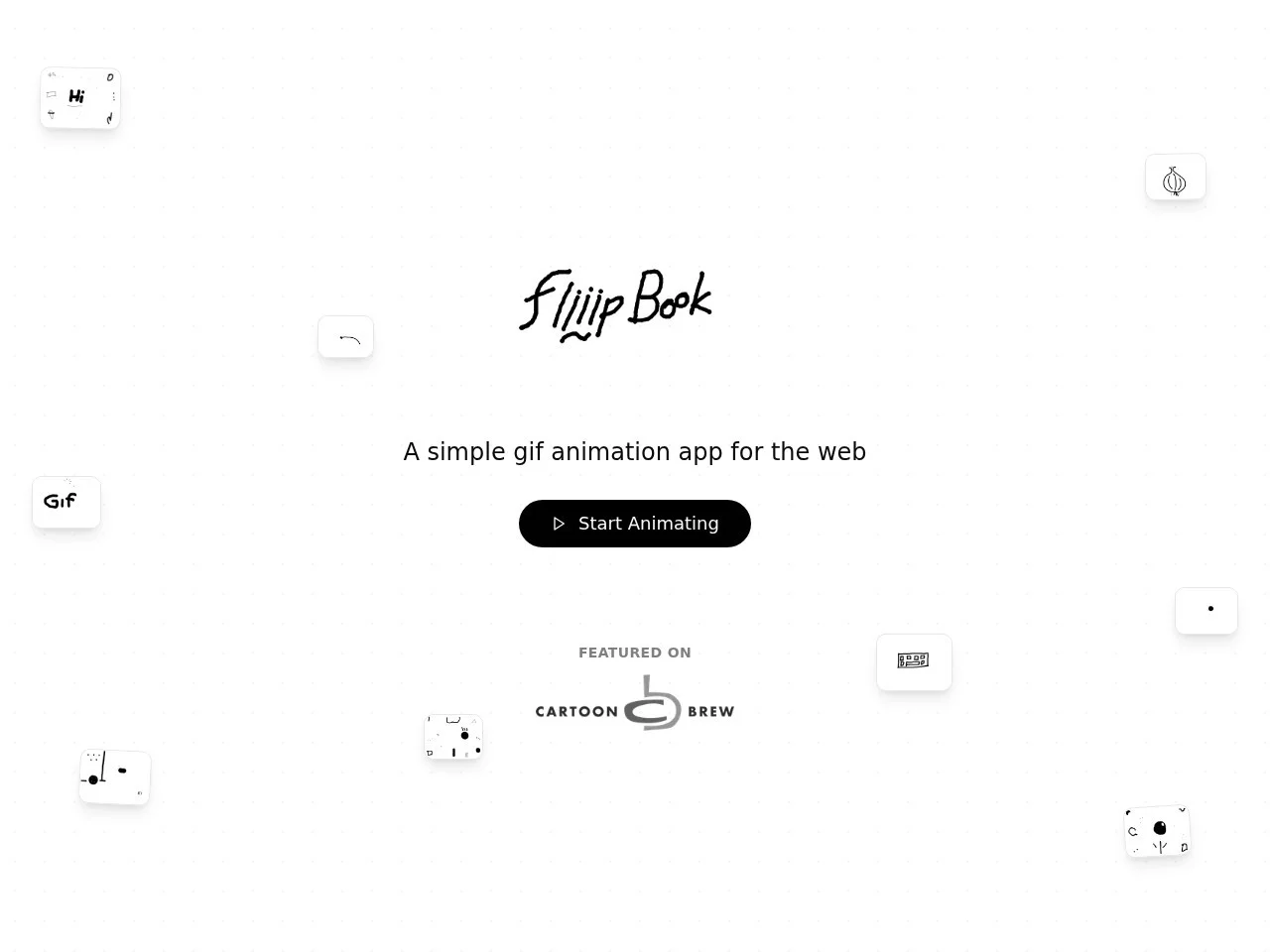
FliiipbookFliiipBook is a browser-based online frame-by-frame animation creation tool designed for desktop or tablet users, providing a complete 24-frame (about 2 seconds) loop ani...
Screenshots

Start drawing right in your browser: Get to know Fliiipbook, the lightweight animation tool
Want to try hand-drawn frame-by-frame animation but put off by the installation process and complex interface of professional software? Fliiipbook simplifies this to the extreme — it is a web-based 24-frame loop animation creation tool designed for desktop computers and tablet devices. No software needs to be downloaded or installed; just open the official website and you can directly enter the creation interface to start drawing.
Official website: https://www.fliiipbook.com/
Despite its lightweight nature, it has all the core capabilities: frame-by-frame drawing, onion skin preview, visual timeline, real-time preview, and watermark-free GIF export are all available. Whether you want to make a loop meme, a teaching demonstration animation, or casually record a fleeting inspiration, it allows you to enjoy the pure fun of hand-drawn frame-by-frame animation in your browser.
Drawing Experience: From 1px Details to 50px Thick Lines, with Exclusive Coloring Tools
Fliiipbook’s drawing tools cover the core needs of daily creation. Basic tools like pencil, pen, eraser, fill, and layers are all available. The canvas supports zooming and panning, making it easy to depict character eye details or lay out the entire scene composition. Line thickness can be freely chosen between 1px and 50px — thin lines for detailing parts, thick lines for large block-style visuals.
The coloring process is cleverly designed. In addition to the regular paint bucket and spray can, it is equipped with the exclusive Spray-Fill™ tool, which can meet the needs of detailed drawing and handle quick color filling scenarios, making the filling work more efficient.
Tips for Smoother Drawing
- Make good use of the layer function to manage characters, backgrounds, and effects in separate layers, so they don’t interfere with each other when editing;
- When dealing with fine parts like facial features and hands, zoom in on the canvas first, then return to the overall view to check the overall proportion;
- Use thick lines for sketching to determine the movement, then switch to thin lines for detailed rendering — this will make your creative ideas clearer.
Frame-by-Frame Workflow: Onion Skin + Timeline, No More Guessing for Smooth Motion
Frame-by-frame animation is most tested by whether the motion transitions are natural. Fliiipbook solves this pain point with onion skin preview — when drawing the current frame, you can see the content of the previous and next frames in real time, making the transition between motions clear at a glance. You can confirm whether a character’s step or raised arm is smooth while drawing, instead of waiting until after export to find problems.
The timeline is also intuitively designed: the visual timeline makes every frame clearly visible. You can drag to adjust the order of frames, copy or delete frames with one click, and customize the playback duration (FPS) of each frame to achieve well-paced time control. Combined with the real-time preview function, you can watch the animation effect while drawing, and adjust the motion rhythm at any time — this naturally boosts creation efficiency.
It is recommended to start with super simple loops of 2-3 frames, such as blinks or wiggling tails. Once you get familiar with the combination of onion skin and timeline, you can challenge loop animations with more complex motions.
Export & Efficiency: One-Click Watermark-Free GIF, Shortcuts to Speed Up the Whole Process
After completing your work, click the export button to generate a watermark-free GIF file. During export, it will automatically optimize and adjust size and color, so the resulting file can be directly shared on social platforms or embedded in web pages. The file name is automatically generated and unique during export, avoiding naming conflicts and overwriting risks when saving repeatedly.
- One-Click Export: Click to complete GIF output, eliminating tedious multi-step settings;
- Rich Shortcuts: Keyboard hotkeys cover common operations, and combining them with quick hotkeys greatly speeds up the drawing process;
- Auto-Naming: Exported files get unique names automatically, making work management easier.
Who Is It For? Answers to Common Questions
From usage scenarios, Fliiipbook is especially suitable for these groups: social media users who want to make fun memes, teachers who need to add animation demos to courseware, designers who need to quickly create concept sketches for projects, and art lovers who want to record inspiration anytime, anywhere. It reduces the learning curve to the point of “opening a browser” — the creation pressure is low, and the rewards are immediate.
FAQ
Do I need to install software? No. It is a pure web-based tool — just open the official website in the browser of your desktop or tablet to use it.
How many frames can I make at most? The tool is designed around 24-frame loop animations, which is enough to cover common needs for small animations like memes and loop effects.
Does the exported GIF have a watermark? No. The exported GIF has no watermark, and it will automatically optimize size and color — you can publish and share it directly after getting it.
If you’ve always wanted to try frame-by-frame animation but haven’t got around to it, why not switch to desktop
Relevant Navigation
Beautification Tools
BrowserFrame
Wei Word Cloud