
PixilartA free online pixel art creation platform
Screenshots

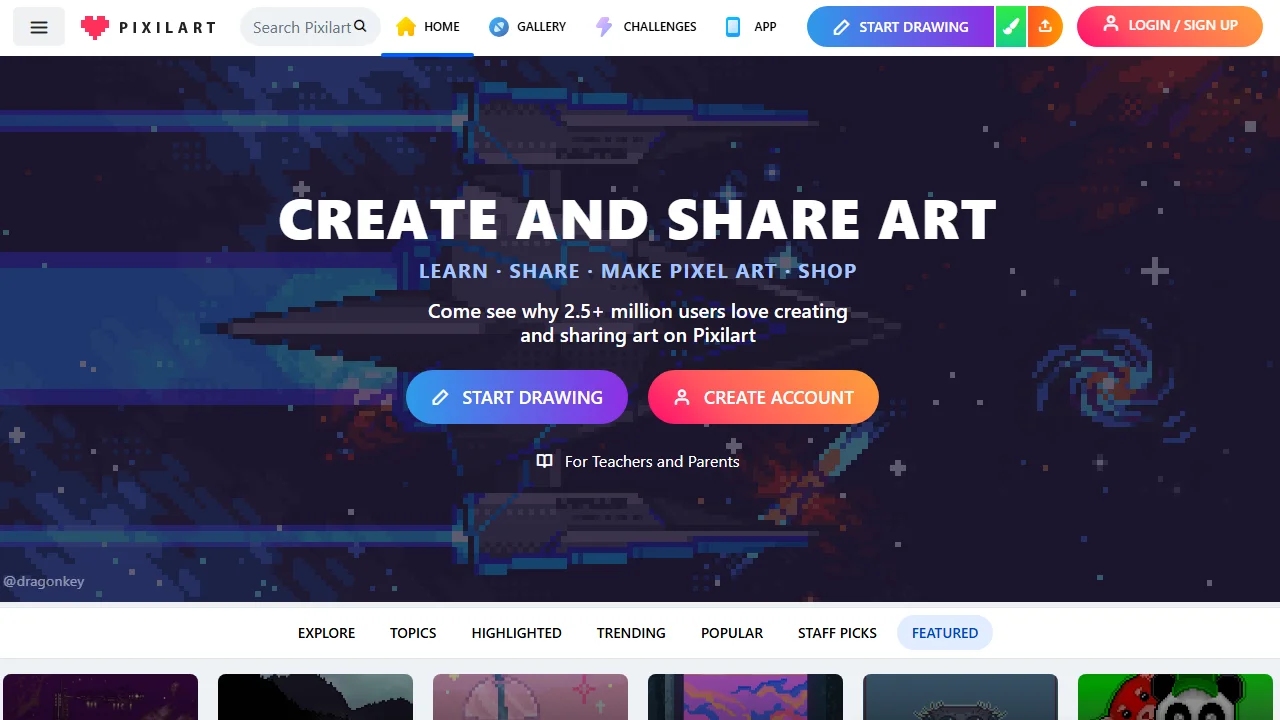
Not long ago, I was looking for tools for a friend who was new to pixel art creation, and fell into several traps: either requiring downloading several gigabytes of professional software, or online platforms with so few features that even drawing a complete character was a struggle, until I found Pixilart which was a relief — this platform really lets absolute beginners quickly get started with pixel art creation.
Do you really not need to master complex software to learn pixel art from scratch?
Official website: https://www.pixilart.com/
At first, I also thought that pixel art creation required professional drawing software that often takes up several gigabytes, since precisely controlling the position of every pixel sounds very troublesome. Later, I found that Pixilart takes a completely different approach: no need to download anything, just open the website and use it, saving even the time for installing packages, which is very beginner-friendly.
Its core toolset perfectly meets the needs of beginners: all basic functions like pencil, eraser, zoom in/out are available, plus undo and redo, so you don’t have to worry about discarding everything if you make a mistake, keeping the cost of trial and error very low. In the first few days of using it, I drew a monster’s eye with it, adjusting the pixel position over ten times without daring to delete randomly; if I had used previous software, just finding the undo button would have taken two minutes.
Is the layer function really useful when drawing complex content?
I once drew a pixel art with a background and a character before; without layers, modifying the character meant moving the background along, which took half an hour to adjust. Later, I found that Pixilart has layer management: draw the background, character, and small decorations separately, click on the layer you want to modify, and don’t have to worry about messing up other content. I later used this function to create a small scene, which was three times more efficient than before.
Besides static drawing, its animation function is also very practical. Create a simple character walking frame, adjust the position of two or three pixels per frame, set the playback duration, and export it as a retro-style GIF. No need to learn complex animation software specially; beginners can also make usable dynamic content.
Can you modify Pixilart creations anytime across devices?
I used to worry that the sketch I drew on the desktop at work couldn’t be continued on the tablet at home, but Pixilart’s cross-device adaptation really solved this problem. Draw details on the large desktop screen, adjust lines with touch on the tablet, and even doodle some ideas on the mobile when slacking off; all content syncs quickly, no need to transfer files back and forth.
During my commute, I drew a small pixel house on the bus with a stylus on my mobile. When I got home, I connected the tablet, opened it directly, and continued adding the chimney and windows — it took less than twenty minutes in total. If I had used another platform, I would have had to transfer the image to my mobile to adjust, which was very troublesome.
Is it really convenient that you can draw directly without registering?
Many online creation platforms require filling in an email to register first, which I find troublesome every time. Pixilart is different — open the website and you can use all basic tools directly without registering. The first time I used it, I had just finished drawing a small avatar when my friend asked me to modify a small detail; I didn’t even log in, could operate directly, which was very convenient.
Of course, if you want to share your works to the community or participate in official creation challenges, just register — the operation is simple: fill in an email and set a password, done in two minutes. Moreover, the platform supports multiple languages; although the interface is mainly in English, the buttons and tool instructions have corresponding translations, so you won’t get stuck because you can’t understand English.
Can both beginners and experienced users find their place on Pixilart?
I used to think this kind of lightweight platform was only suitable for beginners, but I didn’t expect there are many professional game developers in the community. They post character design assignments in challenges, so beginners can learn from them, and experienced users can also give each other feedback. Last year, I participated in a pixel character design challenge; someone in the beginner group shared tips on drawing small monsters, and experienced users helped me adjust the colour scheme. I finally got an encouragement award and met several like-minded people.
For beginners, its tools are enough to practice, starting from simple pixels and gradually getting familiar with the arrangement logic; for professionals, functions like layers and animations can support complex projects, and community interaction can also bring new inspiration, so you don’t have to brainstorm ideas alone.
Relevant Navigation
SoupanYa
logo lab