
AD Recommendation
Join Now
Important: Please do not trust the content and ads of various websites easily! Recommended reading: Safety Tips
YouTube Dubbing
Scan to visit on your phone
4wks agoupdate 665 00
0

YouTube DubbingYouTube Dubbing

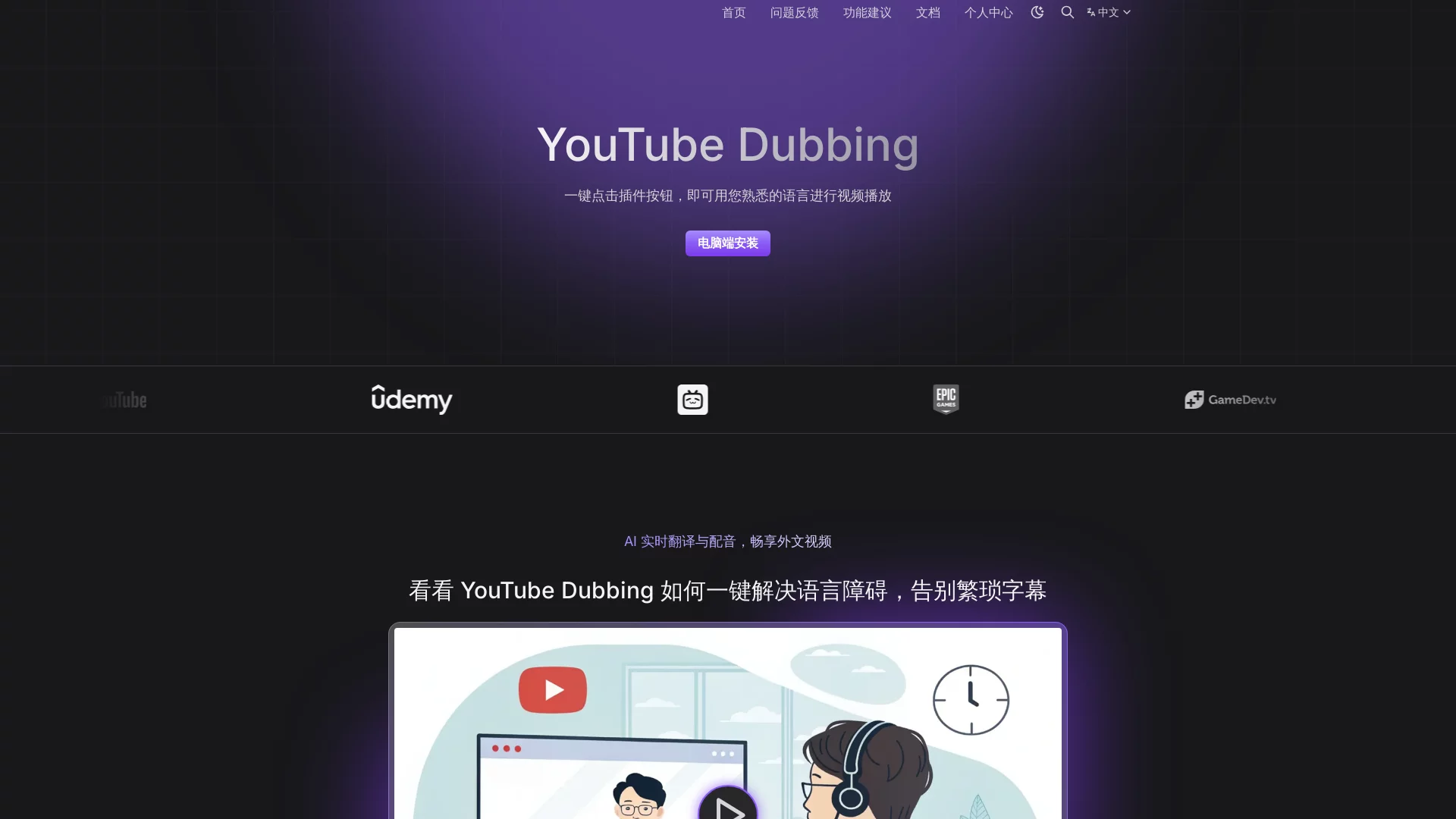
YouTube Dubbing is an online browser extension that helps users cross language barriers and enjoy video content through AI real-time translation and dubbing functions.


Screenshots

YouTube Dubbing

Every time I scroll through tech reviews, vlogs or tutorials on YouTube, staring at the foreign language subtitles at the bottom of the screen, my eyes ache and swell, but my ears are unused the whole time. After watching, I can’t even remember the core content of the video? Actually, I used to make this mistake all the time, until I found the YouTube Dubbing tool, which solved this awkward feeling of “tiring eyes and unused ears”.

Figure out your own needs first

The first time I encountered this tool was because I always wanted to watch tech reviews on YouTube, but my English listening was really poor, and I didn’t want to stare at the subtitles and miss the details of the video. Later I realized that what I wanted was not just simple subtitle translation, but dubbed audio that plays synchronously—after all, watching a video should combine both visuals and sound; only watching subtitles is like splitting the video in half, completely losing the original experience.

Later I specifically checked the actual use cases of this tool and found that it is not a machine that only does literal translation; it is targeted at people like us who want to “watch foreign language videos while listening”. Whether it’s watching overseas blogger shares, short academic explanations, or daily vlogs, as long as it’s content on the YouTube platform, it can be used—no need to switch translation software repeatedly, nor manually adjust the synchronization rhythm of subtitles and video.

Official website: https://www.youtube.com/new

Easy to get started

Actually, what I care most about is whether the tool is easy to operate, because many browser extensions require adjusting a bunch of settings after installation, which takes a lot of time and delays watching videos. After installing YouTube Dubbing, a small button will automatically pop up in the upper right corner of the YouTube playback page; click it to select the language you want to translate to, then just play directly—no extra settings needed throughout, not even needing to remember shortcut keys.

I’ve tried it several times, whether it’s the first use right after installation or opening it again after a long time, there’s been no operation stuck. Its dubbed audio is completely synchronized with the video’s progress; there’s no problem of the dubbed audio being half a second faster or a few beats slower. Even if you fast-forward or rewind the video, the dubbed audio can adjust accordingly, completely not interrupting the flow of watching the video.

Small details in use

Before, I was also worried that this kind of AI dubbed audio would be particularly stiff, sounding like a robot reading a text. But after actual use, I found that its dubbed audio fits the tone of the speaker in the video, and won’t read the whole content dryly. For example, if the blogger tells a joke, the tone of the dubbed audio will also adjust accordingly, without destroying the original atmosphere of the video. This is much more considerate than other translation tools I’ve used before.

Another small detail: when I watched long videos before, I was always worried that the dubbed audio would miss content, but YouTube Dubbing can cover all the voice content in the video—whether it’s a soft commentary in the background or the blogger’s questions, it will accurately translate into the corresponding dubbed audio, without missing any key information. Last month, I watched a 20-minute overseas food tutorial, listening to it with this tool the whole time, and didn’t even miss the ingredient amounts mentioned by the blogger—even clearer than when I memorized by staring at subtitles.

Small issues not to worry about

Some people might ask: will this tool take up a lot of browser memory? I usually have seven or eight tabs open at the same time, plus chat software. When using this extension, I didn’t feel the computer lag, nor did there be slow loading, and it didn’t affect the use of other pages at all. Moreover, it runs online, no need to download extra software, and won’t store any extra files locally—very worry-free to use.

I’ve tried other similar tools before, either with incomplete translation content or unsynchronized dubbed audio and video, and couldn’t stick to them after several tries. YouTube Dubbing is the tool that I’ve kept in my browser after using it. After all, watching foreign language videos on YouTube is originally to get content—no need to be distracted by subtitles and translation issues, being able to watch the video peacefully is the most practical part.

Relevant Navigation

No comments

You must be logged in to leave a comment!
Login immediately
none
No comments...