AD Recommendation
Join Now
Important: Please do not trust the content and ads of various websites easily! Recommended reading: Safety Tips
鼎斯韦AI Toolbox
Scan to visit on your phone
3wks agoupdate 596 00
0

鼎斯韦AI Toolbox鼎斯韦AI Toolbox

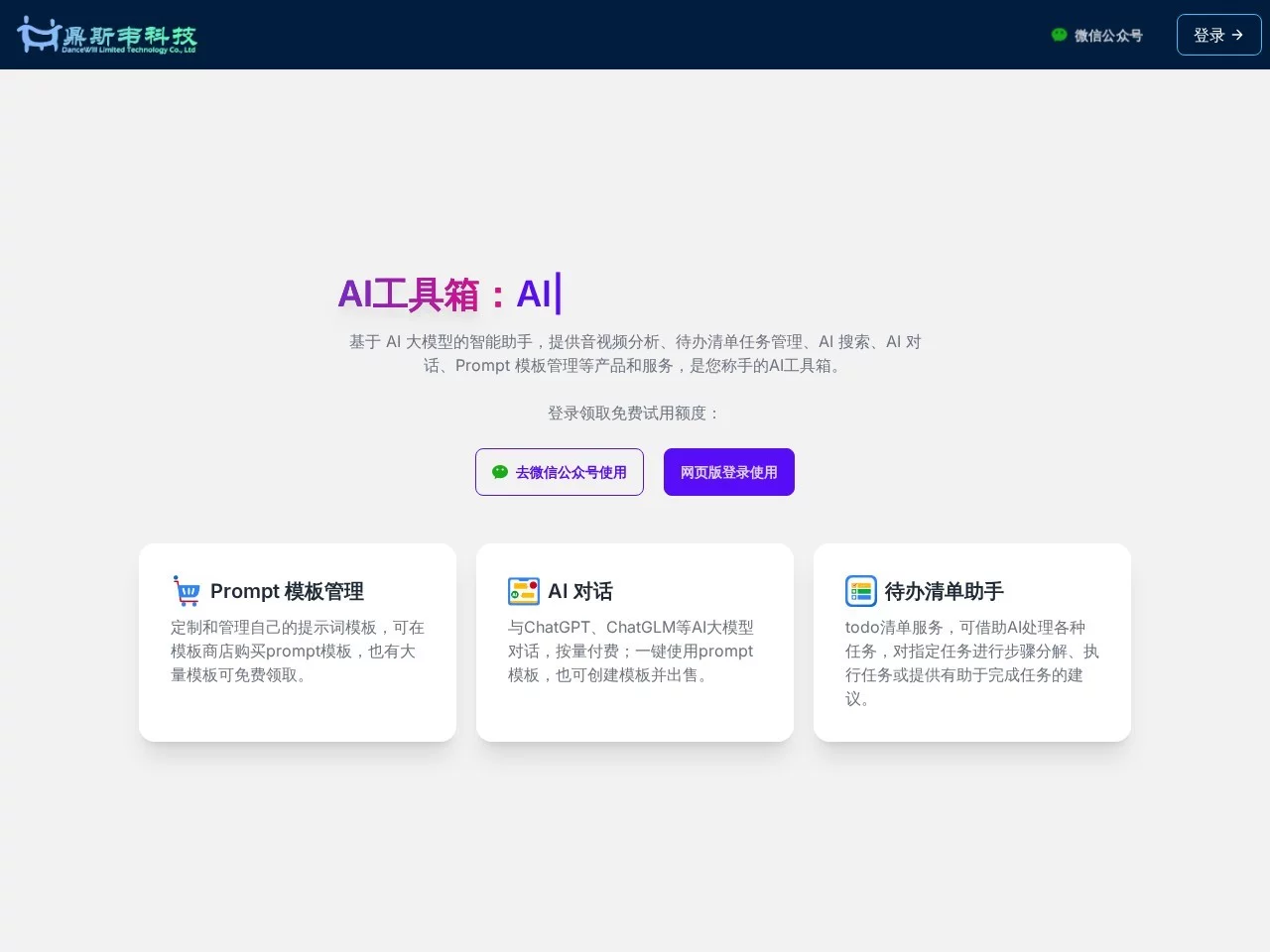
An intelligent assistant based on large AI models, providing products and services such as audio and video analysis, to-do list task management, AI Search, AI Chat, and P...


Screenshots

鼎斯韦AI Toolbox

Stop switching between ten apps: The logic behind the integrated AI workbench

When you open your computer to work, you’ve probably gone through this process: use a calendar app to schedule, a transcription tool to process meeting recordings, a search engine to look up information, and finally switch to an AI chat window to write copy — every step requires a different tool, with different accounts, interfaces, and operating habits, wasting a lot of time on switching itself. Dancewill AI Toolbox is launched by Dancewill Technology, and its solution is to integrate five high-frequency actions — task management, audio analysis, web search, AI chat, and prompt templates — into one platform, allowing users to complete the entire workflow in a single workbench.

Official website: https://dancewill.com/

Behind this is a shift in product thinking: the capabilities of large language models are no longer limited to “chatting” but truly “getting things done”. Standalone tools each have their own strengths, but daily tasks are often continuous and multi-step; only by integrating these capabilities can AI assistants fit into real work rhythms.

Overview of the Five Modules: A List to Understand What It Can Do

Rather than listing parameters, it’s better to look at the feature list directly. The following five modules basically cover the entire workflow from “note-taking” to “output”:

  • To-do List Management: Supports viewing schedules by day, week, and month; has a built-in perpetual calendar for direct browsing; the system automatically breaks down tasks into executable steps, and provides task search, content summarization, and prompt suggestions.
  • Audio Analysis: Generates waveform diagrams, subtitles, and content summaries for audio materials; supports both local audio files and video platform links as sources.
  • AI Search: Retrieves information in real time via the web, aiming for accurate and comprehensive results; search history is automatically saved for easy reference at any time.
  • AI Chat: Can communicate directly with assistants like ChatGPT to quickly generate the required text content.
  • Prompt Template Management: Helps users quickly generate and manage input prompt templates for AI models, structuring and accumulating scattered prompt experience for reuse at any time.

None of these features are unique on their own, but what’s special is that they are all in the same interface: the output of the previous step can directly become the input of the next step, which is the core advantage of integrated design over “tool sets”.

Integrate Features into a Day’s Work: Three Real Scenarios

Scenario 1: Morning Planning, Tasks No Longer Stay on the To-do List

In the morning, open the toolbox and go through the day’s schedule with the to-do list. Traditional to-do tools only “record”, but the AI here will automatically break down a vague task into several specific steps, and provide content summaries and execution prompts. For example, a rough entry like “prepare for Friday’s presentation” will be split into a series of actionable items, greatly reducing the starting cost.

Scenario 2: Afternoon Material Processing, Audio Workflow Completed in One Go

If you create podcasts, interviews, or music content, afternoon material processing will be much easier. Import local recordings or directly paste video platform links, and the system will generate waveform diagrams for positioning, subtitles for verification, and content summaries for quick grasp of key points. The workflow that originally required transcription tools, editing software, and note-taking apps to complete in sequence is done in one page here.

Scenario 3: Evening Retrieval and Writing, Search and Chat Work Together for Output

When it’s time to produce content, AI Search is responsible for “finding” — real-time web retrieval, aiming for accurate and comprehensive results, with search history available at any time; AI Chat is responsible for “writing” — communicating directly with assistants like ChatGPT to turn the found information into a draft. The prompts pre-stored in Prompt Template Management mean this step doesn’t need to start from scratch every time; they can be reused with one call, making output quality and speed more stable.

Three Easily Overlooked Points: Privacy, Ads, and Onboarding Threshold

Beyond the feature list, several traits determine whether a tool will be used long-term. The first is the privacy approach: Dancewill AI Toolbox promises not to track user data. For users accustomed to processing work content in the cloud, this is often more important than the number of features — after all, task lists, audio materials, and prompt libraries store real work information.

The second is no ads — the interface is simple, with no pop-ups or distracting elements, so attention can stay on the work itself; the third is a low onboarding threshold — the user-friendly design allows users with different technical backgrounds to get familiar quickly, with no extra learning cost.

Quick Questions: What You May Want to Ask About This Toolbox

What kind of users is it suitable for?

From the functional composition, three groups of people are most suitable: enterprise office workers can use the smart to-do list assistant to manage personal and team tasks, improving efficiency with task decomposition and execution suggestions; media and audio practitioners can rely on the waveform diagrams, subtitles, and summaries from audio analysis to align with

Relevant Navigation

No comments

You must be logged in to leave a comment!
Login immediately
none
No comments...