AD Recommendation
Join Now
Important: Please do not trust the content and ads of various websites easily! Recommended reading: Safety Tips
Smodin
Scan to visit on your phone
3wks agoupdate 601 00
0

SmodinSmodin

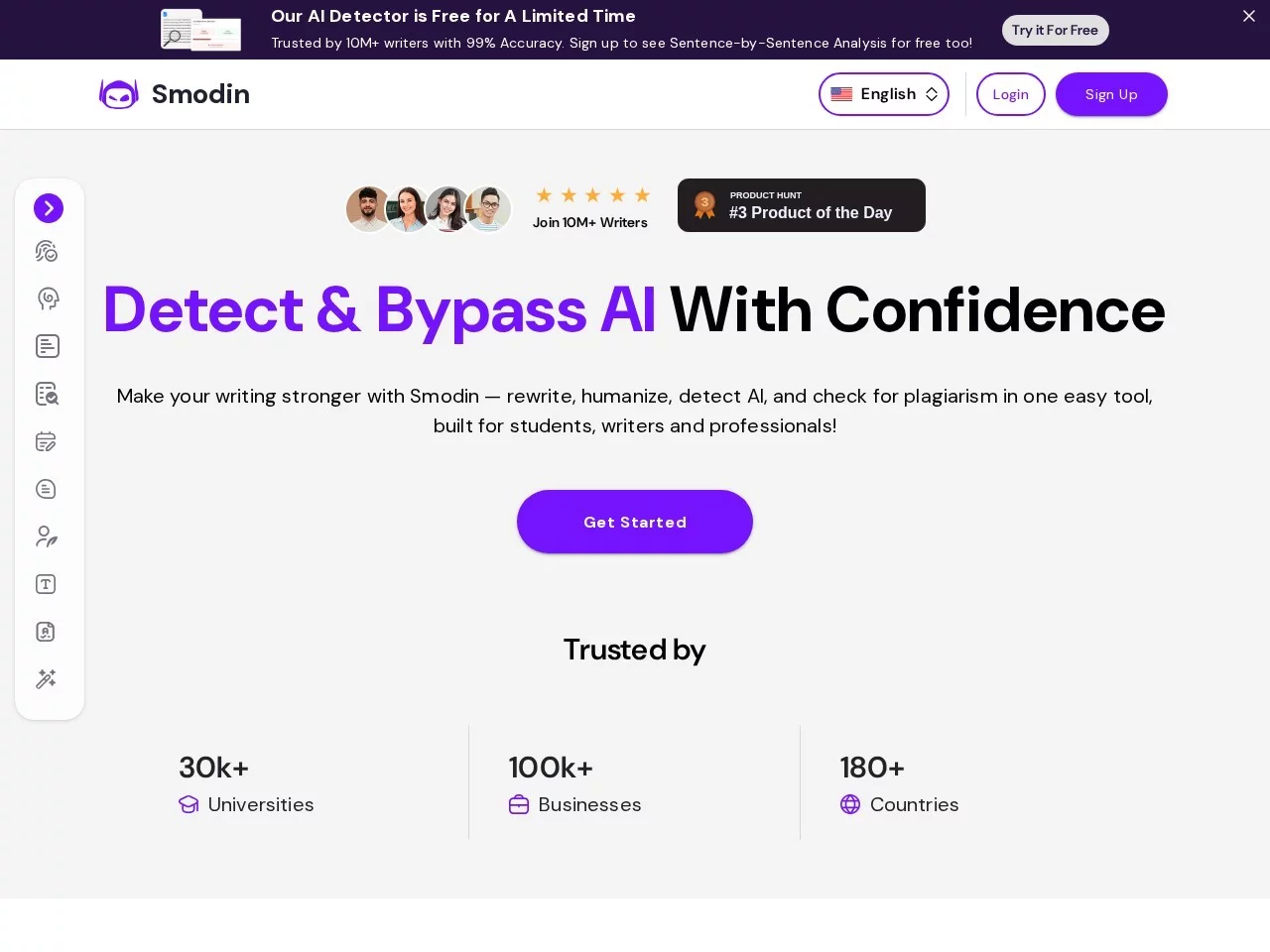
Smodin is an all-in-one AI tool designed specifically for writing, aiming to enhance writing efficiency, quality, and creativity.


Screenshots

Smodin

Before choosing Smodin: Does it actually save you time?

Don’t compare it with those AI tools on the market that only pad word counts. Smodin actually solves real problems. It’s not a “padding machine” that makes you rework after editing; it covers everything from drafting to plagiarism checking, saving a lot of hassle for students, writers, and others who work with text regularly.

Official website: https://smodin.io/zh-cn

Core features of Smodin: Which ones are actually useful?

Want to save time writing content? These two features are the most practical

If you’re rushing an essay or a WeChat Official Account post, you don’t have to spend ages figuring out the structure. Smodin’s article generation feature can produce a first draft based on the keywords you provide, and its intelligent rewriting module can polish your existing text to make it more fluent and boost its originality, so you don’t have to spend hours tweaking every detail.

Additionally, its plagiarism checking and grammar correction are quite reliable. The free version can scan for duplicate segments and clearly mark where issues are; grammar checking is real-time, so you can fix punctuation and word choices right after writing, without needing to open a separate document to check.

Cross-language and academic needs: Can it handle them?

If you often work with foreign literature, it supports over 50 languages, and translations won’t produce awkward, literal sentences. For academic papers, it can automatically generate citations in two mainstream formats: MLA and APA, saving you the trouble of adjusting them manually according to style guides. It also has a research assistant that can search for references, so you don’t have to look for materials one by one.

By the way, it also has an AI content detector that can tell whether text is written by humans or generated by machines. If you’re worried your content might be mistakenly identified as AI-generated, you can use this feature to verify.

Avoid pitfalls when using Smodin: These issues need to be known in advance

What should people on a tight budget pay attention to when choosing a subscription plan?

The free version has very limited functions, only allowing basic generation and plagiarism checking. If you want full features, the paid version isn’t cheap. If you have a tight budget, calculate which functions you actually need first, and don’t buy expensive packages randomly.

There’s also a small issue: its AI content detector occasionally misses cases. If you’re unsure whether your content will be flagged, double-check manually instead of relying entirely on the tool’s results.

Who is Smodin suitable for? Don’t buy blindly

Students writing essays, researchers organizing literature—using it saves a lot of time. Blog writers or corporate copywriters can use it to polish and rewrite content when rushing, shortening the time to publish. Teachers or tutors can also use it to help students revise assignments and find materials. If you only write occasionally, the free version might be enough, but if you work with text every day, you need to consider the cost of the paid version.

Core usage checklist for Smodin (must-read)

  • Choose the generation feature for drafting, use intelligent rewriting for editing, try the free version for plagiarism checking first, use the citation generator directly for formatting, and select translation in over 50 languages for cross-language content

Relevant Navigation

No comments

You must be logged in to leave a comment!
Login immediately
none
No comments...