Online Text Comparison Tool
Online text content comparison tool, online text comparison tool
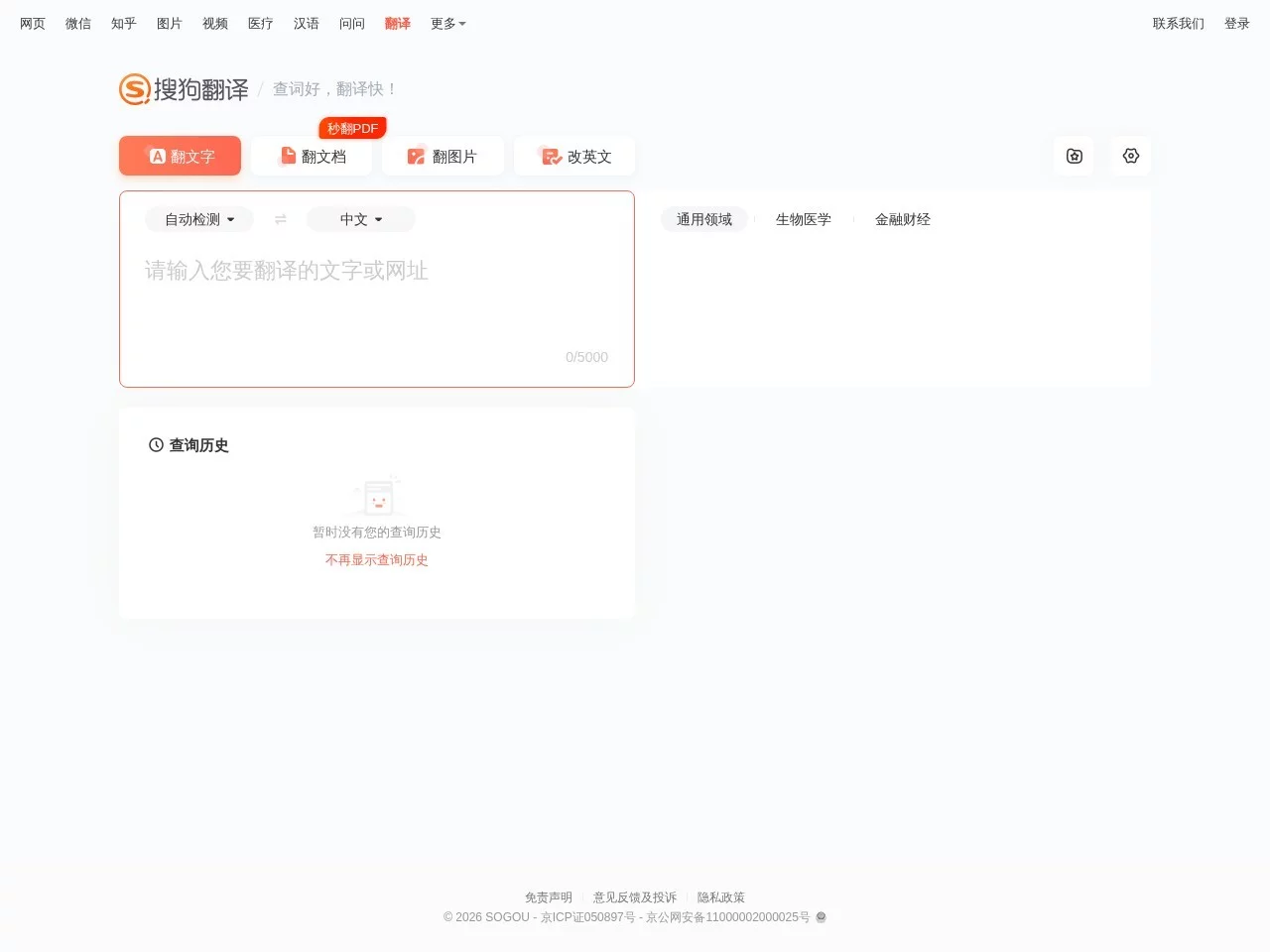
 Sougou Translation
Supports mutual translation between over 50 languages including Chinese, English, French, Japanese, etc.
Many of us have encountered situations like getting stuck when reading foreign-language news, feeling confused when receiving an all-English work document, or struggling to hold a conversation with locals during overseas travel. I have been using Sougou Translation for over half a year and have got the hang of its practical features.
Official website: https://fanyi.sogou.com/
Don’t listen to flashy promotions — here’s my actual experience: It is part of Sougou, powered by Neural Machine Translation (NMT) technology, not some random makeshift tool. It currently supports mutual translation between over 50 languages including Chinese, English, French, Japanese, etc. Whether you’re reading a foreign novel daily, browsing overseas shopping websites, a student translating a thesis, or a professional handling a foreign report, it basically covers all these needs.
When I chose it, the biggest factor was that it’s free. Unlike some tools that require a subscription to translate large documents, this is very user-friendly for ordinary users with no barriers.
I have encountered many pitfalls with translation tools before — either scattered functions or having to switch back and forth between apps. The function design of Sougou Translation is all in line with users’ habits, with no flashy frills.
The basic text translation goes without saying — scattered words and entire long sentences can get results instantly, no need to wait for ages, perfect for looking up words or translating short sentences in daily life. I use the mobile photo translation the most: when visiting foreign museums to read signs, or receiving paper documents in a foreign language, no need to type manually, just take a photo with your phone and get the translation, saving a lot of trouble.
The functions for professional scenarios are the key reasons it keeps me using it. Large Word and PDF documents can be directly translated and stored without splitting. Last time I helped my supervisor translate a foreign literature document of over 2,000 words, it took about ten minutes, which is much faster than translating sentence by sentence myself. There’s also voice and conversation translation: when I travelled abroad last year, chatting with local vendors about purchase details, both sides’ speech was translated in real time, no more stopping halfway like before, making communication very smooth.
I recommend these two small functions to everyone, they really save time. One is cross-software word lookup: when reading foreign-language official accounts or e-books on your phone, no need to switch to the Sougou Translation app. Long press to select the word you want to look up, click “Share” and select “Sougou Translation”, the definition will pop up directly, no need to switch interfaces back and forth, making word lookup very smooth when reading foreign content.
The other is the online translation feature of Sougou Input Method on PC, which I use the most at work. When chatting about work or typing emails, switch to Sougou Input Method, click the online translation in the toolbox, and the input box can translate directly, no need to open an extra webpage, saving a lot of steps when rushing a project.
When I first used it, I was worried it would be complicated, but I got it after one try — no need to remember complex steps at all.
For the mobile app: download, install and open it, select the type you need directly on the main interface — text, photo or voice. Choose the two languages for mutual translation, input the content and click translate, no extra steps. The web version is even simpler: just open the official website, no need to download, same functions as the app, perfect for temporary use on a computer. As for the online translation of Sougou Input Method: switch to the input method, find the option in the toolbox, select the target language, input content and click translate. No complex settings throughout, so both beginners and people who don’t like to fuss around can handle it.
Nowadays, whether I’m reading foreign news daily or handling foreign documents at work, Sougou Translation is a must-use tool. It doesn’t use flashy gimmicks, just solid basic functions that also cover professional scenario needs, with a low free threshold. Both ordinary users and people who need to handle professional content can use it.
To be honest, after using it for so long, I haven’t encountered overly inaccurate translations. It’s stable, and multi-device compatible — use it on your phone when going out, on a computer at work, it all works smoothly.