Online Typesetting Tool
Free online text typesetting tool, a website under Gaodun
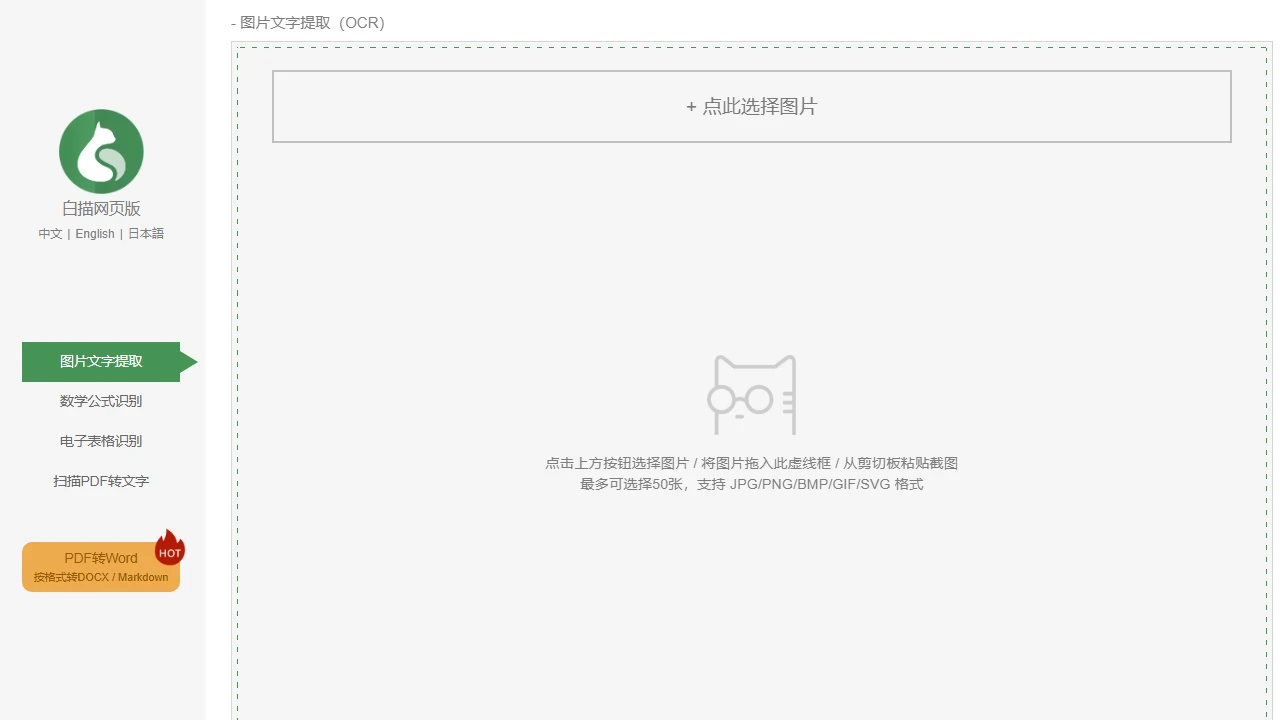
 Baimiao Web Version
OCR text recognition tool, image to text, image to Excel spreadsheet, PDF to Word
In daily office work and study scenarios, we often need to process text information in paper documents and images. Traditional manual entry is not only time-consuming and laborious, but also prone to errors. As a lightweight online OCR text recognition tool, Baimiao Web Version perfectly solves this pain point. It supports accurate recognition of multiple languages including Simplified Chinese, Traditional Chinese, English, Korean, Japanese, Russian, etc., and can complete multiple practical functions such as high-definition document scanning and synthesis, table recognition, image to Excel, photo translation, covering diverse needs from personal study to enterprise office work.
Official website: https://web.baimiaoapp.com/
As an online tool designed specifically for browser use, Baimiao Web Version eliminates the tedious process of downloading and installation. Users only need to open the official website to start quickly, and it is compatible with various devices such as PC and Mac, allowing text recognition needs to be handled anytime, anywhere. Its core advantages are reflected in multiple practical scenarios, which can effectively improve the work efficiency of different groups of people.
In terms of document synthesis, Baimiao Web Version can combine multiple scanned documents or images into high-definition PDF documents, meeting the compliance requirements of scenarios such as electronic archive organization and contract archiving, and solving the problems of blurry image quality and messy format of traditional scanning tools.
For ordinary users, the convenience of using the tool directly determines its practical value. The interface design of Baimiao Web Version is simple and intuitive, and the operation process has been optimized multiple times. Even first-time users can quickly master the entire process of uploading files, selecting recognition types, and exporting results, without complex learning costs.
Baimiao does not only rely on the web version tool; it has also created a product matrix covering all scenarios, including iOS version, Android version, Mini Program version, and web version. Users who purchase a membership service can use it synchronously on all platforms, realizing the seamless connection of casual shooting with a mobile phone and in-depth processing on a computer. For example, when going out, use the mobile Mini Program to shoot paper documents, and after returning to the office, perform fine recognition and format adjustment through the web version, which greatly improves the coherence of content processing.
The audience of Baimiao Web Version covers people of multiple different occupations: student groups can convert classroom blackboard notes and exam wrong questions into electronic notes for easy review and organization; teacher groups can quickly convert handwritten content in paper teaching plans and student assignments into electronic documents, reducing the grading burden; enterprise employees can use it for contract scanning and archiving, and text extraction of meeting minutes; business people can use the photo translation function to quickly process foreign language documents, improving office efficiency.
Many users worry that the operation of online tools will be too complicated. In fact, the use process of Baimiao Web Version is very simple, and the core operation can be completed in only three steps. First, open the official website, select the required function module (image text extraction, table recognition, PDF to text, etc.), then upload the corresponding image or file, wait for the system to complete recognition, then export the editable text or corresponding format file. The whole process does not require professional technical foundation.
To obtain higher recognition accuracy, users can pay attention to several details when uploading files: try to choose images with sufficient light and no obstruction, avoiding blurry or backlit shooting effects; if it is table content, choose to shoot the entire table area to avoid cropping key parts; for foreign language content, select the corresponding language type when uploading to further improve recognition accuracy.
In addition, Baimiao Web Version also provides batch processing function, users can upload multiple images or files at the same time, and the system will complete recognition in sequence, which is suitable for users who need to process a large number of documents, further saving time cost.