AD Recommendation
Join Now
Important: Please do not trust the content and ads of various websites easily! Recommended reading: Safety Tips
HiPDF
Scan to visit on your phone
3wks agoupdate 789 00
0

HiPDFHiPDF

PDF to Word, online PDF conversion, free online PDF file conversion


Screenshots

HiPDF

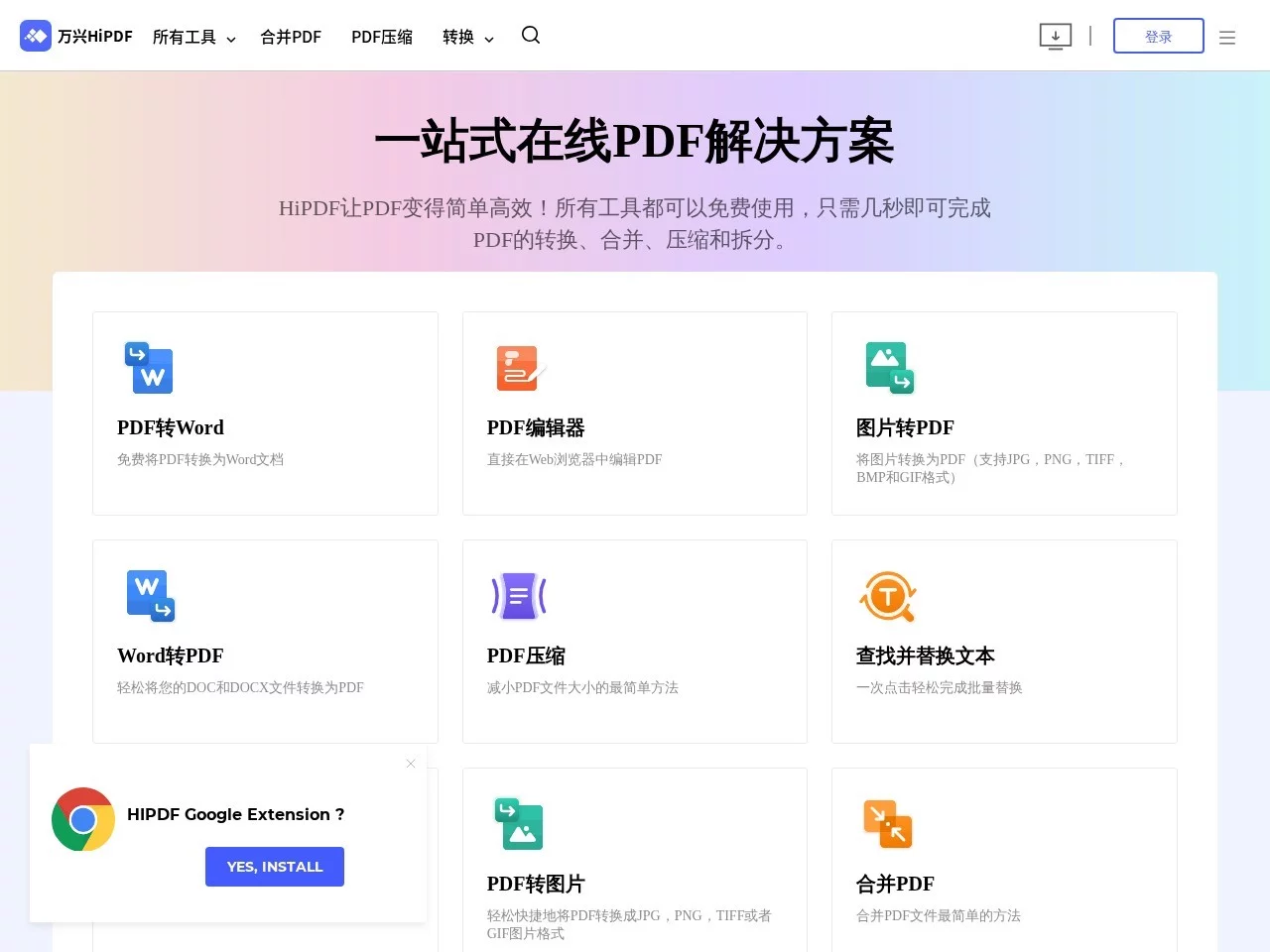
Got a PDF to handle? Stop searching for tools randomly — I’ve been using HiPDF for almost two years.

Last month, I helped my supervisor organise the scanned references for their graduation thesis. I thought I’d have to install an OCR software on my laptop and mess around for half an hour, but with HiPDF, it was converted to an editable Word document in just over ten minutes, and the formatting was almost intact. Later I found out it’s an online platform under Wondershare, so no software installation needed — this is super user-friendly for people who only need tools temporarily.

Official website: https://www.hipdf.cn/

The functions I often use for emergencies — and I haven’t spent a penny on them

Format conversion without failure — even scanned documents can be saved

Earlier, when I was working on a project presentation, I exported the PPT to PDF and needed to edit the content. I just used HiPDF to convert it to an editable format, and the fonts and formatting were exactly the same as the original. The best part was when I received a scanned contract last time — using its OCR function, even the handwritten notes in the contract were recognised, so I didn’t have to type everything out from the image, saving me several days of work.

Another time, I helped a colleague organise the department’s files — over twenty files in different formats needed to be converted to PDF uniformly. I uploaded them all at once, waited a while, and it was done. Even the table borders weren’t misaligned. If I’d used another tool, I’d probably have had to adjust the formats manually, which is a headache just thinking about it.

Besides format conversion, these are the functions I use frequently too

Sometimes I need to send contracts to clients, but the files are too large to send. Using HiPDF’s online compression, the quality barely changed, but the size was halved — it works fine for email and WeChat. Another time, I needed to merge meeting minutes from three departments into one document. No need to download another tool; I just dragged and dropped them into HiPDF to merge, and it was done in two minutes.

It also has encryption and sharing functions. Last time I sent a confidential project proposal to a partner, I set a password using the encryption function — they couldn’t open it without the password, which is much safer than sending via regular email. These extra functions don’t cost extra, which really saves a lot of trouble for someone like me who handles all kinds of documents regularly.

After using it for so long, I think the two most convenient aspects are

First, no software installation needed. I already have a lot of office software on my laptop, so I don’t want to add more tools taking up memory. Every time I need to handle a PDF, I just open my browser and search for HiPDF’s official website — no registration required, just upload the file and use it. It’s super user-friendly for people with temporary needs.

Then there’s privacy. I was worried that uploaded files might leak, but later I found out that it automatically deletes files after processing, so no need to delete them manually. This is particularly reassuring, especially when handling files with sensitive content — no need to worry about issues. The interface is also simple; last time my mum helped me organise my kid’s homework PDF, she just clicked a few times and converted it to Word, and she didn’t say it was hard to use.

Who can use it? A small reminder too

I use it myself, and also help classmates and colleagues with theirs. Whether it’s students converting PDFs for theses or assignments, or office workers handling contracts or presentations, it’s more than enough. For enterprises processing in bulk, it can greatly improve efficiency — no need to do everything manually.

But I should mention a small detail: if you encounter very large files or very rare formats, you might have to wait a little, or check the platform’s usage limits. But after using it for so long, I’ve never had issues with daily needs, so generally there’s no need to worry too much.

Relevant Navigation

No comments

You must be logged in to leave a comment!
Login immediately
none
No comments...