
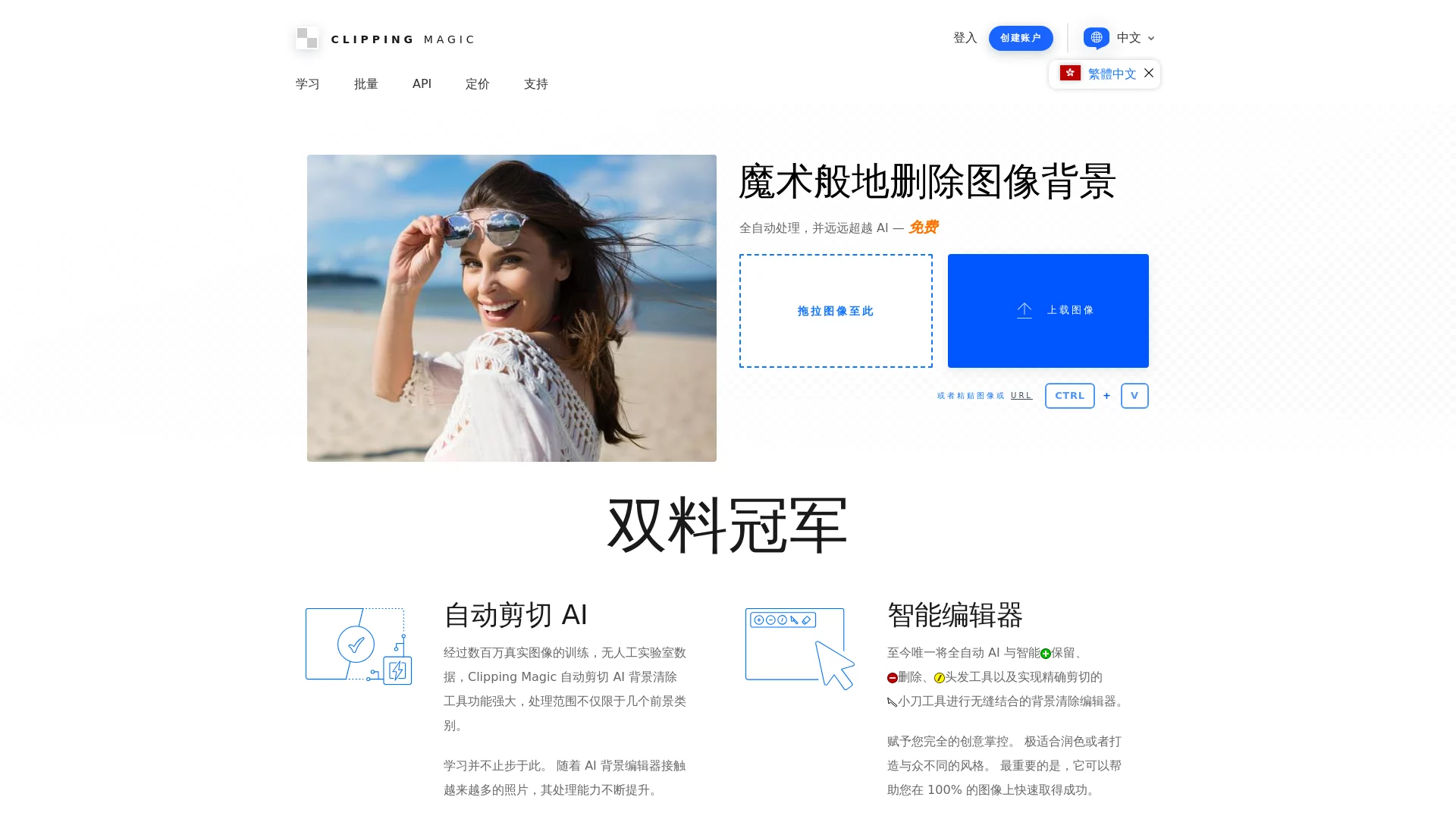

Clipping MagicClipping Magic is an online image editing tool based on advanced AI technology, focusing on quickly and accurately removing image backgrounds.
Screenshots

Are you always having trouble with background removal? Manual background cutting is so slow it’s frustrating, while AI tools struggle with complex details like hair strands and glass? ClippingMagic can solve these pain points, delivering natural results without repeated adjustments.
What makes a good background removal tool?
Many people only look at how fast a background removal tool is, but it’s important to understand the core technology first. Clipping Magic’s AI algorithm is trained on millions of real images, not some randomly assembled model. It can accurately identify tricky details like low-contrast edges and semi-transparent objects, leaving no blurry edges or residual background issues.
Official website: https://zh.clippingmagic.com/
Can both new and experienced users get what they need?
Absolutely. New users don’t need to overthink it—just use the AI for automatic processing, no need to handle complex details. Professional users also have options: manual tools allow fine adjustments, so every detail can meet your requirements.
- Auto-Cut AI: No need for manual outlining. After uploading, the AI automatically identifies complex backgrounds and semi-transparent objects, saving time and being precise.
- Smart Editor: Includes manual tools like Keep, Remove, Hair, and Scalpel, allowing local adjustments to details, so the cut-out image better fits your needs.
What practical adjustments can be done after background removal?
Background removal isn’t the end—often you need to optimize the image, otherwise it will look unnatural. Clipping Magic’s auxiliary tools cover many common needs, so you don’t have to switch to other tools.
- Batch Processing: Upload and process multiple images at once, perfect for users who need to edit a lot of product images, saving time for other tasks.
- Multi-format Export: Supports PNG, JPG, TIFF, SVG, etc., suitable for e-commerce images or design materials.
- Edge Optimization: Feather and smooth processing, so the cut-out edges won’t look harsh like a knife cut, appearing natural.
- Color and Shadow Adjustment: Adjust brightness, saturation, and add shadows to give the image a three-dimensional look, not flat.
- Adaptive Brush: The brush size automatically adjusts according to the image size, no need for manual adjustment, making detail processing easier.
What problems can this tool solve for different people?
Background removal needs vary widely—from e-commerce sellers to ordinary users, everyone can find a suitable use, no need to learn complex operations.
- Cross-border E-commerce Sellers: Quickly process product images, remove backgrounds, and put them in the store to make products more attractive.
- Professional Photographers: Process portrait or product photos, use the cut-out images in portfolios or commercial promotions, with professional-level details.
- Graphic Designers: Find materials for advertisements and posters, the cut-out images are of high quality, no need to supplement details yourself.
- Ordinary Personal Users: Process life photos, make ID photos, avatars, meeting all daily photo editing needs.
Will new users make mistakes with this tool?
Don’t worry—the operation process is simple. Just follow the steps, and there won’t be major issues. The pricing is also reasonable.
- Upload Image: Drag and drop or click to upload the image you want to edit.
- Mark Areas: Use the red pen to mark the parts to keep, and the green pen to mark the background to remove. You don’t need to mark perfectly accurately—the AI will recognize it itself.
- Auto Processing: Click the Cut button, the AI will handle the background and produce a preliminary result.
- Fine-tune Details: Use manual tools to adjust edges, fix where it’s wrong, no need to redo everything.
- Download Result: Select the required format and download the high-definition image.
The pricing model is also practical: there’s a free trial, you can download small preview images, and only pay for high-definition original images, suitable for people with different needs.
Relevant Navigation
HiCompress