
JPEG Compressor
A powerful free online image optimisation tool that supports compression of multiple image formats, including JPEG, PNG, JPG, SVG and WebP
 Upscale.media
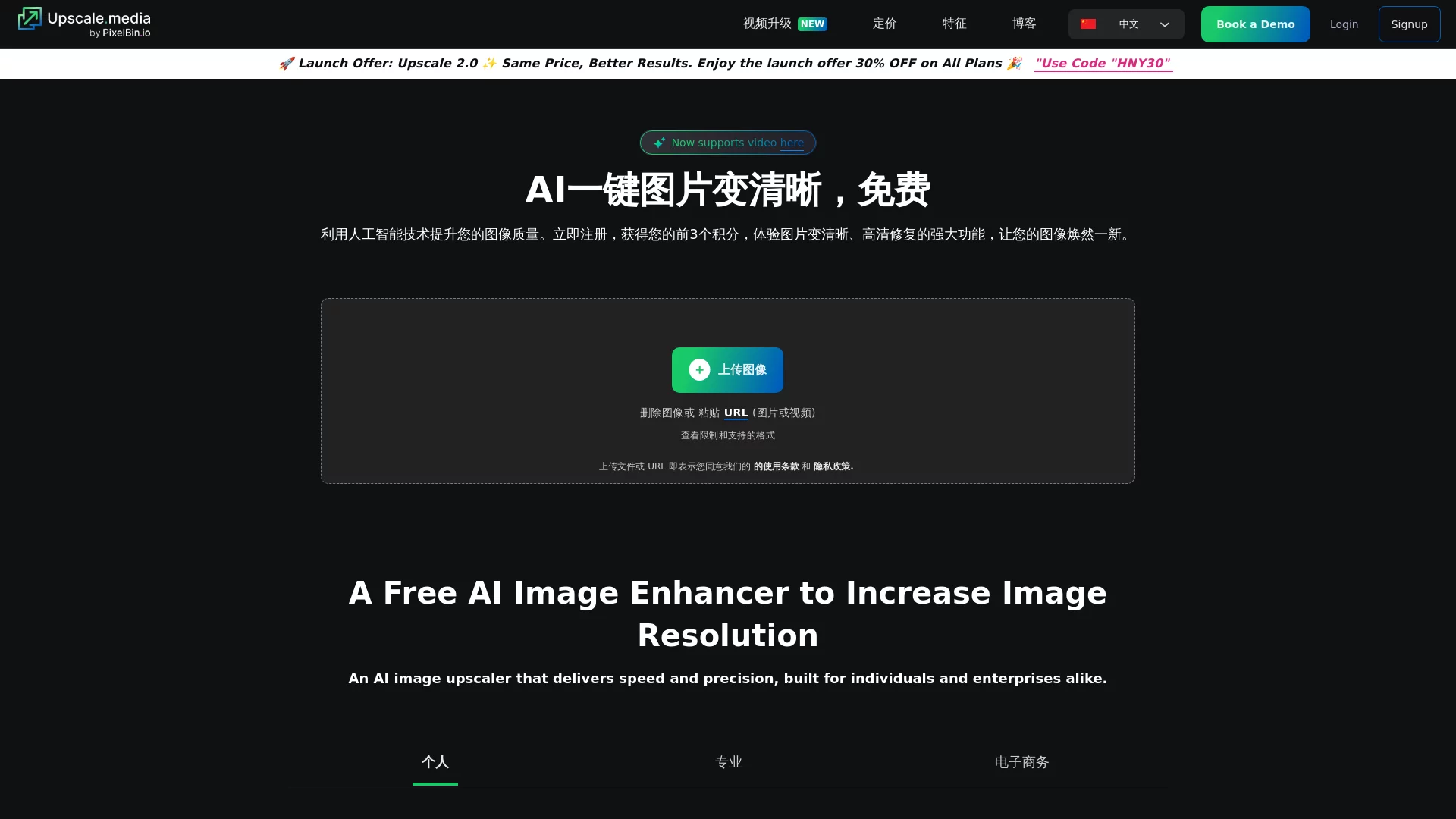
 is a high-performance online AI image enhancement tool. It can improve image quality, increase image resolution, and enhance the presentation effect of imag...
Digging out an old photo from years ago, or a product image ready to be listed, only to find the resolution is too low and the image is blurry and out of focus — this is a situation almost everyone has encountered. Upscale.media is an online image enhancement tool built for exactly such scenarios: it uses artificial intelligence and machine learning technology to directly boost the image resolution by up to four times in the browser, and automatically optimises brightness and saturation, bringing blurry old images back to life. No software needs to be downloaded or installed throughout the process, and no professional photo editing skills are required from the user.
Official website: https://www.upscale.media/zh
In the past, when people wanted to enlarge a small image, most would first think of stretching the size with drawing software, which often resulted in jagged edges and blurry details. Upscale.media takes a completely different technical approach: it relies on AI models to intelligently analyse and reconstruct image content, supplementing detailed information while increasing resolution, rather than simply stretching pixels.
Specifically, the platform’s maximum enlargement is four times the original image, with an output resolution up to 4K, which is sufficient to meet high-definition needs such as printing and large-screen displays. At the same time, the algorithm automatically adjusts the image’s brightness and saturation, making the final product not only clearer but also more transparent and natural in appearance, eliminating the need for secondary colour adjustment.
Centred around the core goal of “making images clearer”, Upscale.media offers a complete set of practical capabilities:
Many similar tools only focus on enlarging images, completely ignoring colour and exposure, leaving users to go through photo editing software again after getting the result. The special feature of Upscale.media lies in the step of automatic brightness and saturation optimisation: while enhancing details, the algorithm judges the image’s light and dark and colour conditions, and makes targeted adjustments. For those who don’t want to fuss over post-processing, this brings a significant improvement in experience.
The entire usage process is so simple that it requires almost no learning cost:
Pro Tip: If you have a batch of product images or material images that need unified quality improvement, it is recommended to use the batch processing function to upload them at once, which is much more efficient than processing them one by one.
Since all processing is done in the cloud, the performance of the device does not affect the user experience. A regular computer or even a mobile phone with internet access can operate smoothly, which is a major convenience compared to local photo editing software.
The clarity of product images and property images directly affects conversion rates. The original images provided by the supply chain often have insufficient resolution, making them look cheap when listed directly. By enlarging them to 4K with Upscale.media, the detail and texture are significantly improved, making them more presentable for e-commerce product pages, art exhibitions, or real estate advertisements.
When adding images to articles, it is a common problem that the source material is too small and becomes blurry when placed in the layout. Enlarging with AI before uploading greatly improves the reading experience of the text and images, and the batch processing function also saves a lot of trouble for creators who produce multiple pieces of content every day.
Old photos stored in mobile phones and family photos taken in early years often have low resolution due to the limitations of the devices at that time. Uploading them to Upscale.media for processing will result in a clearer version more suitable for printing and sharing, preserving precious memories in a better form.
If the business involves a large number of image processing needs, manual processing one by one is obviously unrealistic. Through the official API interfaces, teams can directly integrate the image enhancement function into their own systems or applications, achieving unattended automated processing.
No. Upscale.media is a purely online tool that can be used by opening a webpage, with no special requirements for devices or systems.
The platform offers a free trial, allowing general users to experience the effect before deciding whether to pay; for users with higher usage, different tiers of subscription plans are also available, which can be flexibly selected according to individual needs.
Absolutely. The only operations are uploading the image and selecting the enlargement factor — the AI will automatically complete detail reconstruction and colour optimisation, so even users with zero experience can get a good-looking final image in a few minutes.
If you are troubled by low-resolution images — whether they are work materials or personal photos, you might as well upload one to the Upscale.media official website to try; the comparison before and after AI enhancement is often very clear.