Screenshots
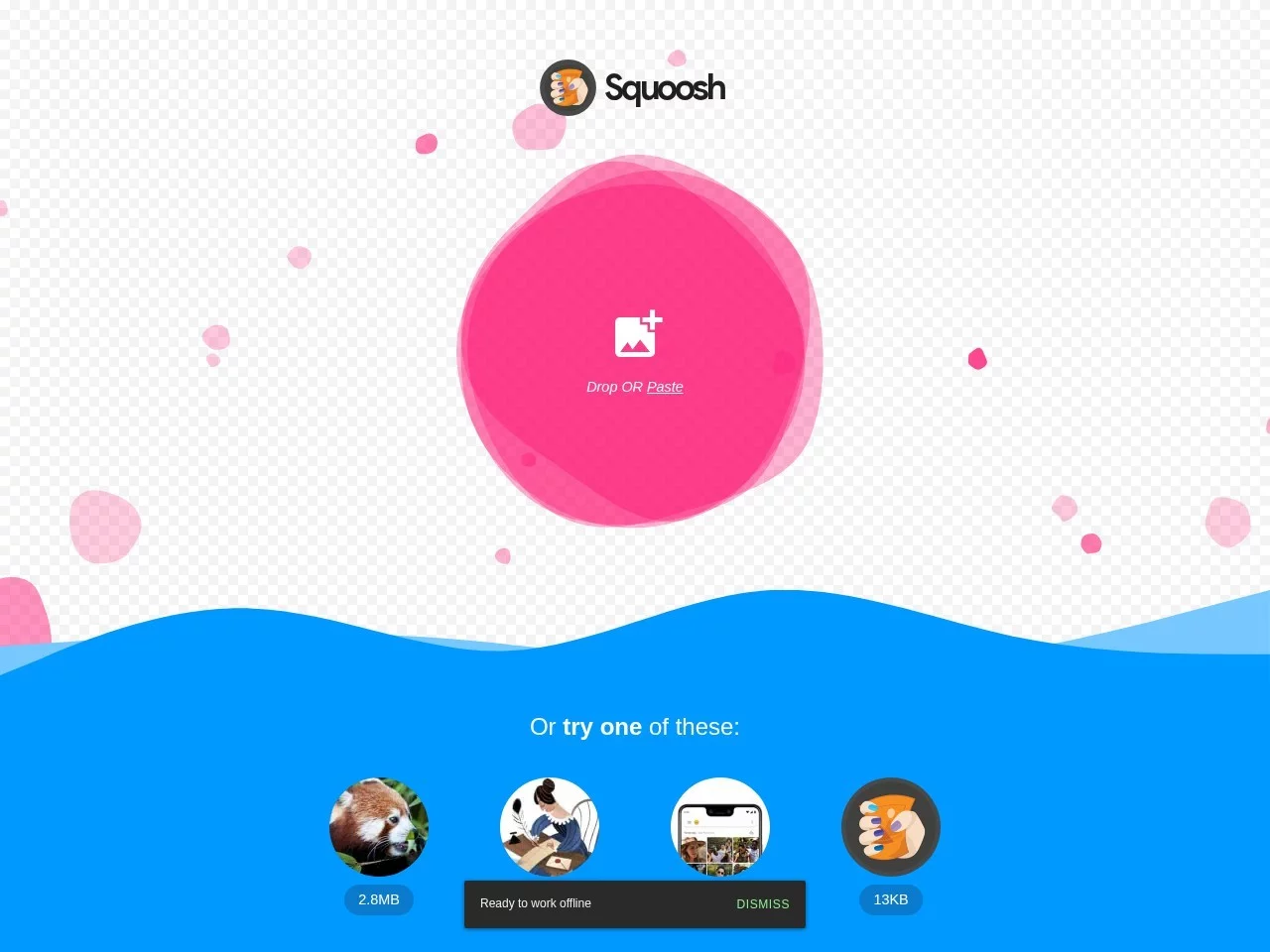
Screenshots:
Squoosh is a powerful free and open-source image optimisation tool developed by Google, focused on helping developers and designers drastically reduce image file sizes while maintaining the best visual quality. It supports a wide range of modern image formats and advanced compression algorithms, offering an intuitive visual interface and professional-grade adjustment options, making it ideal for professional users who need fine control over the balance between image quality and file size.
Multi-format Conversion & CompressionSupports over ten formats including JPEG, PNG,
WebP,
AVIF and
JPEG-XL, allowing direct conversion and compression between formats to fully leverage the advantages of modern image codecs (such as the higher compression rates of WebP and AVIF).
Visual Quality Comparison
Provides a real-time comparison view of the original and compressed images, with sliding or side-by-side viewing, helping users intuitively assess quality loss.
Advanced Encoding Parameter Adjustment
Exposes low-level encoding parameters for different formats (such as WebP’s quality and method, and AVIF’s speed), meeting professional optimisation needs.
Batch ProcessingSupports uploading multiple images at once and applying the same or different compression settings, improving work efficiency.
Image Analysis Tools
Displays detailed image information (dimensions, file size, colour mode, etc.) and provides objective quality metrics such as PSNR and SSIM.
Custom Presets
Save frequently used compression parameter combinations as presets for quick application to other images.
- Web developers: optimise website assets and improve loading speeds (especially suitable for performance-sensitive projects such as PWA and AMP).
- UI/UX designers: generate design assets in different quality versions to meet multi-device display needs.
- Photographers: reduce file sizes when sharing or storing high-resolution photos while preserving detail.
- Content creators: process video thumbnails, social media cover images, etc., balancing clarity and loading efficiency.
Advantages:
- Free and ad-free: fully open source, with no limits on usage or file size.
- Technologically advanced: among the first to support the latest experimental formats such as AVIF and JPEG-XL.
- Runs locally: can be downloaded as a Chrome app for offline use, protecting privacy without requiring a network connection.
- Community-driven: continuously updated, responsive to developer needs.
Limitations:
- Steep learning curve: advanced parameter adjustment requires some knowledge of image encoding.
- Lack of batch automation: parameters must be set manually for each image (this can be simplified with presets).
- Limited mobile experience: mainly optimised for desktop, with less friendly touchscreen operation.
Squoosh is a professional image optimisation tool tailor-made for developers and designers. Its powerful format support and fine-grained parameter control make it the first choice for those pursuing ultimate performance. Although it has a steep entry barrier, for scenarios involving large volumes of images or the pursuit of the best quality-to-size ratio, Squoosh can significantly improve work efficiency and user experience.

 Squoosh