AD Recommendation
Join Now
Important: Please do not trust the content and ads of various websites easily! Recommended reading: Safety Tips
Screen Recorder Online
Scan to visit on your phone
8mos agoupdate 655 00
0

Screen Recorder OnlineScreen Recorder Online

Screen Recorder Online is a website offering free online screen recording services. Users can operate directly via their browser, and complete screen recording without do...


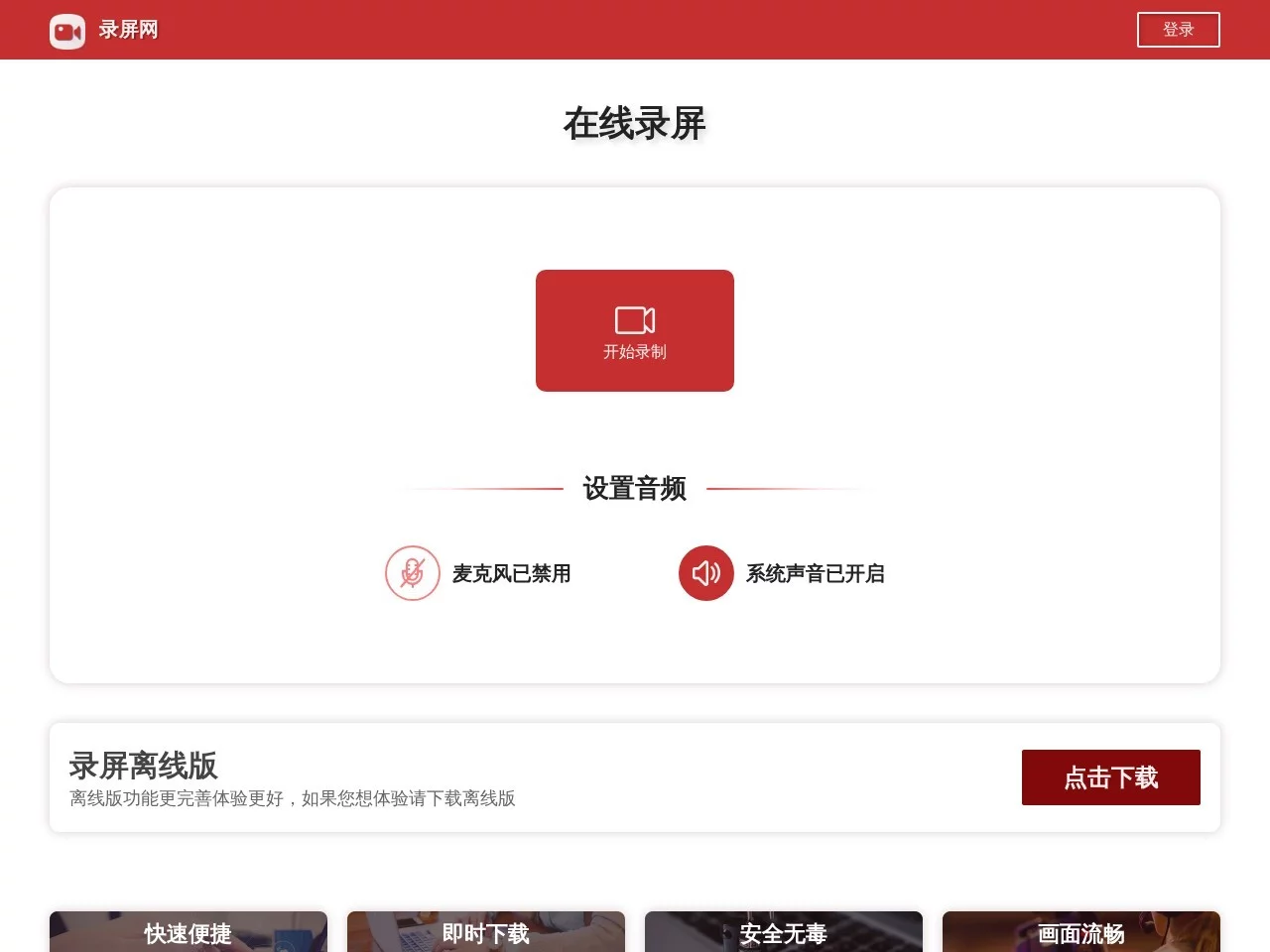
Screenshots

Screen Recorder Online

Screen Recorder Online is a free online screen recording tool. You don’t need to install software or plugins to record screen content directly via your browser, making it suitable for various scenarios such as educational presentations, meeting recordings, and game recording. Its core strengths are cross-platform compatibility and ease of use, so users don’t need to worry about system differences (like Windows or macOS) — just open the webpage to start recording quickly.

Official website URL: https://www.lupingwang.com/

After recording, the video is in webm format. If needed, you can use a format conversion tool to convert it to MP4 or other formats.

Key Features

1. Online Recording & Cloud Storage

  • Supports full-screen, window, or custom area recording, and can simultaneously capture system sound and microphone audio to meet the needs of different scenarios. After recording, you can download the video to your local device with one click, or share it via a link. Some advanced features (such as cloud storage) require logging in to an account to use.

2. Simplified Workflow

  • Three-step quick recording: Select recording area (desktop/window) → Check “Share Audio” → Click the “Share” button to start recording.
  • Offers a real-time preview function, allowing users to pause or stop recording at any time. You can complete membership payment via WeChat or Alipay to unlock more services (such as high-definition transcoding, extending recording duration, etc.).

3. Enhanced Offline Version Experience

  • The official website recommends users to download the offline version, which has more comprehensive functions (such as supporting video editing, multi-track audio mixing, etc.) and is more stable than the web version, making it suitable for professional needs.

4. Format Compatibility & Transcoding

  • Supports outputting common video formats (such as MP4). Some advanced transcoding functions require paid use, and users can complete payment via WeChat scan or Alipay.

Use Cases

  • Teaching & Training: Record online courses and tutorial videos, and create high-definition teaching videos with audio narration.
  • Meetings & Presentations: Quickly save online meeting content, and allow editing of key clips later.
  • Games & Live Streams: Capture game footage or live stream replays, and achieve higher frame rate recording using the offline version.

Notes

  • The free version may have watermarks or time limits. Paid members can remove these restrictions and unlock cloud storage.
  • Network stability affects the quality of online recording. It is recommended to use it in a stable network environment or choose the offline version.

To experience full features, you can visit the official website to download the offline version or directly use the web version for recording. For professional screen recording, it is recommended to use other desktop screen recording software.

Relevant Navigation

No comments

You must be logged in to leave a comment!
Login immediately
none
No comments...