SenseChatSenseChat is your AI chat assistant, skilled at summarising financial news, interpreting policies, analysing financial reports, and also assisting with copywriting, image...
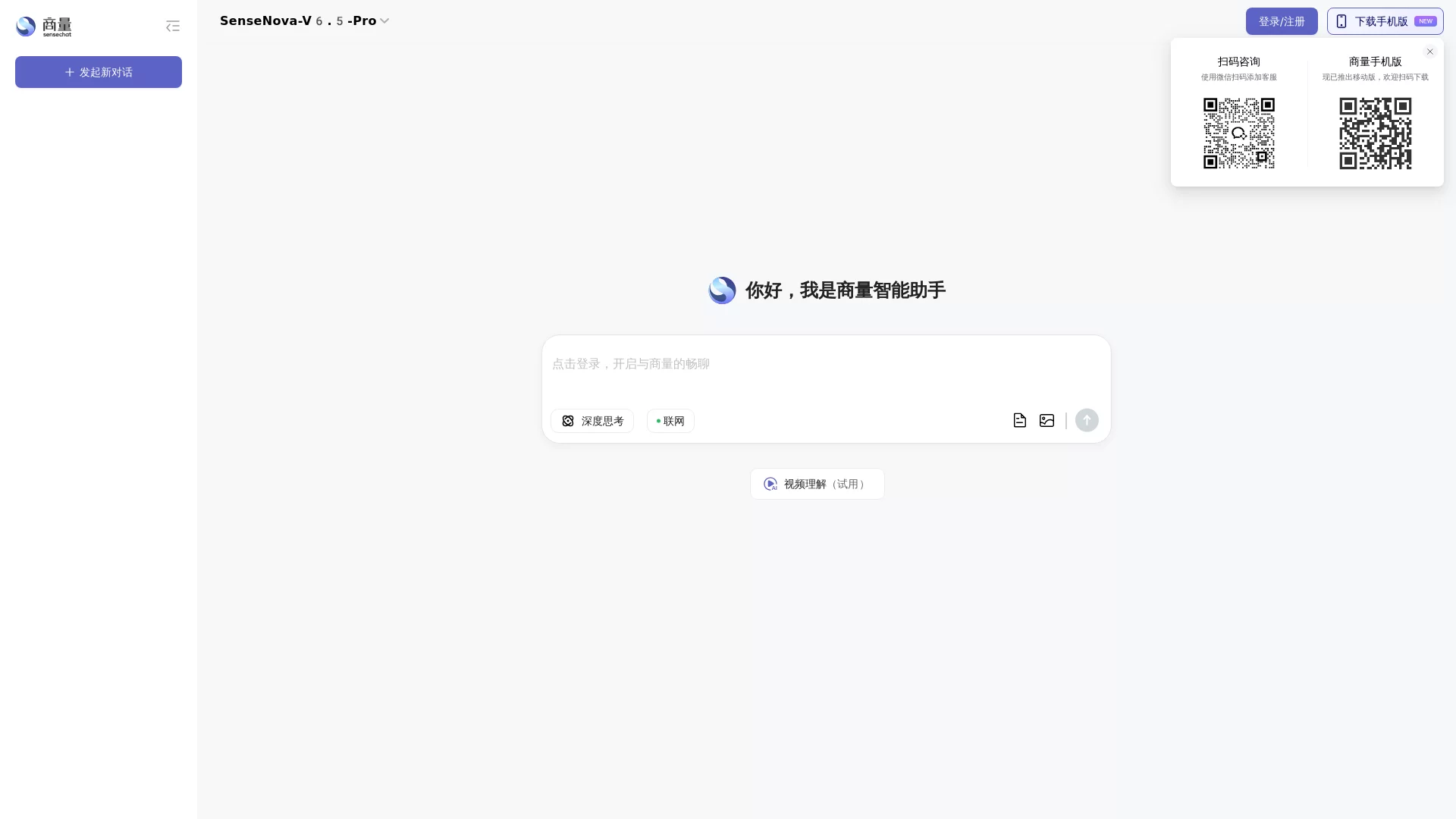
Screenshots

Many people, when first getting started with AI chat tools, always look for an “all-rounder” that can cover all their needs. As a result, either the functions are mixed and not refined, or the operation is too complex, and they give up after using it twice. In fact, when choosing an AI tool, there is no need to pursue too many options; just find one that fits your daily needs. SenseChat from SenseTime is such a practical tool.
The AI Pitfalls I’ve Encountered — Why I Chose This Tool
I have tried several AI chat tools before. Either their answers are too general, giving only dry texts that can be found online when asking about financial policies; or they require learning a lot of complex operations, even adjusting parameters for a long time just to generate a simple image. Later, when I came into contact with SenseChat, I found that its core advantages exactly hit the needs of ordinary users like me.
Official website: https://chat.sensetime.com/
What Specific Problems Can It Solve?
I have sorted out several functions that I use frequently, all of which are practical and useful:
- For financial-related matters, it can summarize the latest news, interpret policy documents, and analyse core data of corporate financial reports, eliminating the need to flip through dozens of pages of reports yourself;
- When writing, it can help organise your copy ideas and generate images in the corresponding style, so you don’t have to find separate materials for content illustrations;
- When encountering basic programming problems, it can help write code snippets, and even beginners can debug along;
- For daily miscellaneous questions, such as looking up knowledge points or finding small life tips, it responds quickly and doesn’t use useless clichés.
Who Finds It Most Convenient to Use?
Friends of mine from different industries use SenseChat in different scenarios. A friend in finance uses it every day to organise industry news and quickly break down financial report data of listed companies, eliminating the need to manually calculate a bunch of tables and saving a lot of time; a friend in content creation relies on it to draft copy, paired with the image generation function, greatly improving the efficiency of new media content production.
There are also interns who are just learning programming. When encountering basic code problems, they don’t have to keep pestering their seniors; they can ask SenseChat to write a simple snippet, modify it themselves and use it, saving a lot of time on repeated research. Even ordinary office workers, when checking travel guides or asking for small life tips after work, can get concise and reliable answers without spending half a day browsing web pages.
What Should You Pay Attention to When Using It?
Of course, using SenseChat is not without precautions. For example, the financial analysis part is based on public data. If you are making particularly professional investment decisions, you still need to combine it with your own practical research and not rely entirely on the AI’s conclusions; the generated images and copy also need you to adjust the details yourself, after all, AI cannot fully match personal style preferences.
In addition, its operation is really simple. You can use it directly by opening the website, without downloading a complex client, and there are not too many fancy buttons. You can find the function you want with just a few clicks. Even people who use AI tools for the first time can get started quickly without spending time learning operations.
Overall, SenseChat is a kind of AI tool that is not fancy but sufficient. It is suitable for people who want to solve specific problems and don’t want to bother with complex operations. There is no need to pursue being all-round; just matching the core daily needs is enough.
Relevant Navigation