
AD Recommendation
Join Now
Important: Please do not trust the content and ads of various websites easily! Recommended reading: Safety Tips
SimplifyAI Document Translation
Scan to visit on your phone
3wks agoupdate 644 00
0

SimplifyAI Document TranslationSimplifyAI Document Translation

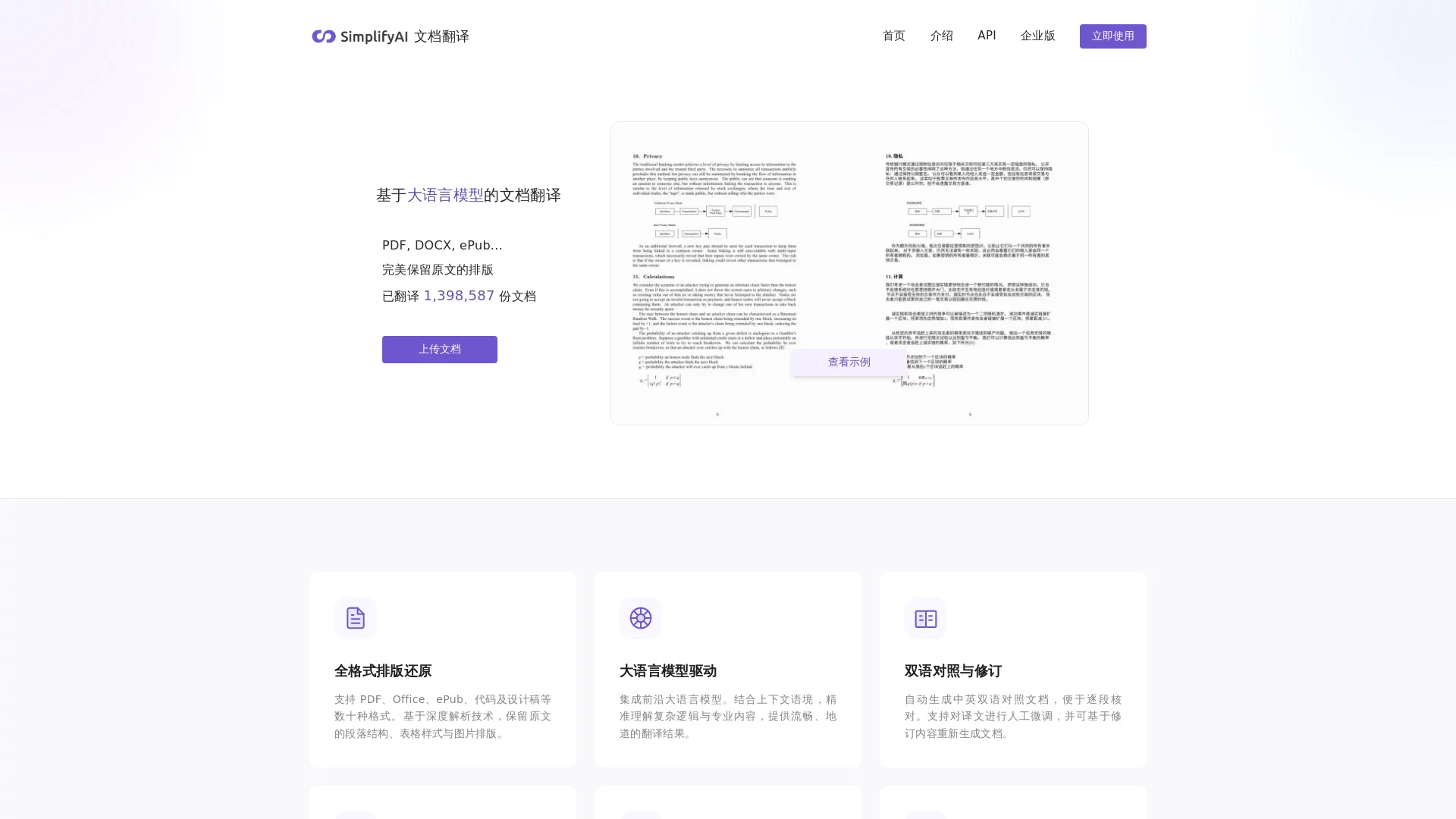
Based on large language models; supports mainstream formats such as PDF, DOCX, PPTX, EPUB, presenting the display effect as close to the original as possible; automatical...


Screenshots

SimplifyAI Document Translation

Holding a foreign technical document with formulas and charts, when you translate it with ordinary translation tools, the formulas become garbled, the tables are skewed to half the page, the illustrations and their captions are completely separated, and reformatting alone takes up a whole morning — this is probably a pitfall that many researchers, technical staff, or publishing professionals have encountered. When I first used SimplifyAI Document Translation, my first impression was that it didn’t follow the usual path of translation tools; it doesn’t simply extract text and replace words, the entire process revolves around the integrity of the document.

First things first: What practical problems can it help you solve

Official Website: https://translate.simplifyai.cn/

Can handle those document elements most prone to “going wrong”

SimplifyAI supports many document formats, including commonly used PDF, DOCX, PPTX, XLSX, EPUB (often used for e-books), and even subtitle files SRT can be uploaded directly. The most valuable thing is its handling of complex content: mathematical formulas crammed together in academic papers, tables nested multiple layers deep in business documents — parts that other tools break when translating, it can handle steadily, and the translated result has almost the same layout as the original, so you don’t need to spend time adjusting formatting.

It doesn’t just translate sentence by sentence to make up numbers; it uses a large language model at its core, which understands content based on the context of entire paragraphs or even the whole document. Unlike some tools, it won’t use one translation for a professional term at the start and another later, making it awkward to read.

No need to switch tools back and forth to edit translations

No matter how comprehensive AI translation is, there will inevitably be areas that need adjustment. SimplifyAI has a built-in translation revision function, so you don’t need to export the translated content to other editing software — you can edit it directly in the tool, saving the intermediate steps of “translation — export — proofreading — summarisation” and reducing a lot of trouble.

When in use, two modes suit different needs

For personal use: Complete regular translation in three steps

The operation process is very simple: open the official website, upload the document to be translated, select the target language, and click to create a task. The rest is handled by the backend; you can view or download the file directly after translation without monitoring the whole process, which is suitable for situations where you need to translate one or two documents temporarily.

If you are a developer, it also has an HTTP API interface, which can embed the translation function into your own business system. For example, it can automatically process incoming foreign-language work orders every day, batch-translate product instruction documents, making translation an automated part of the workflow without manual processing one by one.

For team use: Share credits to reduce usage costs

When used by a team, members can share credits to complete translation tasks, so there’s no need to purchase individual quotas, and management is hassle-free. Organisations like R&D departments or translation teams that often have batch translation needs will find it much more convenient.

How is it different from DeepL

Many people’s first thought when looking for a document translation tool is DeepL. The differences between the two are quite obvious: SimplifyAI focuses more on making the translated content “ready to use”, especially for complex documents with many formulas and nested tables, its layout restoration is more reliable; while DeepL still has its advantages in the fluency of general text translation.

For those who don’t want to spend a lot of time adjusting formatting and handling complex content after translation, SimplifyAI’s design is more aligned with the pain points of actual work. You don’t have to struggle with messed-up formatting after translation, so you can spend more time on the content itself.

Relevant Navigation

No comments

You must be logged in to leave a comment!
Login immediately
none
No comments...