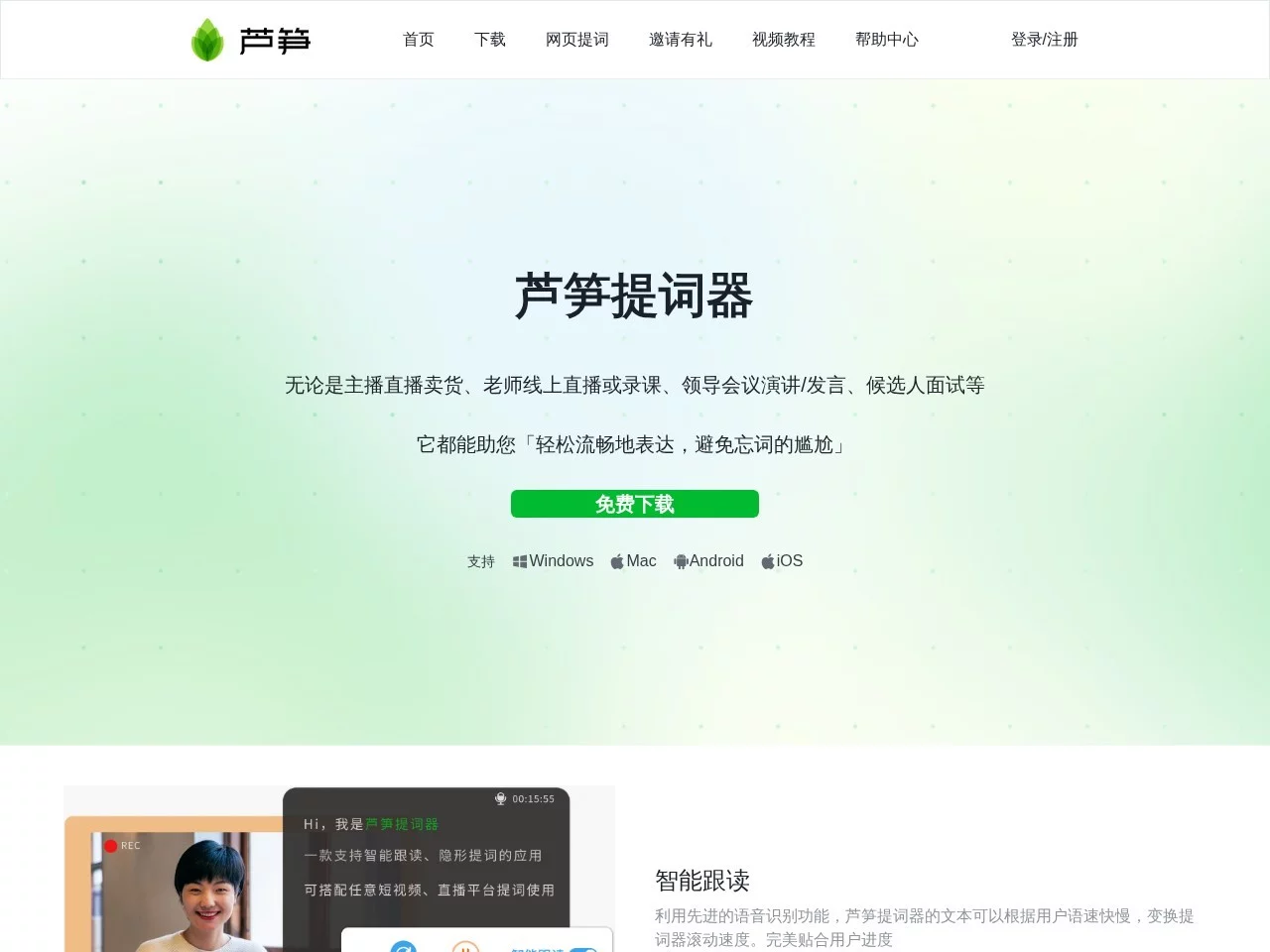
Asparagus AI TeleprompterDesktop teleprompter tool that uses AI technology to enhance users' speaking and recording efficiency
Screenshots

When live streaming, your mind suddenly goes blank halfway through; when recording online courses, you still stumble even after the third take — this is a common problem for many content creators. Asparagus AI Teleprompter, a desktop teleprompter tool, integrates intelligent voice following, scroll teleprompter and invisible teleprompter. The teleprompter content follows wherever the speaker reads, so you can say goodbye to forgetting lines and achieve one-shot recording.
Why Teleprompters Are Becoming Indispensable for Live Streaming and Course Recording
Official Website: https://tcq.lusun.com/
In the past, when doing live sales or recording online courses, the most common approaches were memorizing the script in advance, sticking the text next to the camera, or even placing another phone in front of the screen as a teleprompter. These methods are either time-consuming and laborious, or easy to expose — frequent eye movement, a second screen visible in the frame, and the audience can spot the flaw at a glance.
Asparagus AI Teleprompter takes a different approach: using AI to recognize the speaker’s speaking speed, the text scrolls to the exact sentence you are reading; when recording the screen or sharing the desktop, the teleprompter panel automatically becomes invisible, visible only to you, and will not appear on the viewer’s end or in the screen recording. For teachers, streamers and professionals who need to output content for long periods, this almost completely eliminates the need to memorize scripts.
Three Core Functions, and What Problems They Solve
Intelligent Voice Following: Scroll Speed Matches Your Speaking Pace
Traditional teleprompters can only set a fixed scroll speed; if you add extra lines during live performance, the text will “run” ahead. The intelligent voice following of Asparagus Teleprompter is based on speech recognition, so the scroll speed automatically changes with the user’s speaking pace: it keeps up when you speak faster, and waits when you pause to add examples, matching the actual progress throughout.
Invisible Teleprompter: No Exposure in Live Streams or Screen Recordings
Whether live streaming or recording lessons via screen, this teleprompter automatically penetrates the window, so the teleprompter content will not appear in the live stream or screen recording. In other words, you can place the teleprompter panel in a convenient position, read while speaking, and the audience will only see you delivering content calmly.
AI Teleprompter Inspiration: More Than Just a “Script-Reading Tool”
In addition to displaying existing scripts, its AI capability also participates in text creation: helping you optimize titles, and continue and rewrite teleprompter content. With a rough outline for voiceover, it can be polished into a smooth and readable script, significantly improving text creation efficiency.
Scenario List: Where This Tool Can Be Used
From the functional design, it is clear that Asparagus Teleprompter targets all scenarios where you “speak to the camera or audience”, and the following types are used particularly frequently:
- Online Course Recording and Teaching: Organize knowledge points into teleprompter text item by item, so you don’t have to worry about missing key points, making course recording easier to pass in one take;
- Live Sales and Voiceover Live Streaming: Read lines while streaming, combined with invisible teleprompter, no need to memorize before going live, and no need to set up a second phone as a teleprompter;
- Video Shooting and Vlogging: Text scrolls automatically with speaking pace, voiceover materials are done in one take, greatly reducing the number of retakes;
- Speech and Eloquence Training: Customize font size, background color and scroll speed, and practice at your own comfortable pace;
- Video Interviews and Online Meetings: Key points stay in sight, making statements more organized and avoiding on-the-spot omissions.
Whether it is teachers in educational institutions producing courses in batches, or individual streamers going live daily, they can find a corresponding workflow here.
Getting Started Tips: Adjust Settings to the Most Comfortable State
Whether a teleprompter is good or not depends half on the detailed settings. It is recommended to spend a few minutes doing these things before official live streaming or recording:
- Adjust the font size according to the distance between you and the camera, ensuring you can see the text with your peripheral vision;
- Choose a background color with appropriate contrast to the recording environment, reducing visual fatigue from long-time reading;
- Read a sample text to calibrate the scroll speed, or directly enable intelligent voice following to let it adapt automatically;
- Let AI go through the title and main text first, and polish the colloquial expressions.
These settings can be adjusted once and used for a long time; after that, you only need to paste the new script to start directly each time you go live.
FAQ
Is the invisible teleprompter still effective when sharing the desktop?
Yes. Asparagus Teleprompter automatically penetrates the window when recording the screen or sharing the desktop, so the teleprompter will not be displayed in the frame, and the content is only visible to the speaker.
Will the script run ahead of your mouth when you pause halfway?
No. Intelligent voice following binds text scrolling to speaking pace; when you pause, give examples or improvise, the scrolling will slow down accordingly, avoiding the embarrassment of “the script running ahead of your mouth”.
Can beginners without script-writing experience use it well?
Yes. It is a desktop tool; you can use it after importing the script and adjusting the font size and background. Combined with AI continuation and rewriting functions, even if you are not good at script-writing, you can quickly produce readable voiceover content.
For creators who often need to output content in front of the camera, a teleprompter that keeps up with the speaking pace and does not expose in the frame is almost equivalent to having an on-call teleprompter assistant. Asparagus AI Teleprompter integrates voice following, invisible function and AI text capabilities in one place, and is worth adding to your daily creation toolbox.
Relevant Navigation
美间AI PPT
Wancai Smart Slides
Arctic Nine Chapters
360文库